home chevron_right Apps chevron_right Personalization chevron_right Touch The Notch – Shortcuts

Gamedeck – The Game Launcher
v1.16.1
• Unlocked
| Updated On | |
|---|---|
| Google Play ID | com.notch.touch |
| Category | Personalization |
| Version | 2.2.3 |
| Size | 2 MB |
| MOD Features | Premium |
| Requires | Android 10 |
| Price | |
| Free | |
| Content Rating | |
| Everyone | |
| Internet Required | |
| Unknow | |

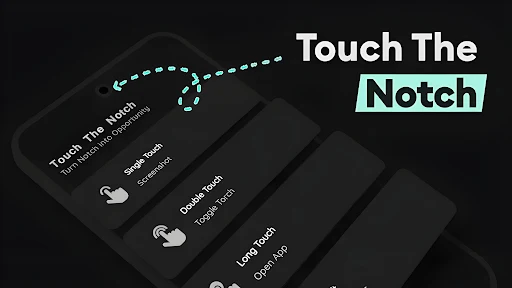
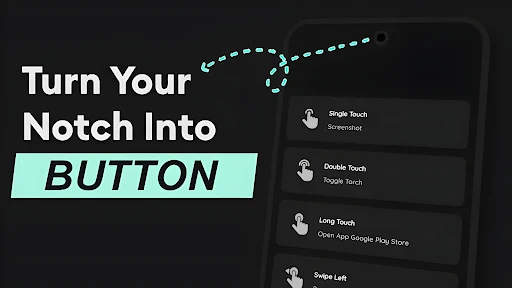
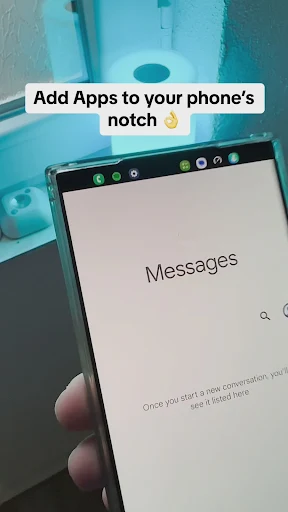
Touch The Notch – Shortcuts is an Android utility designed to turn the notch or front-camera area of a smartphone into a convenient shortcut control. Instead of serving only as a space for the camera, this area can respond to user interactions and trigger selected actions. The concept gives users another way to access frequently used functions while keeping the main screen free from additional floating buttons.
Touch The Notch – Shortcuts focuses on making better use of an often-overlooked part of the smartphone display. Depending on the device, users can interact with the area around the notch or camera cutout to activate predefined actions. This approach can make certain tasks quicker without requiring users to search through the home screen or app drawer.
The concept is simple but practical. Rather than adding another visible control to the interface, the app uses an existing part of the display. This can provide a more discreet way to personalize Android and create shortcuts based on individual habits.
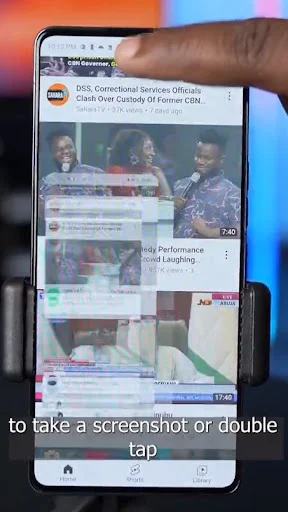
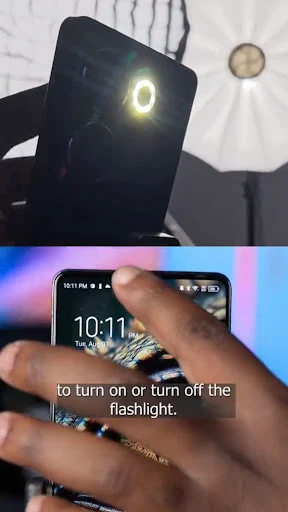
The main feature of Touch The Notch is the ability to make the notch or camera area respond to touch interactions. Users can assign actions to supported gestures and use the area as a quick access point. This can reduce the number of steps required to perform frequently used tasks.
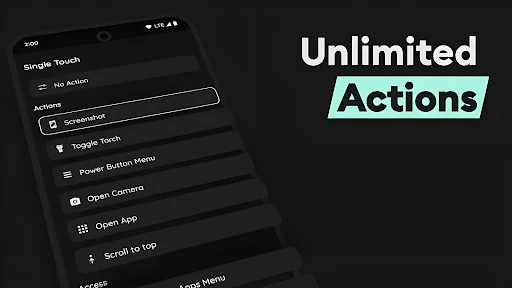
The app is designed around customization, allowing users to select actions that match their needs. Frequently used functions can be assigned to shortcuts so they are easier to access. This flexibility is useful for people who want their phone controls to reflect their personal routines instead of relying entirely on default system shortcuts.
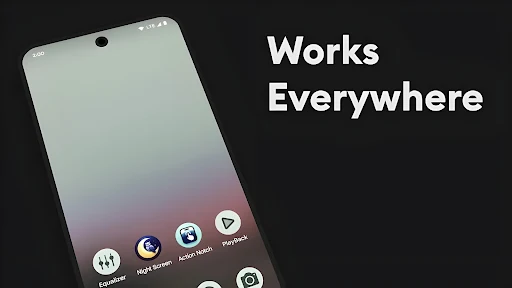
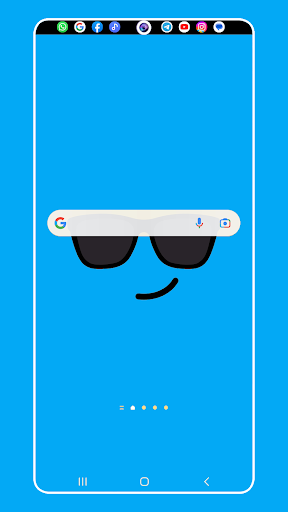
Touch The Notch – Shortcuts stands out by using the existing camera or notch area instead of placing another floating button over the screen. This approach can keep the interface cleaner and reduce visual clutter. It can also work well with devices that use a punch-hole camera or a conventional display notch.
One of the most interesting aspects of Touch The Notch is its straightforward approach to Android customization. Once the shortcuts are configured, users can access selected actions without changing screens or adding large controls to the interface. The ability to choose actions also makes the experience more adaptable to different usage patterns.
However, the experience can vary depending on the phone’s display design and camera placement. Different devices use different notch and punch-hole configurations, so the active area may not behave identically across all models. Some users may also need time to develop the habit of interacting with the camera area intentionally.
Assigning too many actions can also make the shortcut system harder to remember. A simple configuration with a few frequently used functions may provide a more consistent experience than assigning shortcuts to every available interaction.
After installing Touch The Notch – Shortcuts, open the app and provide the required permissions for its interaction features to work. Next, select the actions you want to assign to the supported touch gestures or interactions.
It is useful to start with a few shortcuts that you use regularly. Once you become familiar with the interaction area, you can add or adjust additional actions. If your phone has an unusual camera or notch design, test the active area carefully to reduce accidental triggers during normal use.
Touch The Notch – Shortcuts offers an interesting approach to Android customization by turning the notch or front-camera area into a shortcut control. It can make frequently used actions more accessible without adding another floating button to the display. Although the experience may vary between devices and requires some adjustment, the app provides a practical way for users to make better use of their phone’s available screen space and customize everyday interactions.