home chevron_right Apps chevron_right Personalization chevron_right Pixel 4D


Touch The Notch – Shortcuts
v2.2.5
• Premium
| Updated On | |
|---|---|
| Google Play ID | helectronsoft.com.live.wallpaper.pixel4d |
| Category | Personalization |
| Version | 3.4.10 |
| Size | 44 MB |
| MOD Features | Premium Unlocked |
| Requires | Android 8.0 |
| Price | |
| Free | |
| Content Rating | |
| Everyone | |
| Internet Required | |
| Unknow | |

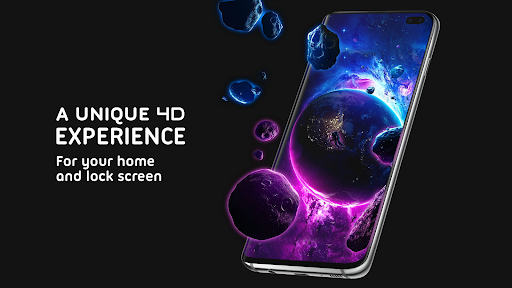
Your smartphone screen deserves more than an ordinary static background. Pixel 4D transforms your display with animated wallpapers, realistic depth effects, and eye-catching visual designs that respond to your device’s movements. Whether you prefer peaceful natural landscapes, futuristic space scenes, or colorful artistic creations, this application gives you plenty of ways to personalize your Android experience.
Developed by TarrySoft, Pixel 4D is a wallpaper customization application that brings interactive backgrounds and animated lock screens to mobile devices. Rather than simply displaying a fixed picture, it uses depth effects and motion technology to make selected images appear more dynamic. You can browse different collections, preview visual effects, and apply your favorite designs without needing complicated editing skills.
The application has attracted a substantial audience, with more than 50 million downloads and a 4.4-star rating on Google Play according to the supplied app information. Its combination of accessible customization tools and diverse wallpaper collections makes it an interesting option for anyone who wants to give their smartphone a distinctive appearance.
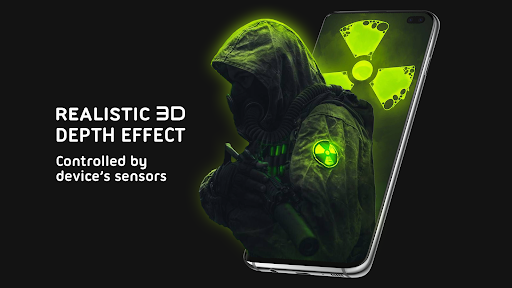
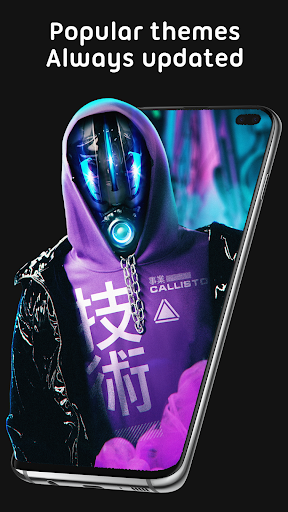
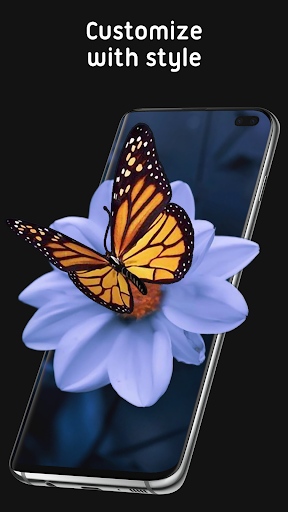
The most recognizable feature of Pixel 4D is its ability to create a sense of depth within ordinary images. By combining layered visual elements with your device’s gyroscope and motion sensors, the application produces a parallax effect that makes wallpapers appear to move when you tilt your phone. This creates an illusion of three-dimensional space without requiring you to interact with complicated settings.
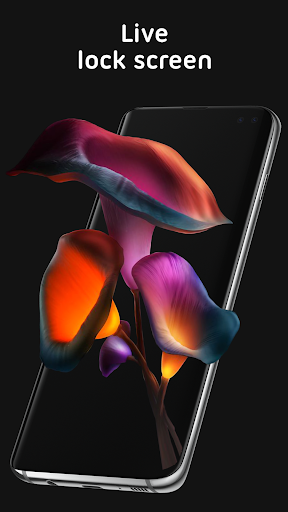
Some backgrounds also include animated elements that move independently, such as flowing water, drifting clouds, or changing atmospheric details. These subtle movements make the display feel more alive while preserving the original artwork. Instead of looking at the same motionless background every time you unlock your phone, you can enjoy a more immersive visual experience throughout the day.
Pixel 4D provides an extensive library containing more than 300 3D live wallpapers and lock screen designs. The collection includes different artistic styles, allowing you to change your display according to your mood or personal preferences. Whether you enjoy minimalistic illustrations or detailed animated scenery, there are plenty of options to explore.
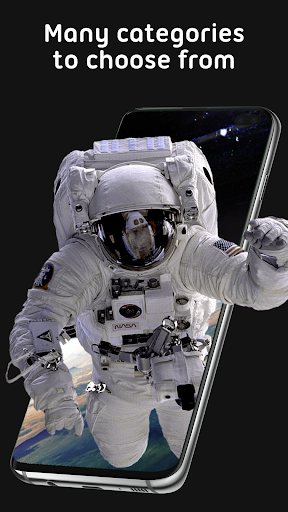
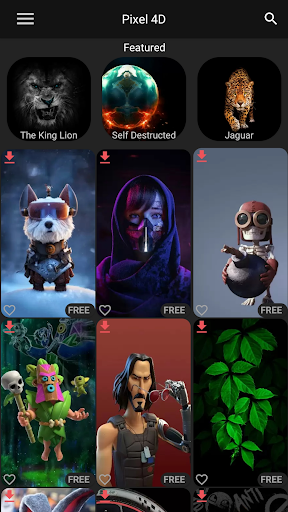
To make browsing easier, the application organizes its content into several collections. You can discover recently added designs, free backgrounds, premium selections, popular images, and frequently downloaded wallpapers. There are also dedicated themes covering subjects such as Space, Nature, Sports, and Holidays. This classification helps you narrow down your choices instead of scrolling through the entire gallery whenever you want a new background.
Beyond its wallpaper collection, Pixel 4D includes several customization options that give you greater control over how your device looks. You can search for specific designs, save interesting images, and arrange your personal collection according to your preferences. These tools make it easier to maintain a consistent appearance without having to repeatedly browse the same content.
Some useful features include:
Wallpaper Search: Find particular backgrounds by entering their names or relevant keywords.
Personal Collections: Organize selected designs into sections such as Favorites and Downloaded for easier access.
Separate Screen Settings: Apply different backgrounds to your home screen and lock screen instead of using the same image everywhere.
Wallpaper Preview: Examine an image and its animation effects before deciding whether to apply it.
Automatic Daily Changes: Refresh your smartphone’s appearance by scheduling wallpaper changes according to your preferred settings.
Visual Adjustments: Customize available effects and image quality to suit your device’s capabilities.
These options make the application suitable for users who enjoy experimenting with different visual styles. You can keep one design for several days or let the automatic changing feature introduce something new to your screen regularly.
Live wallpapers and animated effects can sometimes place additional demands on mobile hardware. Pixel 4D addresses this concern by offering adjustable visual settings that help accommodate different device configurations. Users can modify available effects and image quality to find a balance between appearance and performance.
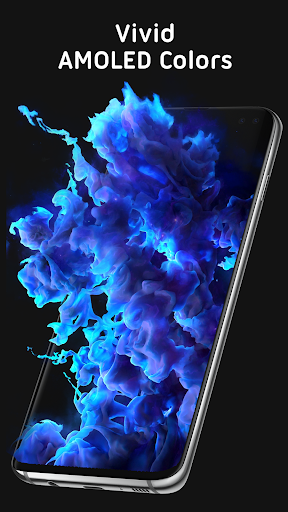
The application supports Android 6.0 and later according to the supplied information, making it accessible to a broad range of devices. You can also choose wallpapers that suit your screen resolution and display technology. If your smartphone features an AMOLED panel, selecting darker backgrounds may help reduce power consumption because black pixels on this display technology consume very little energy. Actual battery usage will still depend on the wallpaper’s animation, brightness, and device settings.
Pixel 4D offers a Basic version for users who want to experience its main customization features without purchasing a subscription. However, access to certain premium designs and additional benefits requires a paid membership. Upgrading expands the available content and removes some restrictions found in the standard edition.
The Premium package includes several advantages that improve the overall wallpaper customization experience:
Unlimited Premium Content: Access a wider selection of exclusive wallpapers and designs without the usual content restrictions.
VIP Customer Support: Receive dedicated assistance when you need help with the application.
Ad-Free Experience: Remove advertisements for a cleaner interface and more convenient browsing.
These additions are particularly useful if you frequently change your backgrounds or prefer having access to a larger collection of exclusive artwork.
The modified edition provides access to premium functionality without following the standard membership route. Instead of being limited to the basic wallpaper collection, you can explore additional designs and enjoy the application’s upgraded features.
Premium Unlocked: Access premium wallpaper collections, remove advertisements, and enjoy additional membership benefits.
With these features available, you have more freedom to experiment with different backgrounds and personalize both your home screen and lock screen. It is a convenient option for users who want to explore more of what Pixel 4D offers.
Ready to give your Android screen a fresh appearance? You can find Pixel 4D MOD APK through APKMODY by following this short installation walkthrough: