home chevron_right Apps chevron_right Personalization chevron_right PhoneWalls


Gamedeck – The Game Launcher
v1.16.1
• Unlocked
| Updated On | |
|---|---|
| Google Play ID | com.phonewalls.stockwallpapers |
| Category | Personalization |
| Version | 3.3.6 |
| Size | 32 MB |
| MOD Features | Pro Unlocked |
| Requires | Android 7.0 |
| Price | |
| Free | |
| Content Rating | |
| Everyone | |
| Internet Required | |
| Unknow | |

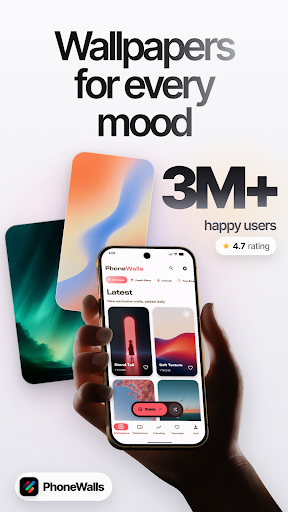
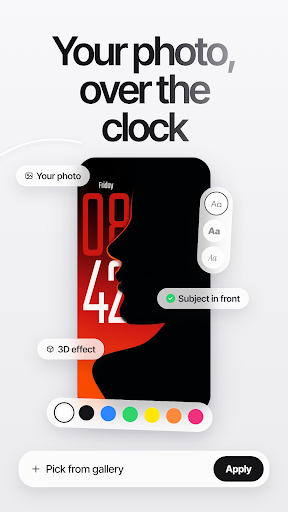
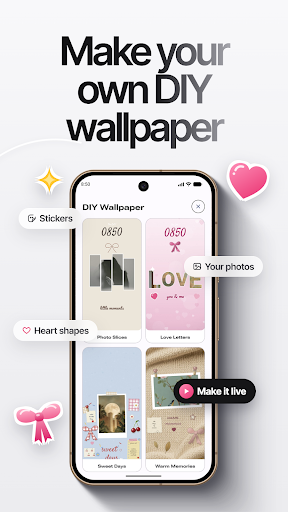
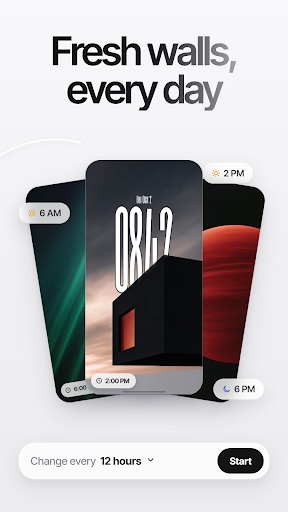
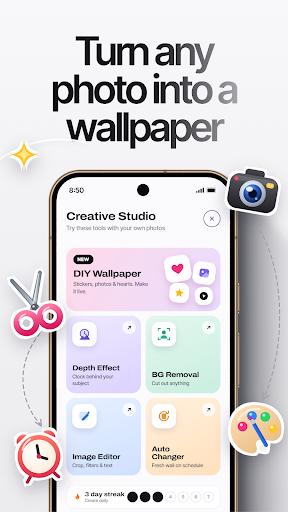
PhoneWalls MOD APK is a great choice for anyone who wants to give their smartphone a fresh look with beautiful, high-quality wallpapers. Featuring thousands of carefully selected images, this application brings together everything from minimalist backgrounds and anime artwork to celebrity photos and exclusive brand wallpapers. With 4K resolution, animated backgrounds, and convenient customization options, PhoneWalls makes it easier to find a design that matches your personal style.
Developed by YTECHB, PhoneWalls is a wallpaper application designed to help Android users discover attractive backgrounds without spending hours searching across different websites. Unlike ordinary wallpaper collections that simply gather random images, this app organizes its content into multiple categories, making exploration more convenient.
PhoneWalls has reportedly surpassed one million downloads and received positive feedback from users. Its appeal comes from the combination of high-resolution images, regularly refreshed collections, and a straightforward browsing experience. Whether you prefer a clean smartphone interface or colorful artwork, there are plenty of options to explore.
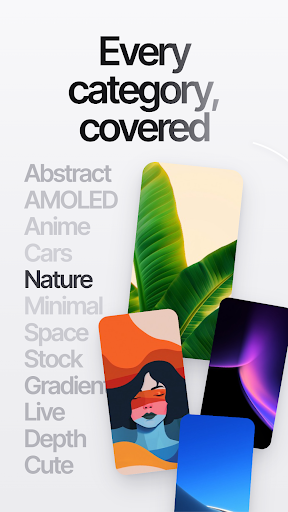
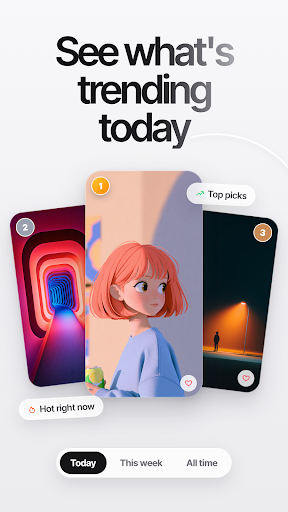
One of PhoneWalls’ biggest attractions is its extensive collection of more than 5,000 wallpapers. The images cover different artistic styles and subjects, with many available in impressive 4K resolution. Rather than presenting everything in one endless gallery, the application carefully organizes its content so users can discover suitable backgrounds more easily.
A particularly interesting category is Stocks, where you can find original wallpapers associated with popular smartphone brands and devices. Collections inspired by Samsung Galaxy, Vivo, Apple, OnePlus, and other manufacturers allow you to bring distinctive device backgrounds to your own phone. For example, you can give your Samsung smartphone a completely different appearance by applying an exclusive wallpaper originally associated with another brand.
If traditional smartphone backgrounds aren’t your preference, PhoneWalls also offers plenty of artistic alternatives. Its Latest section introduces different wallpaper collections, covering subjects such as nature, animals, anime, superheroes, celebrities, and many other popular themes.
Each category provides preview images and information about the number of available wallpapers. This makes browsing more convenient because you can quickly determine whether a collection matches your interests before opening it. For instance, celebrity collections may include memorable moments featuring famous personalities and athletes, giving sports fans another reason to explore.
Another useful detail is the information panel available for individual wallpapers. Depending on the image, you can check details such as its name, resolution, dimensions, dominant colors, and associated brand. These descriptions provide additional context and help you understand more about the artwork before saving it to your device.
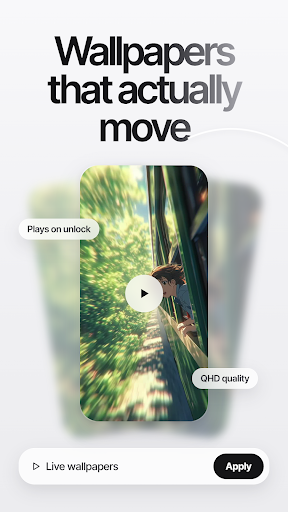
Static images are excellent for personalizing a smartphone, but sometimes a moving background creates a more distinctive experience. PhoneWalls addresses this preference with a dedicated collection of live wallpapers that bring movement and visual effects to your display.
You can explore animated designs inspired by various manufacturers, including Samsung, Oppo, Asus, Google Pixel, and OnePlus. The application also features exclusive collections that offer alternatives beyond conventional brand wallpapers. These backgrounds are particularly suitable for users who enjoy frequently changing their smartphone’s appearance.
Live wallpapers can make your home screen or lock screen feel more dynamic. However, remember that animated backgrounds may consume more battery and system resources than ordinary images, depending on your device and the wallpaper being used.
With thousands of images available, finding a particular wallpaper can sometimes become challenging. Fortunately, PhoneWalls includes a search function that helps narrow down the results based on keywords. You don’t necessarily need to remember an exact image title; simply enter a description of what you’re looking for, and the application will display related suggestions.
For example, searching for “Cute cat sunbathing” can help you discover different cat photographs and other pet-related backgrounds. You can also experiment with broader keywords to uncover additional designs that you might not have considered previously.
Once you discover an image worth keeping, simply tap the Like button to add it to your Favorites collection. This feature creates a convenient personal gallery where you can revisit previously selected wallpapers without repeating the entire search process. It’s especially useful when you enjoy collecting multiple designs and switching between them regularly.
The modified version of PhoneWalls offers an additional advantage for users who want access to premium features. Instead of relying entirely on the standard application experience, this edition provides an unlocked feature set.
Pro Unlocked: Unlocks the Pro features of the application, providing access to premium functionality without the usual subscription restrictions.
With this modification, users can explore the available premium options more conveniently. However, specific features may vary depending on the application version, so check the release information before installing.
Ready to refresh your smartphone with thousands of attractive backgrounds? Follow this alternative installation guide to get PhoneWalls MOD APK from APKMODY:
Step 1: Find the application
Open your Android browser and visit APKMODY.COM. Use the website’s search feature to locate the PhoneWalls MOD APK download page.
Step 2: Check the release information
Before downloading, review the available version, Android compatibility, file size, and MOD description. Make sure the release matches your device requirements.
Step 3: Save the APK file
Tap the download link provided on the PhoneWalls page. Wait until your browser finishes downloading the installation package.
Step 4: Prepare Android for installation
Open your device’s Settings if Android requests permission to install applications from your browser or file manager. Enable the required permission for that source.
Step 5: Complete the installation
Locate the downloaded APK in your Downloads folder, tap the file, and follow the instructions displayed on your screen.
Step 6: Start customizing your phone
Launch PhoneWalls after installation. Browse the available collections, explore premium features, and choose your favorite backgrounds to personalize your smartphone.