home chevron_right Apps chevron_right Personalization chevron_right LockMyPix
Volume Control Panel Pro
v35.581
• Premium
| Updated On | |
|---|---|
| Google Play ID | com.fourchars.lmpfree |
| Category | Personalization |
| Version | 6.1.5.7 Gemini |
| Size | 40 MB |
| MOD Features | Premium Unlocked |
| Requires | Android 7.0 |
| Price | |
| Free | |
| Content Rating | |
| Everyone | |
| Internet Required | |
| Unknow | |

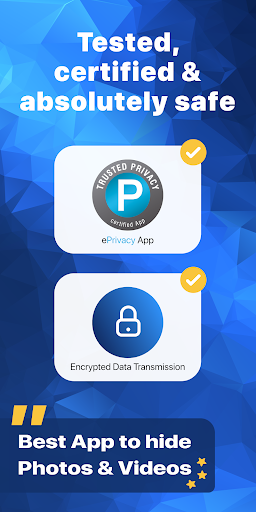
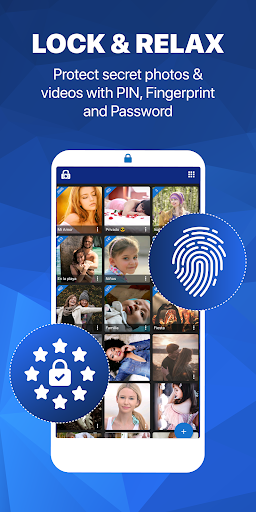
LockMyPix MOD APK is a privacy-focused application designed to protect personal photos, videos, and important documents from unwanted access. Developed by fourchars, it provides an encrypted storage space where you can keep sensitive files separate from your regular phone gallery and file manager. With additional security options such as Fake Vault, app disguise, and intruder detection, LockMyPix offers a convenient way to manage private information on your Android device.
First launched on June 12, 2015, LockMyPix has undergone numerous improvements to become a familiar name in the mobile privacy and security category. The application has reportedly surpassed 10 million downloads and achieved a rating of approximately 4.7 stars on Google Play, demonstrating considerable interest from Android users.
Smartphones now contain much more than everyday photographs and entertainment files. Work documents, personal recordings, financial information, and private conversations may also be stored on these devices. Consequently, protecting sensitive content has become increasingly important, especially when you occasionally lend your phone to someone else or worry about unauthorized access.
Even though smartphones are generally personal devices, there are situations where other people might gain access to their contents. Someone borrowing your phone could accidentally open a private photo, while losing your device may expose important information to strangers. Built-in privacy tools can help, but their functionality and accessibility vary between manufacturers and Android versions.
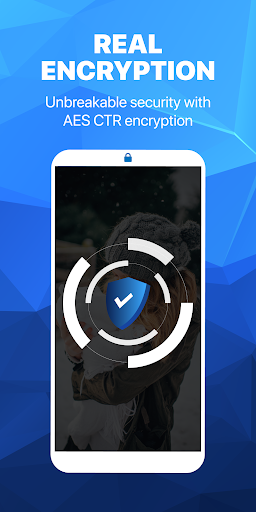
LockMyPix addresses this concern by providing a dedicated encrypted vault for private content. According to the application’s description, it uses AES CTR encryption technology to protect stored files. Instead of leaving sensitive images and videos in ordinary gallery folders, you can move them into a separate protected environment that requires authentication to access.
This approach makes private content less accessible through conventional browsing applications. However, encryption should be considered one part of a broader security strategy rather than an absolute guarantee against every possible threat. You should still maintain backups and protect your device with a strong screen lock.
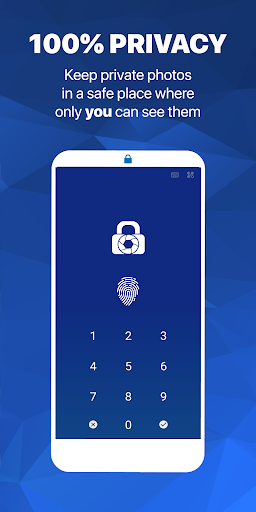
Getting started with LockMyPix is relatively straightforward. When opening the application for the first time, you’ll be asked to establish a PIN and provide an email address for the initial account and security configuration. Once the setup is complete, you can begin transferring personal photographs, videos, and supported documents into your protected storage area.
The application may request access to your photos, videos, files, and other storage resources so it can import and manage content. After adding your files, you can configure their visibility according to your preferences. Content stored inside the vault is separated from ordinary gallery browsing, helping prevent other applications from displaying it through standard media listings.
The interface is designed to make file management accessible even for people who aren’t familiar with complicated security tools. You can organize your private content, access it whenever necessary, and adjust available protection settings without constantly navigating your phone’s storage directories.
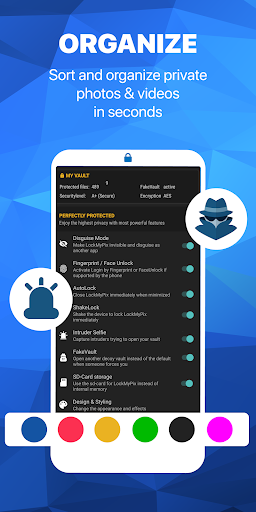
Beyond its primary encrypted storage function, LockMyPix includes several additional features intended to strengthen privacy and make the application more flexible. These tools are particularly useful for users who want more control over how their private information is accessed and presented.
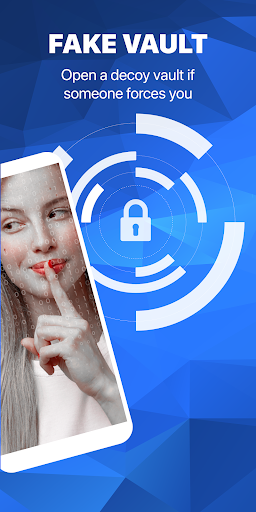
Fake Vault is one of the more distinctive features available in LockMyPix Premium. It allows you to create an alternative vault containing different files from your primary private storage. For example, you can configure one PIN to access your actual collection and another PIN to open a separate vault containing less sensitive content.
This arrangement can be useful in situations where you want to show an alternative collection without immediately exposing your main storage. It also gives you another way to organize different groups of files. However, remember that this feature is not a substitute for protecting your device credentials or maintaining secure backups.
Some users prefer keeping their privacy applications less noticeable on their home screens. LockMyPix provides an app-disguise option that allows you to change its visible name and icon, making it appear more like an ordinary application.
This feature adds a layer of discretion when someone casually browses your installed applications. You can choose an alternative appearance and make the application less recognizable to other people who use your phone.
LockMyPix also offers an intruder detection feature designed to help identify suspicious attempts to access your private vault. When someone repeatedly enters an incorrect password, the application can capture information about the attempted access, including an image of the person using the device where supported.
This function provides additional awareness of potential privacy violations, particularly when you share your smartphone with family members or colleagues. You can use the available security settings to determine how the application responds to incorrect authentication attempts.
There are situations where you need to hide private content immediately, such as when someone unexpectedly approaches while you’re viewing your files. LockMyPix includes a shake-to-lock option that allows you to close access to the vault through a quick physical movement.
Instead of manually navigating back through several screens, you can use this shortcut to protect your content more conveniently. It’s a small feature, but it can be particularly helpful for people who frequently access private files throughout the day.
For Android devices that support removable storage, LockMyPix provides an option to use an SD card for vault storage. This can help users manage larger collections of private content without consuming all the available internal memory.
External storage also offers additional flexibility when organizing files. Nevertheless, an SD card can be lost, damaged, or accessed by someone else, so you should consider its physical security and maintain appropriate backups.
Although the standard edition already provides basic private storage functionality, several advanced tools are reserved for Premium subscribers. Users can choose between available subscription options, including monthly access and a lifetime purchase, depending on the plans offered by the application.
Here are some of the additional benefits associated with Premium:
Unlimited Folders: Create more folders to organize photographs, videos, and documents according to different categories.
Ad-Free Experience: Remove in-app advertisements for a cleaner interface and more comfortable navigation.
Fake Vault: Set up alternative storage spaces with separate access credentials.
Unlimited Private Notes: Create additional notes to keep important information organized inside the application.
App Disguise: Customize the application’s visible identity to make it less recognizable.
Recycle Bin Recovery: Restore files that have been deleted from the vault, provided they remain available in the recovery area.
Cloud Backup: Store supported vault data online to make recovery easier when changing or resetting devices.
Permanent File Deletion: Completely erase selected content through the application’s deletion feature, reducing the possibility of recovering it through ordinary external tools.
These options make Premium more suitable for users who regularly handle sensitive information or maintain large private collections. Keep in mind that cloud backup availability, recovery conditions, and deletion behavior may depend on the application’s current version and configuration.
The modified edition of LockMyPix provides access to the application’s premium functionality without following the standard subscription process.
Premium Unlocked: Unlocks premium features and provides access to additional privacy and file-management tools available in the paid edition.
With this modification, users can explore advanced vault management, additional customization options, and other premium benefits. However, modified applications may not receive the same official updates or support as the original release.
Security reminder: LockMyPix is designed to protect sensitive information, so be particularly careful when installing modified versions. An unofficial APK cannot automatically be assumed to offer the same security guarantees as the original application. Avoid storing highly confidential documents until you’ve evaluated the application’s reliability, permissions, and backup behavior.
If you want to explore the Premium Unlocked edition, APKMODY provides a convenient place to find the LockMyPix MOD APK installation package. Before installing, take a moment to review the following information:
Where to get the file
Open your Android browser and access APKMODY.COM.
Enter LockMyPix MOD APK in the website’s search field.
Select the matching application page from the results.
What to check before installation
Confirm that the displayed version matches the release you intend to install.
Review the APK file size and Android compatibility requirements.
Read the MOD description to understand which Premium features are included.
Check the available installation information and permissions.
How to finish installing
Select the download option on the APKMODY page and wait for the APK file to be saved.
Open your phone’s Downloads folder or the browser’s download history.
Tap the downloaded package to begin installation.
If Android displays a security prompt, review it and grant the necessary installation permission for that source.
Complete the installation and open LockMyPix to configure your private vault.