home chevron_right Apps chevron_right Personalization chevron_right Bible Widgets


Gamedeck – The Game Launcher
v1.14.0
• Unlocked
| Updated On | |
|---|---|
| Google Play ID | com.hrd.biblewidgets |
| Category | Personalization |
| Version | 5.9.0 |
| Size | 99 MB |
| MOD Features | Unlocked |
| Requires | Android 9 |
| Price | |
| Free | |
| Content Rating | |
| Everyone | |
| Internet Required | |
| Unknow | |

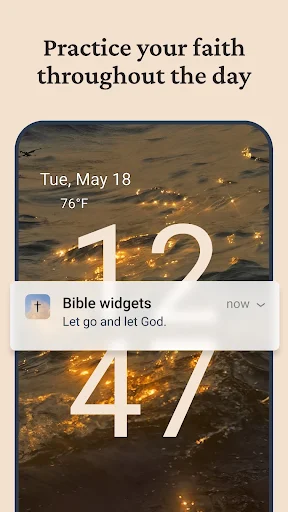
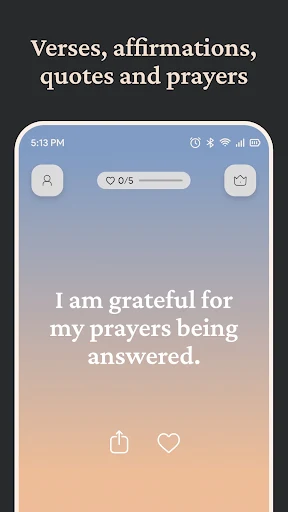
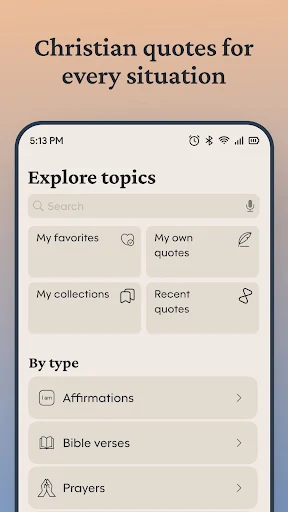
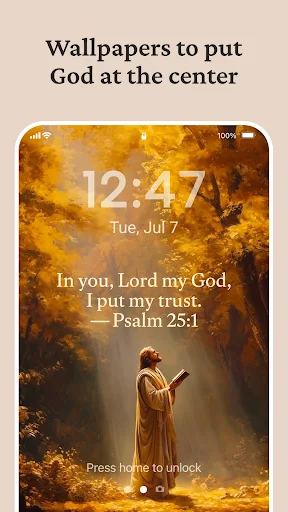
Bible Widgets is a mobile customization app designed to bring Bible verses and Christian-inspired content directly to the home screen. Instead of opening a Bible application every time they want to read a passage, users can place selected verses or devotional content in a convenient widget. This approach can make Scripture reading part of a daily phone routine while also allowing users to personalize their home screen with meaningful content.
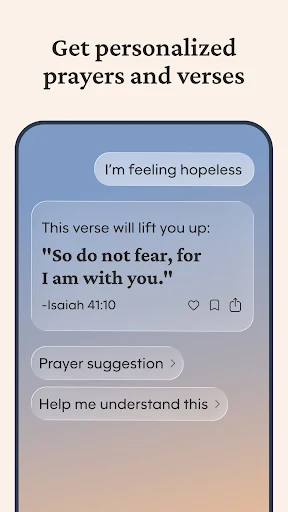
The main purpose of a Bible widget is to provide quick access to Scripture without requiring users to open a separate application. A verse displayed on the home screen can serve as a convenient reminder to pause and read during the day. Depending on the available options, users may be able to browse different passages, choose preferred content, or configure how frequently displayed verses change.
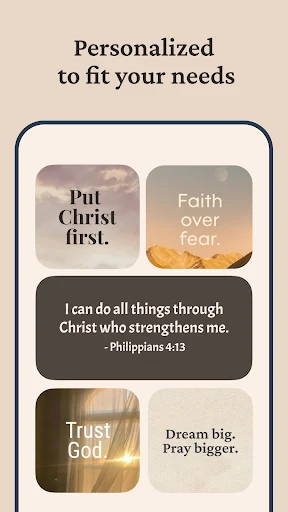
Home screen widgets can combine useful information with personal interests. For users who regularly read the Bible, displaying Scripture alongside other widgets can create a more meaningful phone layout. Different design options may also allow users to adjust the appearance of the widget to better match their preferences. Available customization features can vary depending on the device and application version.
Having a verse visible on the home screen can encourage short moments of reading throughout the day. Instead of planning a long reading session every time, users can encounter a passage during ordinary activities such as checking messages or viewing notifications. This format can be especially convenient for people who prefer brief and consistent reading habits.
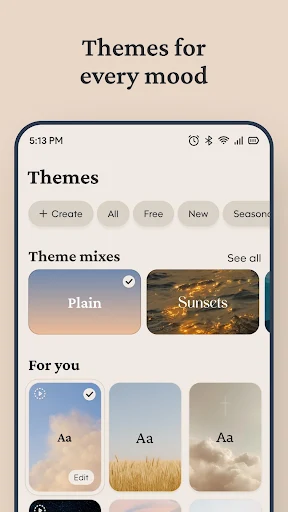
A personalized widget can make Scripture content easier and more pleasant to view. Depending on the supported features, users may be able to adjust text presentation, backgrounds, layouts, or other visual elements. A clean design can help keep the verse readable without making the home screen feel unnecessarily crowded. Users can experiment with the available settings to find a layout that fits their device.
Open Bible Widgets and explore the available widget and Scripture options. After completing any required setup, open the Android home screen and use the widget menu to add the desired widget. Place it in a convenient location and adjust its available settings. If the app supports verse selection or rotation, choose the options that fit your reading habits. Check the widget regularly and use displayed passages as an opportunity to read, reflect, or continue with a longer Bible study session.
For a deeper study experience, users can combine the widget with a full Bible application, printed Bible, devotional material, or other trusted study resources. A short verse on a home screen provides convenient access, but additional context can be important when interpreting a passage. Users may also want to compare different translations when studying particular verses.
Bible Widgets provides a simple way to place Scripture content directly on an Android home screen. Its widget-based approach can make Bible verses more visible during everyday phone use while offering opportunities for basic personalization. The app may suit users who appreciate short reading reminders and want their digital environment to reflect their interest in Scripture. For more detailed study, however, combining the widget with complete Bible texts and reliable study resources can provide greater context and a broader reading experience.