home chevron_right Apps chevron_right Personalization chevron_right Proxima – Poweramp Skin


Gamedeck – The Game Launcher
v1.16.0
• Unlocked
| Updated On | |
|---|---|
| Google Play ID | com.poweramp.v3.proxima |
| Category | Personalization |
| Version | 2.7.4.9 |
| Size | 9 MB |
| MOD Features | Premium |
| Requires | Android 10 |
| Price | |
| $1.49 | |
| Content Rating | |
| Everyone | |
| Internet Required | |
| Unknow | |

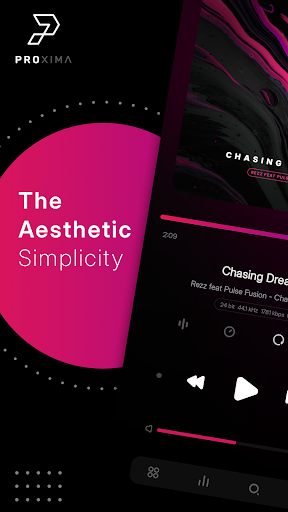
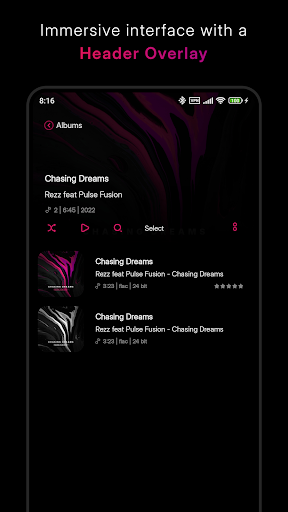
Proxima – Poweramp Skin is a customization app designed for Poweramp 3, developed by Mixified Pixel. Rather than changing the core music playback capabilities, the app focuses on giving the player a fresh appearance through a combination of flat design, dual-tone colors, and gradient effects. The current version was updated on August 26, 2026, and requires Poweramp 3 Build 987 or later.
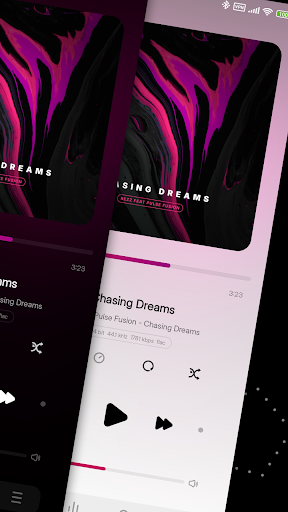
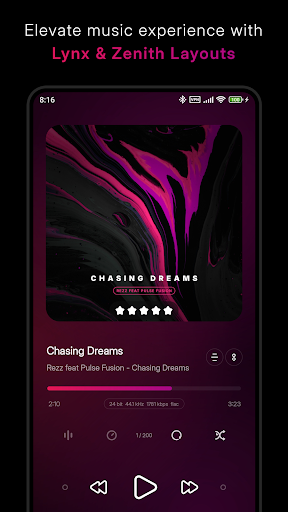
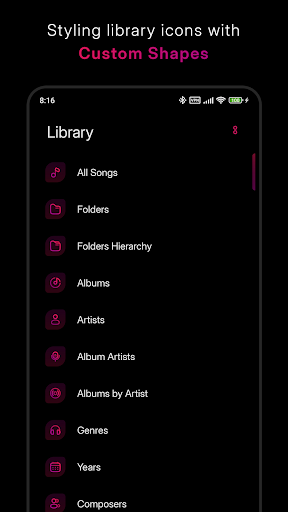
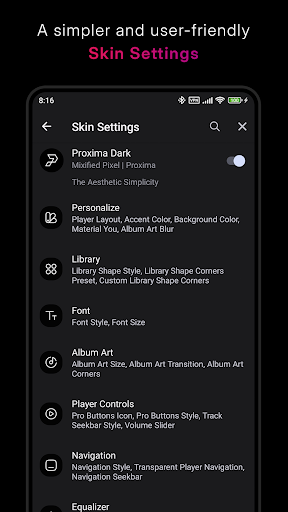
The most notable feature of Proxima – Poweramp Skin is its extensive customization system. Users can choose between two main player layouts, Lynx and Zenith, with each offering a different way to organize interface elements. Lynx incorporates some details inspired by a Minimal style, while Zenith focuses on a modern, clean, and intuitive appearance.
The app provides 68 gradient accent colors and 16 background colors, making it easy to create a style that matches your wallpaper or personal preferences. Gradient backgrounds have also been improved, while transparent backgrounds and Material You support help create a more consistent appearance on modern Android devices.
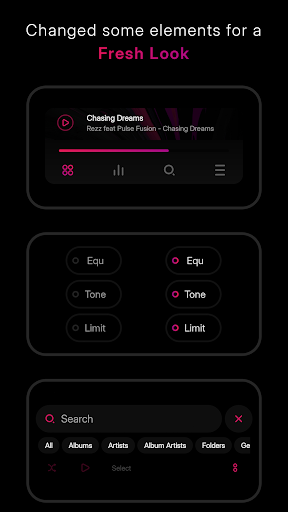
Beyond changing colors, Proxima – Poweramp Skin allows users to adjust various elements on the player screen. Element Changer gives users more control over displayed components, while multiple font styles, volume bars, and navigation designs make the interface highly flexible.
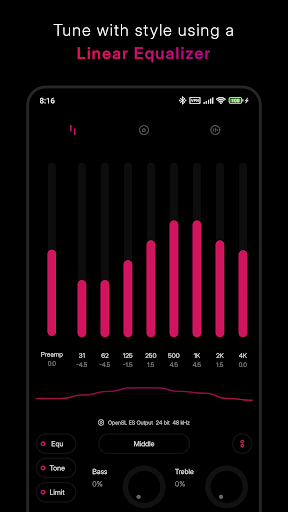
The app also supports Linear Equalizer, Equalizer Spectrum, and compatibility with Poweramp Equalizer. These features are useful for people who regularly use Poweramp and want an interface that is not only attractive but also provides more visual information while music is playing. Automatic day and night modes further allow the interface to adapt to different usage times.
First, install a compatible version of Poweramp and then open Proxima – Poweramp Skin to apply the new interface. After activation, you can access the skin settings to select the Lynx or Zenith layout, change accent colors, customize backgrounds, choose fonts, and adjust individual interface elements.
A useful tip is to long-press the menu or hamburger button in Poweramp’s navigation area to quickly access the skin settings. If you have created a preferred configuration, you can use Poweramp’s Export Settings/Data feature to back up your customization.
The biggest strengths of Proxima – Poweramp Skin are its attractive design, extensive customization options, and wide range of color choices. Users can create a consistent appearance while having considerable control over individual visual elements. Some recent feedback, however, suggests that users would like additional features, such as waveform bars and more advanced customization for the lyrics interface.
The app is also a paid product, currently listed at $1.49 on Google Play. Since it works as a skin for Poweramp, Proxima is not suitable for people who do not use this music player. Compatibility should also be checked before installation because the app requires a relatively recent version of Poweramp.
Proxima – Poweramp Skin is a worthwhile choice for Poweramp users who want to refresh their player’s appearance while keeping the familiar music-listening experience. The combination of Lynx and Zenith layouts, numerous gradient colors, customizable backgrounds, fonts, Material You support, and detailed interface controls makes it an appealing option among Poweramp skins. If you prefer a modern and minimalist interface with plenty of customization options, Proxima is certainly worth considering.