
Touch The Notch – Shortcuts
v2.2.5
•
Premium
| Updated On | |
|---|---|
| Google Play ID | com.wallpaperscraft.wallpaper |
| Category | Personalization |
| Version | 3.66.0 |
| Size | 120 MB |
| MOD Features | Premium Unlocked |
| Requires | Android 12 |
| Price | |
| Free | |
| Content Rating | |
| Teen | |
| Internet Required | |
| Required | |
| Languages | |
| English, Russian, Simplified Chinese | |

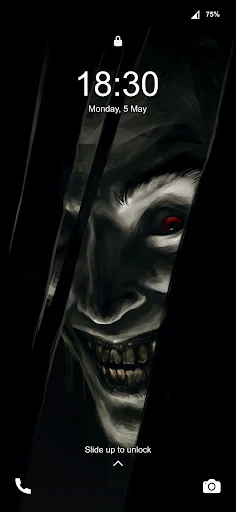
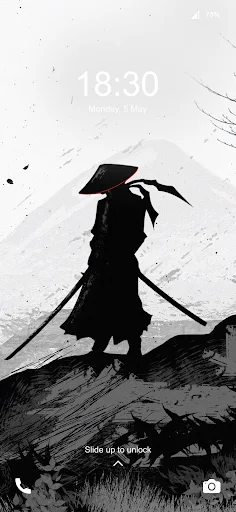
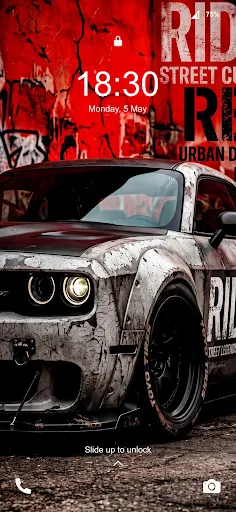
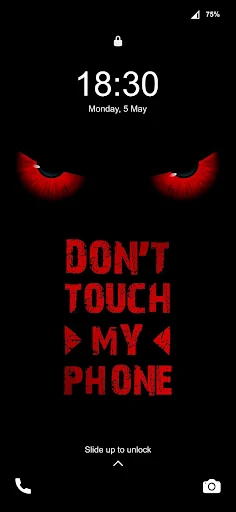
Wallcraft transforms ordinary phone screens with an extensive collection of high-quality wallpapers, including animated backgrounds and eye-catching 4D effects. Browse artistic designs, discover popular visual trends, and choose images that match your screen resolution. With options for both the home screen and lock screen, the app makes mobile customization more flexible and enjoyable.
Wallcraft is a wallpaper application designed for Android users who want more control over their device’s appearance. Its library combines static images, animated backgrounds, and different visual styles, giving you plenty of choices when refreshing your screen.
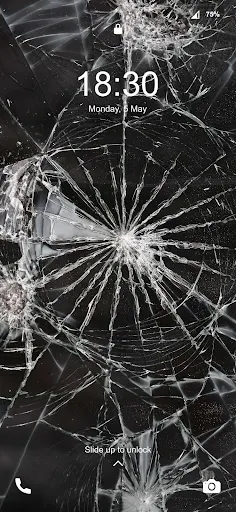
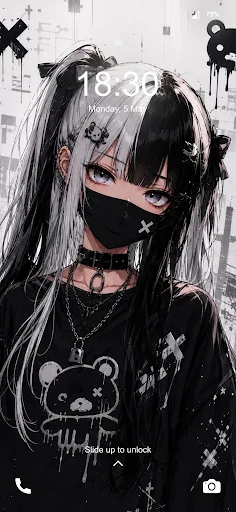
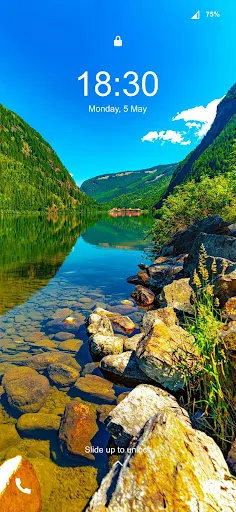
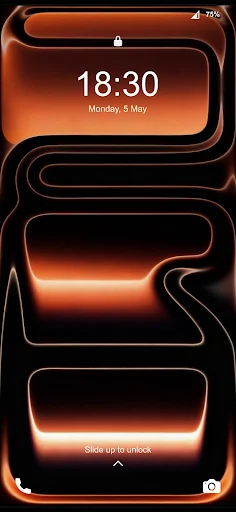
Wallcraft provides access to a large library of HD, 4K, and 8K wallpapers. The collection covers various themes, from landscapes and architecture to abstract artwork, illustrations, and aesthetic designs. New content is added regularly, so users have more opportunities to discover fresh backgrounds instead of relying on the same images for long periods.
The application also focuses on presenting wallpapers that suit different screen dimensions. Rather than forcing you to browse through images with unsuitable proportions, it helps you find backgrounds adapted to your device. This makes the selection process more convenient for Android phone and tablet users.
Image quality plays an important role when choosing a phone background. Wallcraft offers wallpapers in multiple resolutions, including HD, 4K, and 8K, allowing users to select images that look clear on their displays. Whether you prefer detailed scenery or minimalist artwork, the collection provides different options for personalizing your device.
The app is designed to accommodate various Android screen sizes, including larger displays. Its wallpaper selection helps reduce the need for excessive cropping or stretching, although the final appearance may still depend on your device’s resolution and aspect ratio.
Static backgrounds are not the only option available in Wallcraft. The application also features 4D live wallpapers with parallax effects, creating a sense of depth as you move or tilt your phone. These subtle animations make familiar images feel more dynamic without requiring you to change the background frequently.
The effect is particularly appealing for users who enjoy animated visuals but do not want overly complicated customization tools. With different designs available, you can choose a background that adds movement while keeping your screen visually attractive.
Wallcraft offers a convenient way to coordinate the appearance of your home screen and lock screen. Instead of using one image everywhere, you can select two related wallpapers to create a consistent visual theme. Alternatively, choosing contrasting designs gives each screen its own personality.
This feature is useful when you want a more distinctive setup without installing additional customization applications. You can experiment with different combinations until both screens reflect your preferred style.
The quality of a wallpaper depends on more than its resolution. Wallcraft presents a curated collection of images from different artistic categories, helping users discover polished backgrounds rather than sorting through random pictures. Many designs are prepared to fit mobile displays, making them easier to apply without extensive manual editing.
From atmospheric nature photography to colorful digital artwork, the library caters to different tastes. You can browse several styles, save appealing designs, and switch backgrounds whenever you want a fresh look.
If you prefer following popular visual styles, Wallcraft also features collections inspired by current aesthetic trends. You can explore backgrounds featuring famous destinations, modern cities, natural scenery, and other eye-catching subjects.
Its straightforward interface keeps the focus on browsing and selecting images. Most of the experience revolves around viewing wallpaper previews and choosing suitable designs, so users can spend less time navigating menus and more time customizing their screens.
Wallcraft is intended for Android devices, including smartphones and tablets. Depending on device compatibility and Android settings, selected images can be applied to the home screen, lock screen, or both. This flexibility makes it easier to maintain a consistent appearance across different screen areas.
Live wallpapers may consume more battery power than static images, particularly when animations remain active for extended periods. Choosing a suitable background and adjusting its use according to your device’s performance can help maintain a comfortable balance between appearance and battery life.
The MOD edition provides access to additional customization options associated with the Premium experience. It is designed for users who want to explore more wallpaper content without the usual restrictions.
The Premium Unlocked feature gives users access to selected premium content and customization tools. This includes additional wallpaper categories and options that expand the ways you can personalize your Android screen.
Exclusive wallpapers: Browse premium designs that are not available in the standard collection.
Parallax wallpapers: Apply animated backgrounds with depth effects for a more dynamic screen.
Video wallpapers: Use moving visuals as your phone background.
Automatic wallpaper changes: Set wallpapers to change every 24 hours for a refreshed appearance.
Double wallpaper: Combine different images for your home screen and lock screen.
Ad-free experience: Browse the collection without advertising interruptions.
Wallcraft offers an accessible way to refresh your phone’s appearance with high-resolution images and animated backgrounds. If you want to explore its wallpaper collection or try the additional Premium features, visit APKMODY and look for the version that matches your needs.
Before installing, check the APK details and compatibility with your Android device. Once the installation is complete, open Wallcraft, browse its available designs, and choose a background that suits your preferred style. Whether you enjoy clean static images or immersive live wallpapers, the application gives you plenty of ways to make your screen feel more personal.