home chevron_right Apps chevron_right Communication chevron_right Google Voice


Speak & Translate All Language
v5.1.0
• Premium
| Updated On | |
|---|---|
| Google Play ID | com.google.android.apps.googlevoice |
| Category | Communication |
| Version | 2026.11.08.1021232647 |
| Size | 35 MB |
| MOD Feature | Not available |
| Requires | Android 8.0 |
| Price | |
| Free | |
| Content Rating | |
| Everyone | |
| Internet Required | |
| Required | |

Google Voice provides a convenient way to manage phone calls, text messages, and voicemail through a dedicated number linked to your Google Account. Beyond everyday communication, the application offers useful tools for call forwarding, spam filtering, and accessing conversations across supported devices. Explore its main features and discover how to download Google Voice through APKMODY.
Developed by Google, Google Voice is a communication service that provides users with a dedicated phone number for making calls, sending text messages, and receiving voicemail. Instead of depending entirely on a traditional SIM card, you can use this number through supported phones and computers, making it easier to stay connected across different devices.
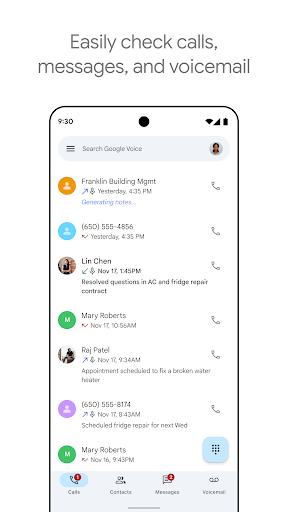
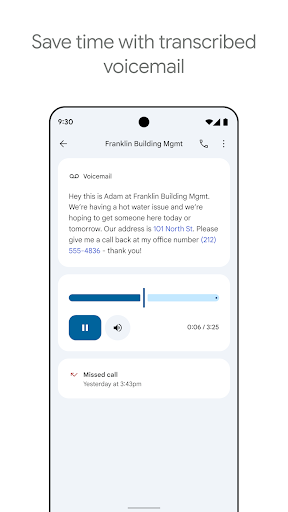
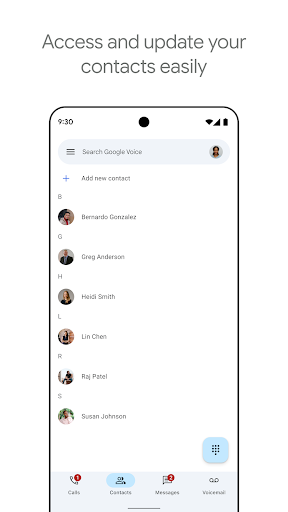
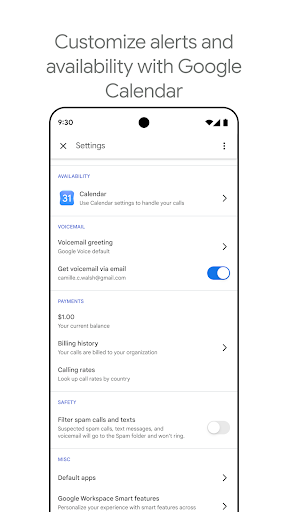
The application brings several communication functions into one interface, including contact management, message history, voicemail organization, and call forwarding. You can also configure spam filters to reduce unwanted interruptions and use eligible international calling services at competitive rates. Availability varies by country, account type, and device, but the overall experience is designed to make everyday communication more flexible.
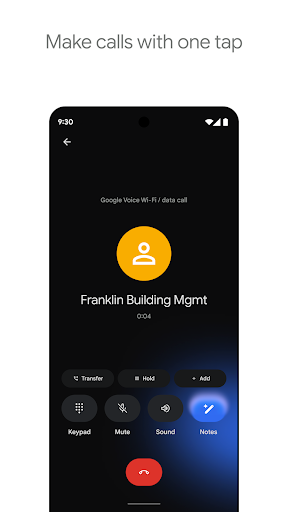
Calling is one of the primary functions of Google Voice. After setting up an eligible account and obtaining a Google Voice number, you can make outgoing calls directly through the application. Incoming calls can also reach your supported devices, depending on the forwarding and account settings you have configured.
One particularly convenient aspect is the ability to access your communication service from different platforms. For example, you can place calls using a computer or tablet instead of relying exclusively on your smartphone. This flexibility is useful when working at a desk, traveling, or switching between devices throughout the day.
Besides voice communication, Google Voice provides a messaging interface for handling text conversations. You can send and receive supported SMS messages, review previous discussions, and keep your communication history organized within the application.
Your messages and other account information can be accessed across supported devices when synchronization is available. This means you can switch from your phone to a computer without constantly checking different inboxes. The centralized interface also makes it easier to revisit previous conversations and manage communication without unnecessary steps.
Keeping your primary phone number private is important when communicating with unfamiliar contacts. Google Voice helps address this concern by allowing eligible users to make calls using their assigned Google Voice number rather than exposing their personal mobile number. This is particularly useful for separating personal communication from work-related conversations or online interactions.
However, this feature should not be confused with completely anonymous calling. The Google Voice number is still visible to the recipient, and the service may retain account and call information according to Google’s policies. Users should also review local regulations and service availability before relying on particular calling features.
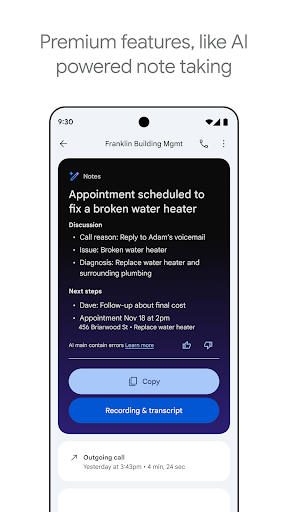
Another useful function is call recording, although its availability depends on the account, region, and current service configuration. Where supported, recording can help preserve important conversations for later reference. Always inform the other participants and follow applicable consent requirements before recording a call.
Google Voice includes several features designed to make communication safer and less disruptive. Its spam detection system can identify suspicious callers and messages, helping users distinguish unwanted contact from legitimate conversations. Depending on the available settings, you can also block specific numbers to prevent repeated interruptions.
Account synchronization provides another layer of convenience by allowing supported communication information to remain accessible across linked devices. Since the service is connected to your Google Account, protecting that account with a strong password and two-step verification is also important.
These features work together to give users better control over their communication activities. Instead of manually handling every unwanted call or switching between multiple applications, you can manage important settings and review relevant information from one centralized interface.
Ready to try Google’s communication service on your Android device? You can follow this browser-based installation method through APKMODY:
Access the APKMODY website: Open Chrome or another browser on your Android phone and visit APKMODY.
Look up Google Voice: Enter the application name in the search field, then open the matching result.
Review the available package: Check the version details and compatibility information before selecting the APK download option.
Save the installation file: Tap the download link and wait until the APK package is completely saved on your device.
Install Google Voice: Open your file manager, navigate to the Downloads folder, and select the newly downloaded package. Grant the requested installation permission if necessary.
Configure your account: Launch the application, sign in with an eligible Google Account, and complete the setup process according to the instructions displayed.