home chevron_right Apps chevron_right Communication chevron_right Speak & Translate All Language

Speak and Translate Languages
v8.1.9
• Premium
| Updated On | |
|---|---|
| Google Play ID | com.VoiceTranslator.Communication.SpeakandTranslate |
| Category | Communication |
| Version | 5.1.0 |
| Size | 49 MB |
| MOD Features | Premium |
| Requires | Android 8.0 |
| Price | |
| Free | |
| Content Rating | |
| Everyone | |
| Internet Required | |
| Unknow | |

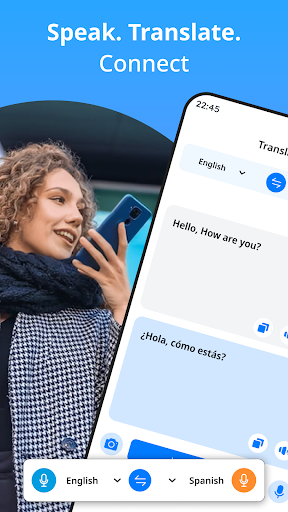
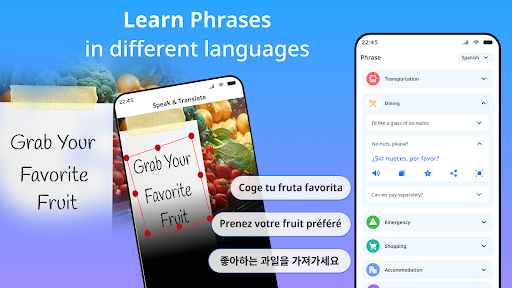
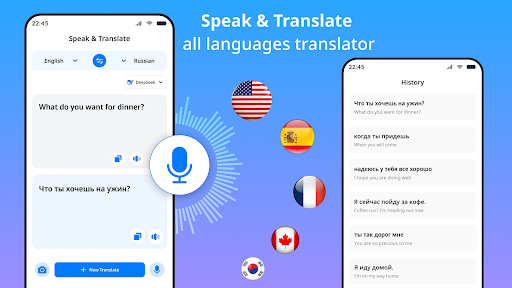
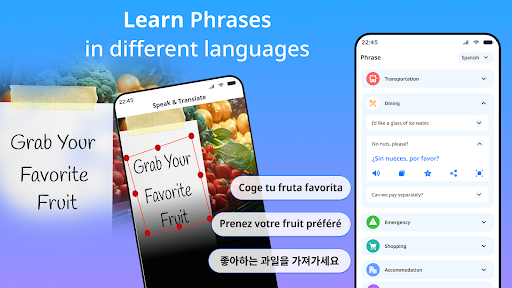
Speak & Translate All Language targets a very specific situation while traveling or talking with someone who speaks a different language: needing a spoken sentence translated quickly, rather than typing it out on a keyboard, which takes time and invites typos when things feel rushed. The app focuses on real-time voice translation between two people speaking different languages.
The app is developed by QUANTUM EDGE LTD, a company based in Israel, under the DictionaryAndTranslator brand, and has passed 500,000 downloads on Google Play with a 4.4-star rating. Speak & Translate All Language sits in the Communication category on Google Play and is aimed at travelers, language students, people whose jobs require multilingual communication, and anyone needing a quick conversation with someone who speaks a different language. The developer also maintains several other utility apps under the same brand, including a separate live translation chat tool.
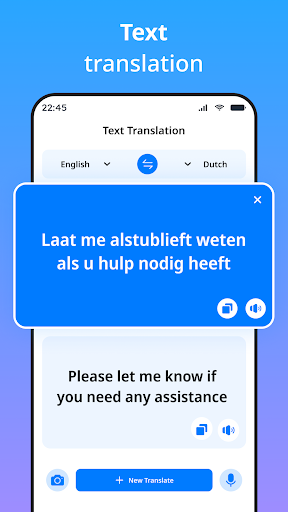
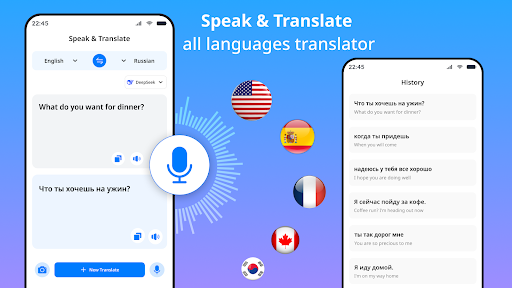
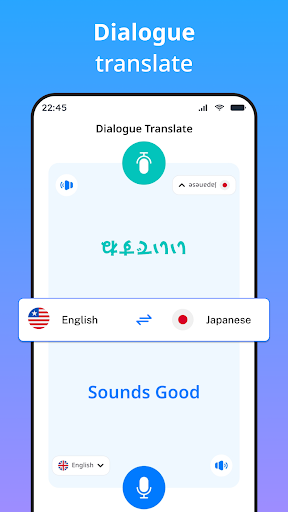
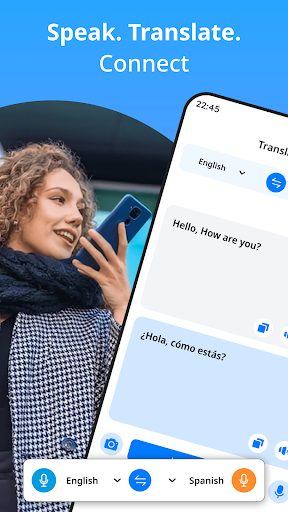
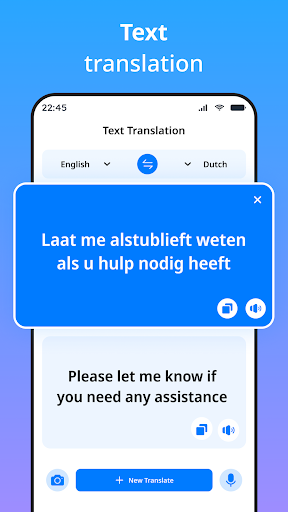
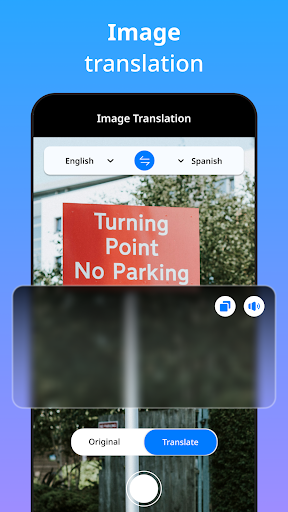
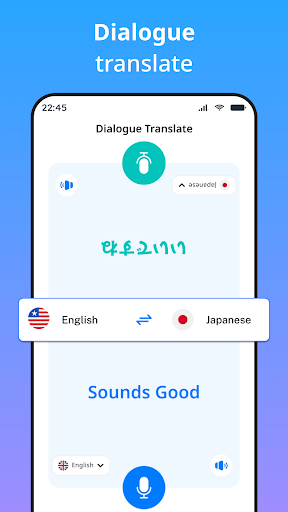
Basic usage involves picking a source and target language, then tapping the microphone button and speaking; the app recognizes the speech, translates it, and reads the result back in the target language almost instantly. A conversation mode lets two people take turns speaking into the same device, which suits sitting across from someone at a restaurant, a shop, or an unplanned encounter where neither person speaks the other’s language. The app also supports typed text translation for situations too noisy to speak into the phone, or when translating an existing block of text rather than reading it aloud.
Some feedback from long-time users notes that voice translation sometimes only processes a few short words before getting interrupted by an ad, which makes translating longer sentences or ongoing conversations more cumbersome than expected. The developer has responded directly to several of these reviews, asking users to send screenshots of the specific ads causing trouble via support email to help improve the experience.
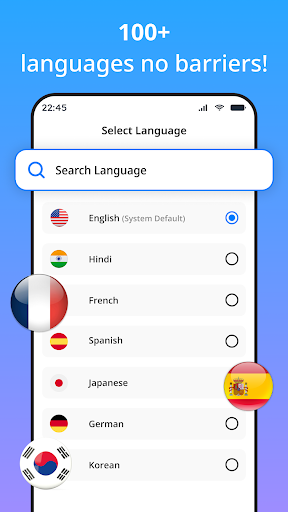
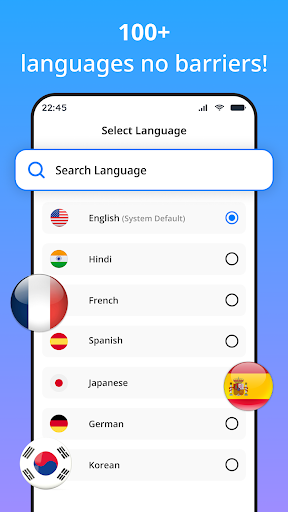
Another piece of feedback mentions that switching languages currently requires scrolling through a long country list, rather than a quicker option like tapping a flag already shown on the main screen, something the developer has acknowledged for future updates.
It helps to pre-select the most commonly used language pair before an important conversation rather than searching for it mid-conversation, since scrolling through a long list can eat up time exactly when a quick response is needed. For longer statements, breaking them into shorter sentences tends to improve speech recognition accuracy and helps avoid getting cut off by an ad partway through, based on what some feedback has described. In a noisy environment where speaking clearly isn’t practical, switching to typed text mode tends to produce a more accurate translation than letting the app try to pick up speech through background noise.
Overall, Speak & Translate All Language suits anyone who wants a simple, quick voice translation tool for short exchanges while traveling or meeting someone who speaks another language. The two-way conversation mode is a clear practical strength for face-to-face exchanges, though the ad experience on the free version is worth keeping in mind for anyone planning to use it for long, continuous conversations. It’s a reasonable fit for everyday basic communication needs rather than a deep, professional translation tool.