home chevron_right Apps chevron_right Communication chevron_right Quetta – Video Private Browser


Speak & Translate All Language
v5.1.0
• Premium
| Updated On | |
|---|---|
| Google Play ID | net.quetta.browser |
| Category | Communication |
| Version | 2.0.8 |
| Size | 121 MB |
| MOD Features | Unlocked |
| Requires | Android |
| Price | |
| Free | |
| Content Rating | |
| Everyone | |
| Internet Required | |
| Unknow | |

Quetta – Video Private Browser targets a fairly specific crowd: people who used to rely on Kiwi Browser for Android, known for supporting desktop-style extensions, and now need a trustworthy replacement after Kiwi’s development stalled. Quetta is built on Chromium, keeping that same strength while adding a built-in video management toolkit on top.
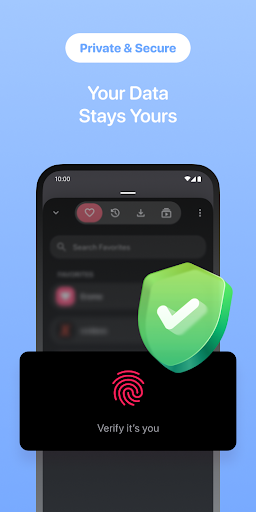
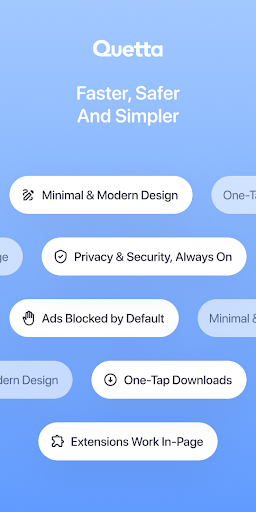
The app is developed by Quetta Networks, has been on Google Play since January 2024, and has passed 1 million downloads with a 4.8-star rating. Quetta sits in the Communication category on Google Play and is built around the idea that a browser, as the main gateway for interacting with the internet today, should protect user privacy more thoroughly than most mobile browsers manage to.
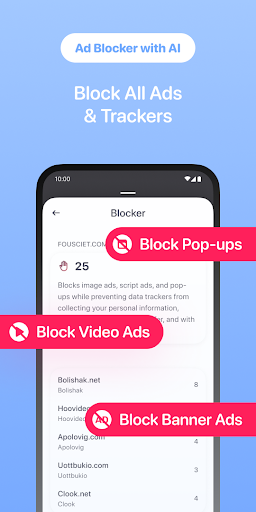
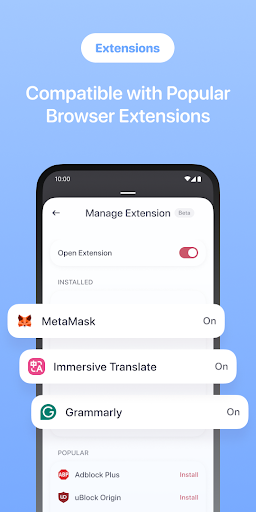
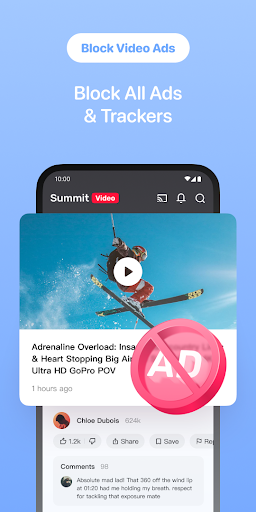
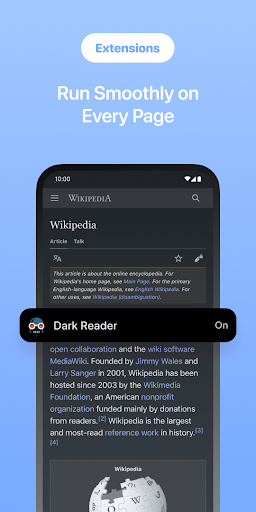
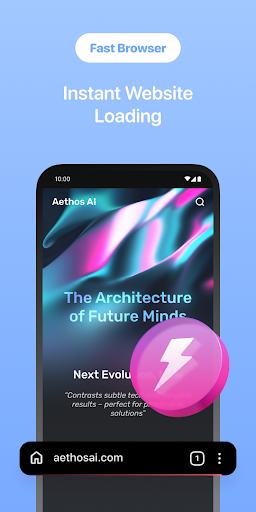
Quetta’s biggest difference from the default Chrome browser is the ability to install and run extensions pulled from the Chrome Web Store and Microsoft Edge Add-ons directly on a phone, a feature normally limited to desktop with most other mobile browsers. Extension popups display correctly and stay usable on a small screen, letting people keep the same tools they rely on for work or research without switching to a computer. The app also includes an AI-powered ad blocker that filters ads, pop-ups, and trackers, along with smart anti-tracking technology that helps pages load lighter and faster.
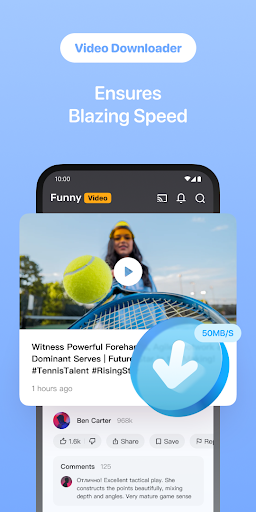
On the video side, Quetta includes a built-in download manager for saving videos from websites where downloading is permitted, as long as the video is owned or properly authorized to be saved, since availability depends on each website’s own terms. Downloaded videos play back smoothly inside the app with familiar gesture controls, such as swiping to adjust brightness or volume, along with fullscreen playback through the app’s own Quetta Player. The app also supports signing in and syncing with a Google account, keeping browsing history consistent across devices.
Some user feedback notes that adding a video to the Playlist occasionally saved the ad shown before the content instead of the actual video, making the Playlist feature frustrating to rely on for a while. The developer has responded publicly, confirming the issue was addressed in a later update and asking anyone still running into it to send the website link along with a screen recording to support so the team can keep investigating.
It’s worth checking an extension’s reputation before installing, prioritizing popular ones with strong reviews on the Chrome Web Store, since not every desktop extension runs perfectly on the mobile version. If the Playlist saves an ad instead of the intended video, letting the actual content finish playing before hitting save, or updating to the latest app version first, tends to help. For anyone switching over from another browser, spending a few minutes adjusting ad-blocking and privacy settings right after installing makes for a smoother experience going forward.
Overall, Quetta – Video Private Browser suits former Kiwi Browser users looking for a full-featured extension-capable replacement, along with anyone who wants browsing, ad blocking, and video management combined into one app. Running desktop extensions on mobile is a strength hard to find elsewhere among Android browsers, even though a few playlist-related bugs are still worth watching for after updates. It’s worth trying for anyone who wants more control over their mobile browsing experience.