home chevron_right Apps chevron_right Communication chevron_right Telegram

TurboTel Pro
v13.0.2
• Unlocked

| Updated On | |
|---|---|
| Google Play ID | org.telegram.messenger |
| Category | Communication |
| Version | 13.1.1 |
| Size | 49 MB |
| MOD Features | Premium Unlocked |
| Requires | Android 12 |
| Rating Score | |
| Price | |
| Free | |
| Content Rating | |
| Mature 17+ | |
| Internet Required | |
| Required | |
| Languages | |
| English, Arabic, Belarusian, Catalan, Dutch, French, German, Indonesian, Italian, Korean, Malay, Persian, Polish, Portuguese, Russian, Spanish, Turkish, Ukrainian, Uzbek | |

Telegram offers a versatile communication environment for private conversations, group chats, channels and file sharing. Its range of messaging features makes it suitable for both personal communication and larger online communities. This article explores its interface, communication tools and features that support everyday messaging. Read on to understand what makes the platform a flexible messaging solution.
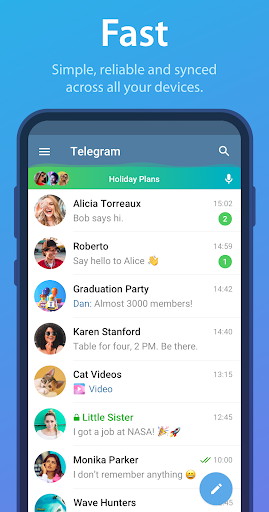
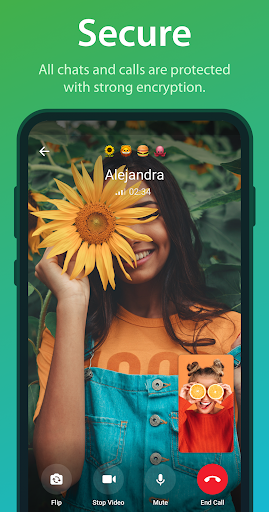
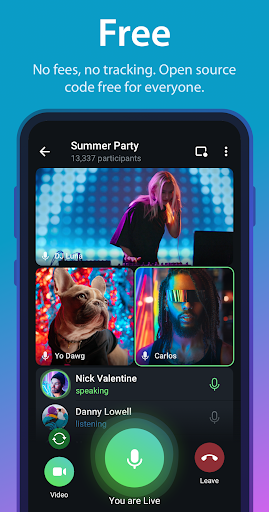
Telegram is a cloud-based messaging platform built around fast communication, multi-device synchronization, large file sharing, and privacy-focused features. It supports individual conversations, group discussions, channels, voice and video communication, as well as a broad ecosystem of bots and interactive tools. Its combination of speed, flexible storage, and cross-platform access makes it suitable for both personal communication and professional collaboration.
This application is a messaging service that allows users to communicate across smartphones, tablets, desktops, and web browsers while keeping regular cloud chats synchronized between supported devices. Conversations, media, and shared documents can generally be accessed after signing in on another device, making it practical for people who switch between mobile and desktop environments throughout the day.
The platform is also designed to handle large communities and substantial amounts of shared content. Regular cloud chats are stored on Telegram’s servers for synchronization, while Secret Chats use end-to-end encryption and are tied to the participating devices rather than being stored as ordinary cloud conversations.
One useful communication feature is the ability to modify a message after it has already been sent. Instead of deleting an incorrect sentence and sending a replacement, users can edit the original message to correct spelling mistakes, update information, or clarify an earlier statement.
This can be particularly convenient in fast-moving conversations where small errors are easy to make. Edited messages are marked as edited, allowing participants to recognize that the original content has been modified while keeping the conversation organized.
Secret Chats are designed for conversations that require stronger privacy controls than standard cloud chats. They use end-to-end encryption, support optional self-destruct timers, and are not synchronized through the regular Telegram cloud across a user’s other devices.
Users can configure a self-destruct period for messages, allowing content to disappear after the selected time once it has been viewed. Secret Chats are also associated with specific devices, so starting one on a smartphone does not automatically make the same conversation available on a desktop account.
Large-file sharing is one of the platform’s practical advantages for users who frequently exchange documents, images, videos, archives, or other digital materials. Depending on the account type and current service limits, Telegram supports files reaching several gigabytes, making it useful when conventional messaging services impose much smaller attachment limits.
For example, Telegram Premium has supported individual files of up to 4 GB, while standard accounts have traditionally had a lower 2 GB per-file limit. Actual limits and available features can change, so users should check the current account information when transferring particularly large files.
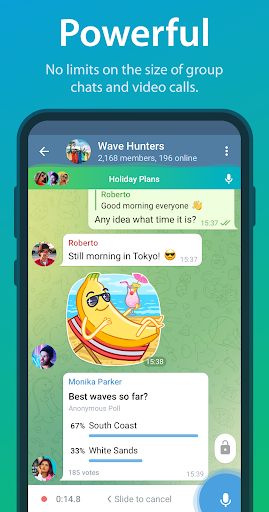
Telegram supports large online communities through its group and channel infrastructure. A supergroup can accommodate up to 200,000 members, making it suitable for company communities, study groups, customer communities, interest-based discussions, and other large-scale conversations.
For organizations that need to distribute information to an even larger audience, channels provide a different communication model focused on broadcasting rather than two-way group discussion. Administrators can publish announcements, media, documents, and other updates while subscribers follow the channel’s content.
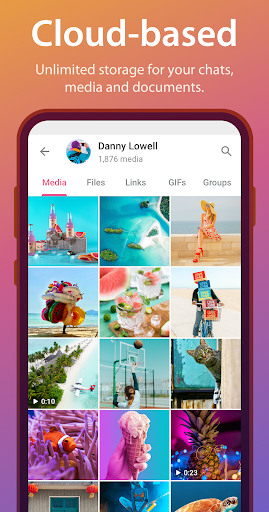
Regular cloud chats provide a convenient way to keep conversations, shared media, and documents available across multiple authorized devices. Once an account is signed in on another supported device, synchronized cloud content can generally be accessed without manually transferring every file again.
This feature is different from Secret Chats, which are intentionally designed around device-specific privacy rather than cloud synchronization. Users should therefore choose the appropriate conversation type based on whether they prioritize convenient multi-device access or additional privacy controls.
Telegram gives users more control over how media is downloaded and stored on their devices. Automatic media download settings can be adjusted according to factors such as mobile data, Wi-Fi, roaming, file type, and media size, helping users avoid filling their device with content they do not immediately need.
Users can also manage cached media and storage settings to reduce unnecessary local data usage. This is particularly helpful for people who participate in active groups or channels where hundreds of images, videos, and documents may be shared within a short period.
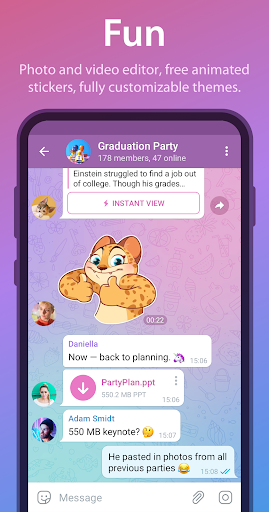
The interface can be personalized through available themes, colors, backgrounds, and chat appearance settings. Users can select different visual styles to create a more comfortable environment for individual conversations and everyday messaging.
Beyond the default appearance options, Telegram also provides extensive customization through chat backgrounds and other interface controls. These settings allow users to create a visual experience that better matches their personal preferences without changing the core communication functions of the platform.
Modified APK releases are unofficial versions developed by third parties and may advertise additional functions compared with the standard application. Some packages claim to unlock Premium-related tools, reduce advertisements, or provide extra customization options, but availability can vary according to the package, device, account, and server-side configuration.
Some unofficial releases advertise the following modifications, although their actual availability should be checked for each specific package:
Not every Premium function can necessarily be unlocked through an APK modification because some features are controlled on Telegram’s servers rather than entirely within the application package. As a result, changing the local APK may not provide access to account-level functions that require server-side authorization. Some Premium-related functions commonly associated with paid accounts include the following options:
This section answers several common questions about privacy, channels, and alternative mobile messaging applications. The explanations also clarify the difference between standard communication features and functions that depend on account or server-side support.
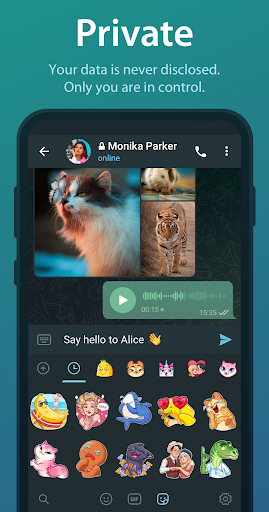
Telegram provides several privacy-oriented mechanisms, but the level of protection depends on the type of conversation being used. Standard cloud chats are synchronized across authorized devices, while Secret Chats use end-to-end encryption and are designed for device-specific private conversations.
Users can also configure privacy settings for items such as phone numbers, profile information, last-seen status, calls, groups, and other account interactions. However, no online communication service should be treated as completely risk-free, so users should carefully review privacy settings and avoid sharing sensitive information unnecessarily.
Yes. A channel can be used to broadcast messages, images, videos, documents, announcements, or other content to an audience. Channels can be configured as public or private, depending on whether the owner wants people to discover them through a public username or access them through an invitation link.
Channels are particularly useful for creators, businesses, organizations, news communities, and personal projects. Unlike large discussion groups, channels are primarily designed for broadcasting content from administrators to subscribers, although additional discussion features can be connected when supported.
Several established messaging applications offer different combinations of communication, privacy, calling, and file-sharing features. Popular alternatives include WhatsApp, Signal, Viber, LINE, and Messenger. Each service has its own strengths, so the best option depends on your priorities. For example, users who prioritize privacy may compare encryption and data policies, while people who communicate with large communities may focus on group capacity, channels, file limits, multi-device support, and available calling features.
Telegram combines fast messaging, flexible file sharing, message editing, group communication, and privacy-focused tools in one convenient platform. Its cross-device synchronization also makes it practical for both workplace collaboration and everyday conversations with friends and family. Bring your conversations and shared files together in one place by getting this app ready on your Android device today.
Some Premium features are on the server side, so you can’t use them.