home chevron_right Apps chevron_right Communication chevron_right Speak and Translate Languages


AutoResponder for WA
v5.3.2
• Unlocked
| Updated On | |
|---|---|
| Google Play ID | com.speaktranslate.tts.speechtotext.voicetyping.translator |
| Category | Communication |
| Version | 8.1.9 |
| Size | 65 MB |
| MOD Features | Premium |
| Requires | Android 8.0 |
| Price | |
| Free | |
| Content Rating | |
| Everyone | |
| Internet Required | |
| Unknow | |

Speak and Translate Languages is a practical translation app designed to make communication across different languages easier on mobile devices. By combining speech recognition, text translation, and voice output, the app can help users understand unfamiliar languages and express basic ideas more conveniently. It can be useful for travelers, language learners, students, and anyone who regularly communicates with people from different linguistic backgrounds.
Language barriers can make everyday communication difficult, especially when users are traveling or interacting with someone who speaks a different language. Speak and Translate Languages addresses this challenge by providing translation tools that are accessible directly from a smartphone.
Instead of relying only on typing, users can speak into the device and use the translated result as a reference. This approach can make short conversations more convenient, particularly when typing on a phone is too slow or impractical. The app can also be useful for checking the meaning of unfamiliar phrases while studying a foreign language.
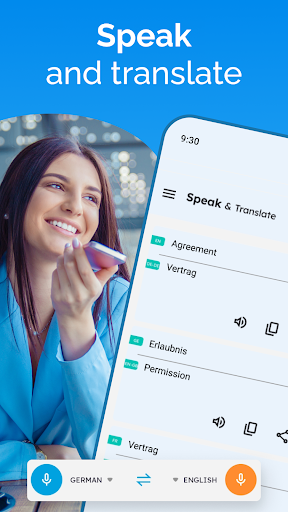
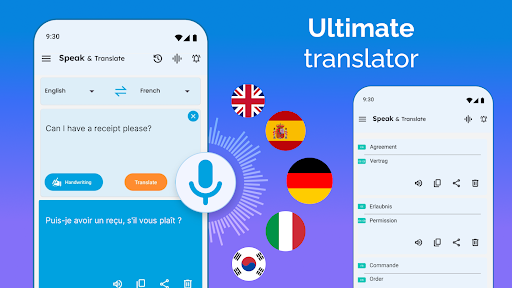
One of the main features of Speak and Translate Languages is voice input. Users can speak a word, phrase, or sentence instead of manually typing it. The app processes the spoken content and provides a translated version, making the process more natural for conversational situations.
Voice translation can be especially helpful when users need to communicate quickly. It reduces the effort required to enter long sentences and can make basic interactions more convenient when traveling or meeting international visitors.
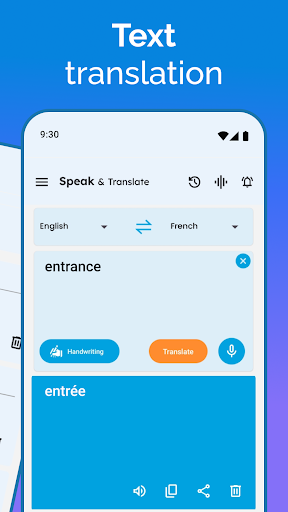
Text input provides another practical way to translate content. Users can type unfamiliar words or sentences and receive a translated result. This method is useful when the original text is available in written form or when speaking is not convenient.
Text translation can also support language learning. Users can compare familiar expressions with their translated versions and gradually become more comfortable with common vocabulary and sentence patterns.
Another useful function is the ability to hear translated content. Voice output can help users understand how a translated word or phrase may sound in the target language. This can be particularly useful when the user does not know the correct pronunciation.
For travelers, listening to a translated phrase before repeating it can provide additional confidence during everyday conversations. Language learners may also use the feature to practice pronunciation and listening skills.
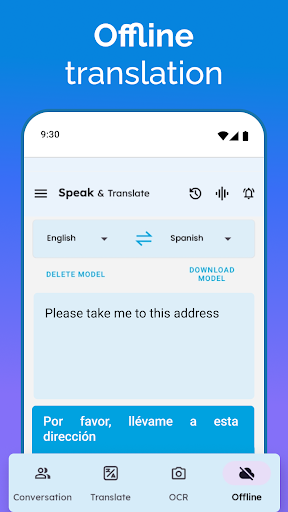
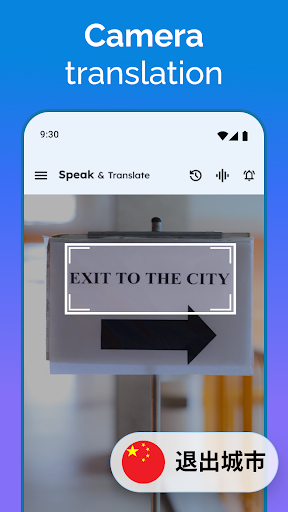
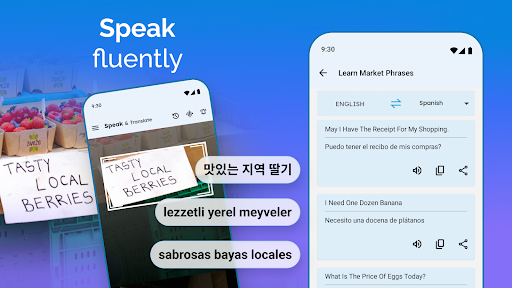
Speak and Translate Languages can be useful in situations such as asking for directions, communicating at restaurants, checking basic information, or interacting with people while traveling. Its mobile format means the translation tools can be available whenever users have access to their device.
The app can also serve as a quick reference for students and casual language learners. Instead of opening several separate tools, users can access multiple translation functions from one interface.
The biggest advantage of the app is convenience. Voice and text input provide different ways to translate information, allowing users to choose the method that best fits the situation. Speech output adds another layer of usefulness by helping users hear translated expressions.
The straightforward approach can make the app suitable for people who are not experienced with translation technology. It can also save time when users need to understand or communicate a short message quickly.
However, automatic translation should not always be treated as a perfect replacement for human interpretation. Context, slang, technical terminology, regional expressions, and complex sentences can sometimes produce inaccurate or unnatural results. Users should therefore review important translations carefully, especially when dealing with official, professional, or sensitive information.
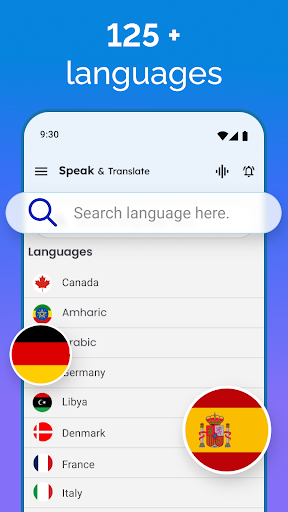
Open Speak and Translate Languages and select the source and target languages required for the conversation. For voice translation, tap the microphone option and speak clearly into the device. Review the translated result and use the speech function when you want to hear its pronunciation.
For written content, enter the word, phrase, or sentence into the text field and check the translation. When communicating with another person, it can be helpful to keep sentences short and clear. This may improve the quality of automatic translation and make the conversation easier to follow.
Speak and Translate Languages provides a convenient collection of tools for users who need quick language assistance. Voice input, text translation, and speech output can make everyday communication more accessible, particularly during travel and casual conversations.
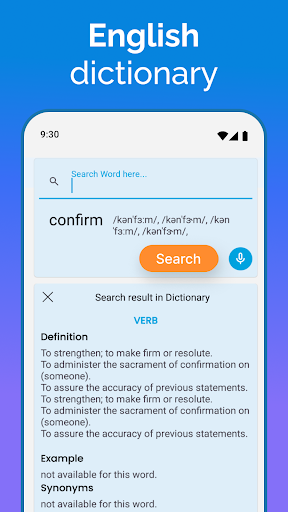
Although automatic translation has limitations, the app can still be a useful companion for travelers, students, and language learners. Its simple approach makes it easy to use when users need to understand unfamiliar words or communicate across language barriers without spending too much time typing.