

SOCKS5 – IPv6 & IPv4 Proxy VPN
v20261016
• Premium

| Updated On | |
|---|---|
| Google Play ID | com.potatovpn.free.proxy.wifi |
| Category | Tools |
| Version | 64.0.1 |
| Size | 64 MB |
| MOD Features | Premium |
| Requires | Android 6.0 |
| Price | |
| Free | |
| Content Rating | |
| Teen | |
| Internet Required | |
| Unknow | |

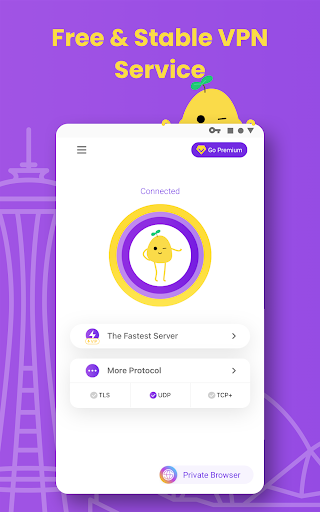
VPN PotatoVPN – WiFi Proxy is a mobile VPN application designed to provide a more private and flexible internet connection. It can be useful when connecting to public Wi-Fi, browsing unfamiliar networks, or accessing online services through a VPN connection. With a straightforward approach, the app is aimed at users who want an additional layer of protection without dealing with complicated network settings.
Using the internet on public or shared Wi-Fi networks can expose users to various privacy and security concerns. A VPN can help address some of these concerns by creating an encrypted connection between the device and a VPN server. VPN PotatoVPN provides this type of connection through a mobile-friendly interface.
The application can be useful in different everyday situations. Users may want to protect their connection while using Wi-Fi at cafes, hotels, airports, schools, or other shared locations. It can also be useful for people who want to change the apparent IP address associated with their internet connection.
One of the main purposes of the app is to provide an additional layer of protection when using public networks. After establishing a VPN connection, internet traffic is routed through the selected VPN service instead of connecting directly through the local network.
This can be useful when accessing websites or online services from networks that you do not fully trust. However, a VPN should not be considered complete protection against every online threat. Users should still avoid suspicious links, unsafe downloads, and untrusted applications.
WiFi Proxy functionality can be useful for people who prefer a simple connection process. Instead of manually configuring complex network settings, users can generally manage their VPN connection directly from the application.
This approach makes the app suitable for casual users who are not familiar with VPN protocols or advanced networking concepts. At the same time, connection performance can vary depending on the VPN server, network conditions, device, and distance to the selected server.
A VPN connection can hide the device’s usual public IP address from websites by routing traffic through a VPN server. This can provide an additional layer of privacy during everyday browsing.
However, changing an IP address does not make a user completely anonymous. Websites and online services can still use other technologies to identify or track activity. For better privacy, users should combine a VPN with strong passwords, secure browsing habits, updated software, and careful management of app permissions.
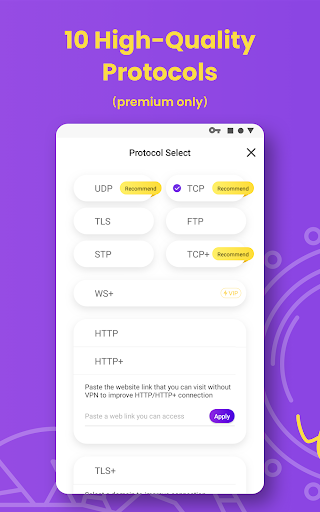
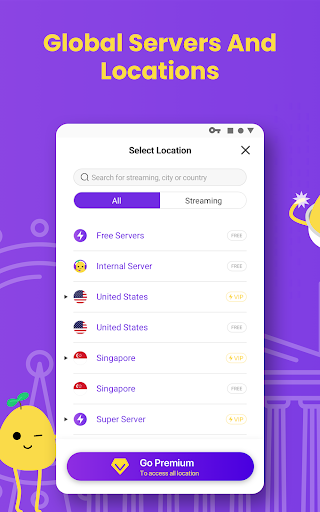
Start by opening the application and reviewing the connection options available on your device. Depending on the version and available servers, you may be able to select a suitable location before establishing the VPN connection.
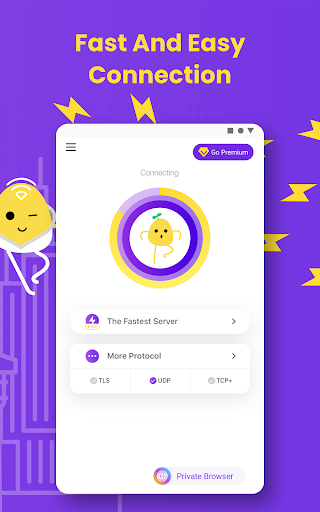
When you are ready, start the VPN connection and allow the required system permission. Once the connection is active, your internet traffic will be routed through the VPN service. You can then continue browsing or using online applications as usual.
For public Wi-Fi, it is a good idea to activate the VPN before accessing accounts or entering personal information. When the protected connection is no longer needed, disconnect it through the application or your device’s VPN controls.
Keep in mind that VPN performance may change from one server to another. If the connection becomes slow or unstable, trying another available server or switching to a stronger network may improve the experience.
VPN PotatoVPN – WiFi Proxy is a convenient mobile VPN option for users who want an additional layer of privacy and protection during everyday internet use. Its straightforward approach can make VPN connections easier to manage, especially when using public Wi-Fi. Nevertheless, a VPN is only one part of good online security. Users should continue practicing safe browsing, protecting their accounts, and avoiding suspicious content. For people looking for a simple way to manage a VPN connection on mobile devices, the app can be a practical option.