ImageSearchMan – Image Search
v3.73
• Unlocked
| Updated On | |
|---|---|
| Google Play ID | dev.stephenkingston.ntfsreader |
| Category | Tools |
| Version | 1.8.1 |
| Size | 4 MB |
| MOD Features | Premium |
| Requires | Android 8.0 |
| Price | |
| Free | |
| Content Rating | |
| Everyone | |
| Internet Required | |
| Unknow | |

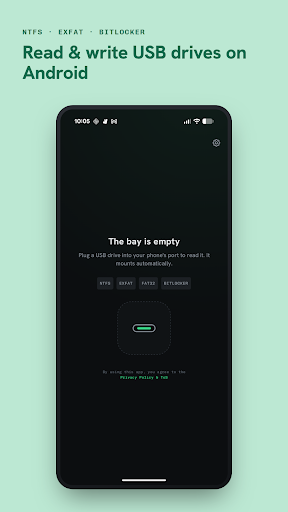
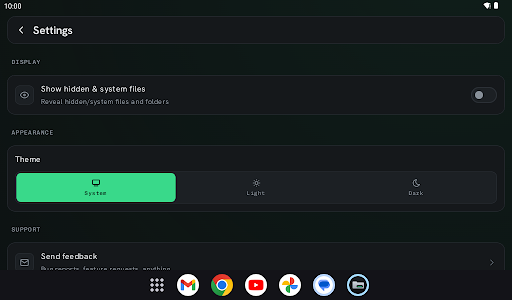
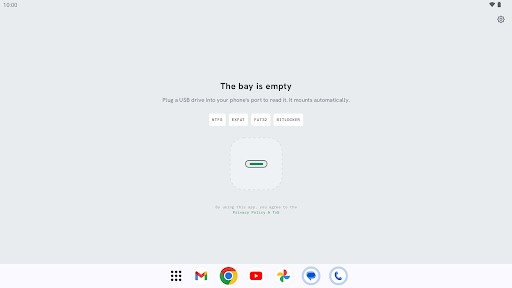
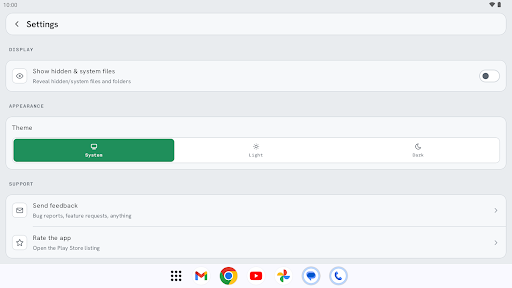
NTFS Reader: USB+Bitlocker is an application designed to help users access data stored on NTFS-formatted storage devices when connected to an Android smartphone or tablet. It is aimed at people who frequently use USB drives, external hard drives, or other external storage but encounter limitations when Android cannot directly read certain NTFS partitions. In addition to NTFS, the app also focuses on accessing data protected by BitLocker.
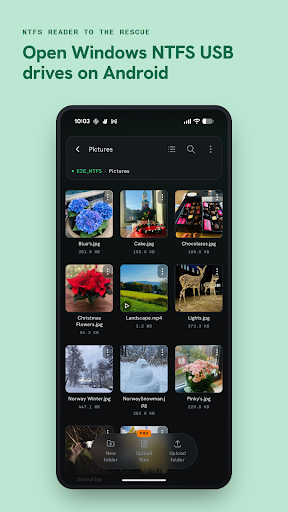
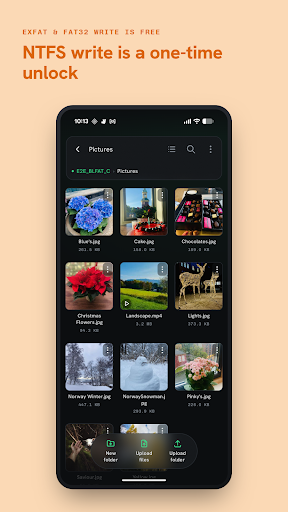
The main highlight of NTFS Reader: USB+Bitlocker is its ability to help Android devices recognize and access data from USB drives or external storage formatted with NTFS. After connecting a compatible storage device through a USB OTG cable or adapter, the app can scan the external storage and display available files and folders.
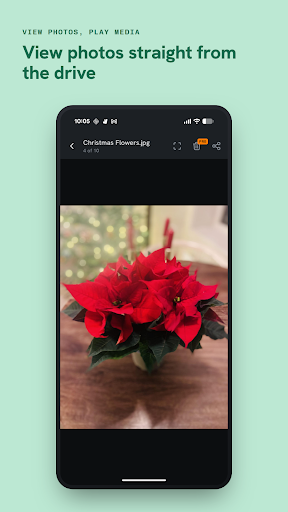
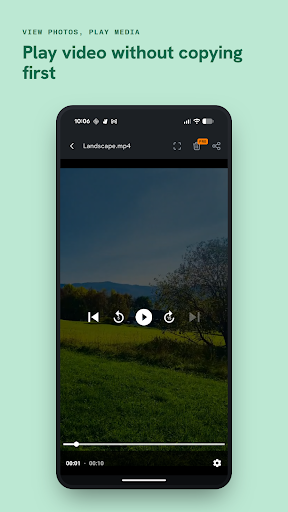
This can be particularly useful when you need to open documents, images, videos, or other files stored on an NTFS drive without reformatting the storage device. Its file management interface makes browsing and accessing stored content more straightforward, making it suitable for both casual users and people who frequently work with external storage.
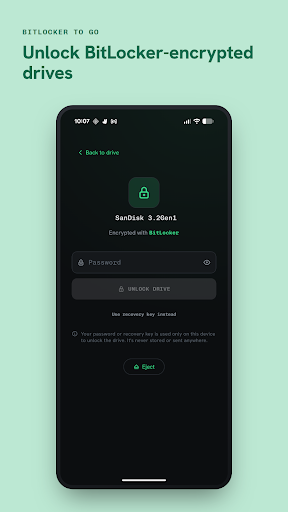
Besides NTFS support, NTFS Reader: USB+Bitlocker also focuses on accessing drives encrypted with BitLocker. This feature can be useful for users who regularly move storage devices between Windows computers and Android devices.
When a compatible BitLocker-encrypted drive is connected, the app may request the necessary authentication information before allowing access to the stored data. This allows users to check files on the drive without necessarily reconnecting it to a Windows computer. However, actual compatibility may depend on the Android version, storage device, and encryption method being used.
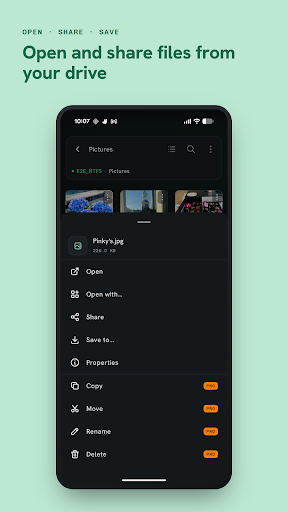
After detecting a storage device, NTFS Reader: USB+Bitlocker provides an environment for browsing folders and checking stored content. Its organization is similar to that of a conventional file manager, helping users quickly locate documents or multimedia files they need.
The ability to work directly with USB storage is also useful when you only need temporary access to files. For example, you can connect an external drive containing work documents or a video collection and check its contents directly on your smartphone without copying everything to internal storage.
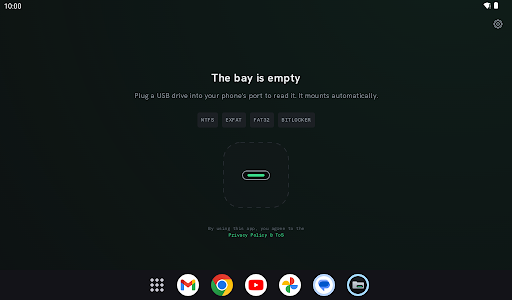
First, make sure your Android smartphone supports USB OTG and prepare a suitable cable or adapter. Connect the USB drive or external hard drive to your Android device, then open NTFS Reader: USB+Bitlocker. When the system asks for permission to access the USB device, allow the app if you want to browse its contents.
Next, select the detected storage device in the application to view its folders and files. For a BitLocker-protected drive, provide valid authentication information when requested. If the storage device is not detected, check the OTG cable, the power supply available to the drive, and your phone’s compatibility with the connected hardware.
The main advantage of NTFS Reader: USB+Bitlocker is its focus on a specific but useful requirement: accessing NTFS external storage and BitLocker-protected data directly on Android. This can save time when you simply need to read or check files without changing the storage device’s existing format.
However, the actual experience does not depend entirely on the application. USB OTG support, power requirements, drive type, Android version, and device access policies can all affect whether the storage device is recognized correctly. External hard drives that require more power may also need a suitable hub or additional power source.
NTFS Reader: USB+Bitlocker is a useful tool for Android users who frequently work with USB drives and NTFS-formatted external storage. Its additional focus on BitLocker makes it more practical in situations where users need to access protected data from storage devices that are commonly used with Windows. If your Android device supports USB OTG and the connected hardware is compatible, the app can provide a convenient way to browse NTFS data directly from a mobile device.