home chevron_right Apps chevron_right Photos & Videos chevron_right VN: Photo & Video Editor

ihancer – AI image enhancer
v1.0.65
• Premium
| Updated On | |
|---|---|
| Google Play ID | com.frontrow.vlog |
| Category | Photos & Videos |
| Version | 2.23.2 |
| Size | 408 MB |
| MOD Features | Premium |
| Requires | Android 7.0 |
| Price | |
| Free | |
| Content Rating | |
| Teen | |
| Internet Required | |
| Unknow | |

VN: Photo & Video Editor is a multimedia editing app designed for users who want to create and refine photos and videos on a mobile device. It combines editing tools with a practical workflow for trimming clips, adjusting visuals, adding text, applying effects, and arranging multiple elements. The app can support casual creators, social media users, and anyone who wants more control over mobile content without relying on a desktop editor.
Mobile content often requires quick editing before it can be shared. A flexible editor can help users turn ordinary recordings and images into more polished visual content.
VN: Photo & Video Editor provides a workspace for organizing and modifying different media elements. Users can work with video clips, photos, text, music, and visual effects within an editing project. This makes the app useful for short-form content, personal videos, travel memories, and social media posts.
Video editing becomes easier when individual elements can be adjusted without changing the entire project. Users can arrange clips in sequence, modify their timing, and combine different media types to create a consistent result.
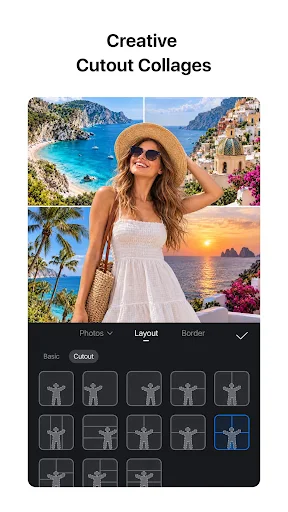
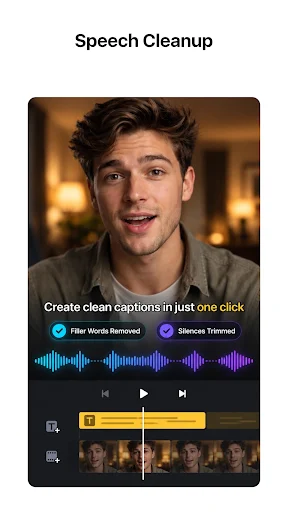
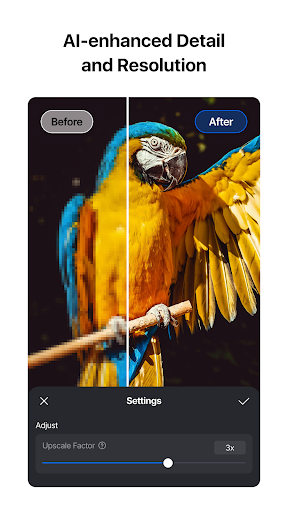
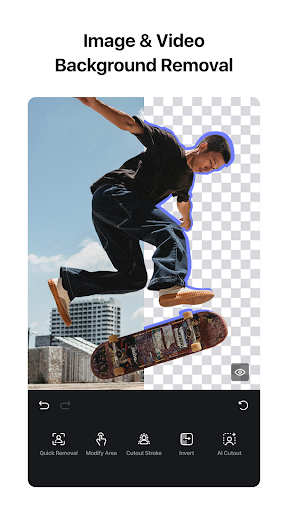
Basic visual adjustments can also help improve the appearance of photos and video footage. Depending on the editing task, users can refine the presentation through filters, effects, text overlays, and other available adjustment tools.
The app is designed around a practical editing workflow rather than a single specialized function. Users can begin with their existing media and gradually build a project by adding clips, images, audio, text, and effects.
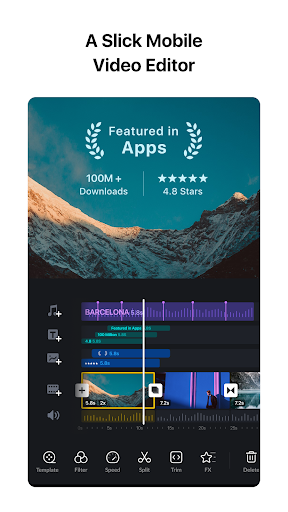
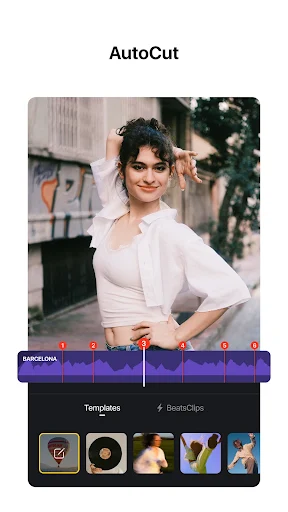
Timeline-based editing is particularly useful for video projects. It allows users to control the order and duration of individual clips. This can make it easier to remove unnecessary sections and create smoother transitions between different scenes.
Text and visual effects can also add more personality to a project. However, using too many effects can make content feel distracting. A simple combination of clear text, appropriate transitions, and balanced visuals often creates a more consistent result.
Start by organizing the photos and video clips you want to use. Remove unnecessary footage before adding decorative elements. This creates a cleaner foundation and can make the editing process more efficient.
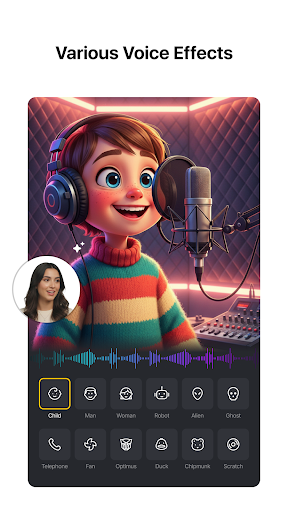
Next, arrange the main clips in the desired order and adjust their duration. Add background music or other audio when appropriate. Keep audio levels balanced so that music does not overpower important speech or natural sounds.
After completing the main edit, review the project from beginning to end. Check transitions, text placement, timing, and overall visual consistency. Export the finished content only after confirming that the final version matches your intended format and purpose.
VN: Photo & Video Editor offers a versatile mobile editing environment for creating and refining visual content. Its combination of timeline editing, media organization, text, audio, effects, and visual adjustments can support many everyday creative projects.
The app is particularly useful for users who want to edit content directly on a smartphone or tablet. By starting with a clear project structure and using effects selectively, users can create cleaner and more engaging photos and videos without making the workflow unnecessarily complicated.