home chevron_right Apps chevron_right Photos & Videos chevron_right Perfect365


VRTV VR Video Player
v4.1.0
• Unlocked
| Updated On | |
|---|---|
| Google Play ID | com.arcsoft.perfect365 |
| Category | Photos & Videos |
| Version | 10.33.22 |
| Size | 286 MB |
| MOD Features | Pro Unlocked |
| Requires | Android 8.0 |
| Price | |
| Free | |
| Content Rating | |
| Everyone | |
| Internet Required | |
| Not Required | |
| Languages | |
| English, French, German, Hindi, Indonesian, Italian, Japanese, Korean, Portuguese, Russian, Simplified Chinese, Spanish, Traditional Chinese | |

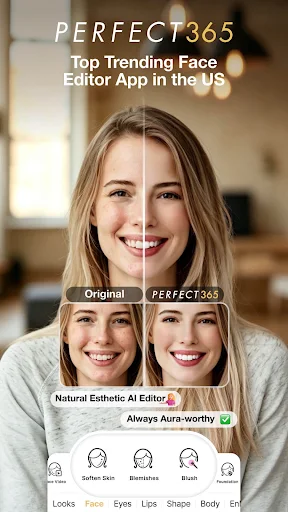
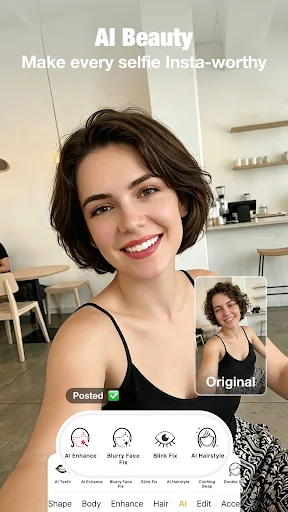
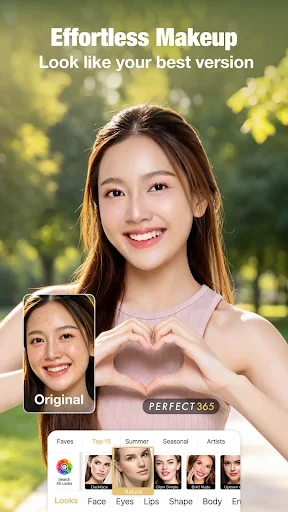
Perfect365 is a virtual makeup and photo-editing app that helps you experiment with different beauty looks without applying makeup in real life. It combines ready-made styles with individual tools for adjusting facial features, skin appearance, lipstick, eyebrows, and more. Whether you prefer a subtle everyday look or a more glamorous makeover, Perfect365 gives you creative ways to personalize your photos.
Perfect365 is designed for people who enjoy taking selfies and want more control over their appearance in photos. Rather than relying on a single beauty filter, the app offers a collection of makeup effects and facial adjustments that you can combine to create a look that matches your preferences.
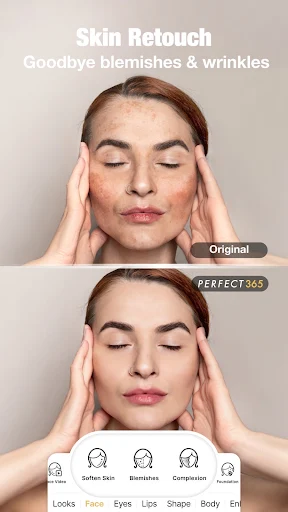
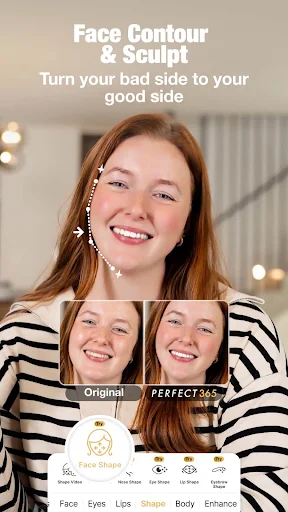
You can experiment with different lipstick shades, eye makeup, blush, and skin tones. The app also provides retouching options for reducing the appearance of blemishes, softening skin, whitening teeth, and adjusting facial contours. These tools make it possible to create anything from a light touch-up to a more noticeable transformation with just a few adjustments.
Finding a makeup style that suits you can take time, especially when you are unsure which colors or combinations work best. Perfect365 makes this process easier by providing ready-made looks inspired by different beauty trends and makeup styles.
Choose a preset to preview a complete look, then modify individual details until you are satisfied with the result. You can adjust the intensity of certain effects instead of applying every element exactly as it appears in the original template. This flexibility is useful when you want to keep your natural appearance while adding a little more definition.
Perfect365 includes a variety of preset looks, filters, and visual effects for users who prefer quick editing. These templates cover different styles, allowing you to experiment with makeup combinations without having to adjust every detail manually.
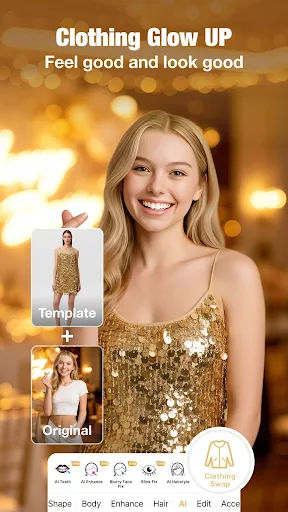
The app also supports creative customization through stickers and other decorative elements. Depending on the available version, you may find additional styles and effects introduced through updates. This gives you more opportunities to refresh your photos and try different looks for social media posts.
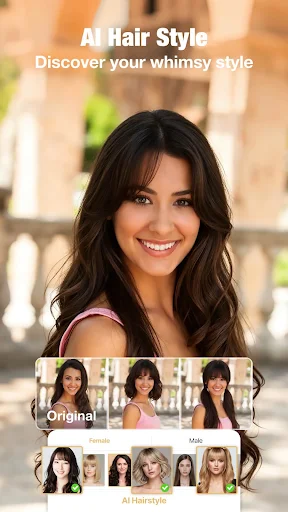
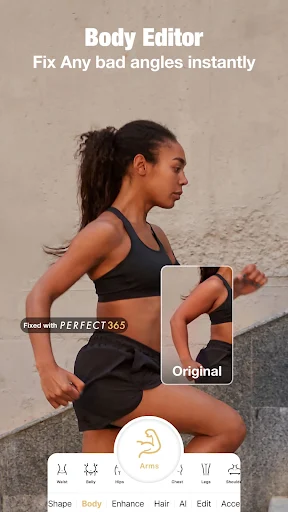
For users who prefer hands-on editing, Perfect365 offers tools for adjusting specific parts of the face. Its makeup options may include lipstick, eyebrow shaping, eyeliner, lashes, and blush, while other adjustments let you experiment with hair color and skin tone.
You can combine these tools to create a consistent appearance instead of relying entirely on automatic filters. For a more natural result, start with subtle changes and gradually increase the effect strength. The final appearance will depend on the original photo, lighting, and how you configure each tool.
Not everyone wants to spend several minutes editing a selfie. Perfect365’s quick makeup options help simplify the process by applying a coordinated look with minimal effort. Select a preset that matches your preferred style, preview the result, and make additional changes if necessary.
Automatic facial detection also helps the app identify facial areas for applying makeup and retouching effects. This can make editing more convenient, although results may vary depending on image quality, face angle, and lighting conditions.
Once your makeup and retouching adjustments are complete, you can save your edited image and share it on social platforms. The combination of filters, facial adjustments, and makeup presets gives you several ways to prepare a photo for different occasions.
Perfect365 can be useful for everyday selfies, profile pictures, or creative beauty experiments. However, it is worth keeping edits balanced if you want your photos to retain a natural appearance.
The MOD version is presented with the following feature:
Pro Unlocked: Provides access to Pro features that may otherwise require a subscription or payment in the standard version.
The exact availability of premium tools can vary depending on the APK release. Perfect365 MOD is an unofficial modified version, so it may also come with compatibility, update, or security risks. Consider these factors before installing it and avoid granting permissions that are unrelated to the app’s functions.
Want to try its virtual makeup tools? Use the APKMODY website to locate the version you need. Here is a quick checklist to guide you through the process:
Open APKMODY: Visit the website using your Android browser.
Search for Perfect365: Enter the app’s name in the search field and open the matching page.
Compare the available files: Review the version information and choose the standard APK or MOD release, if available.
Save the APK: Select the download option and wait until the file has been saved to your device.
Complete installation: Find the downloaded file through your browser’s download history or file manager. Open it and follow Android’s installation prompts. If necessary, enable permission to install apps from that particular source.
Launch the app: Open Perfect365, choose a photo, and start exploring its makeup and retouching tools.