home chevron_right Apps chevron_right Photos & Videos chevron_right SCRL: Photo Collage Maker


PureStatus: ByeBye Blur Status
v2026.14
• Premium
| Updated On | |
|---|---|
| Google Play ID | com.appostrophe.scrl |
| Category | Photos & Videos |
| Version | 1.30 |
| Size | 116 MB |
| MOD Features | Premium |
| Requires | Android 7.0 |
| Price | |
| Free | |
| Content Rating | |
| Everyone | |
| Internet Required | |
| Unknow | |

SCRL: Photo Collage Maker is a creative photo editing app designed for users who want to turn individual images into stylish collages and social media layouts. It provides tools for arranging photos across a canvas, creating seamless compositions, and adding a more polished visual structure to everyday pictures. The app can be useful for travel albums, event memories, mood boards, Instagram posts, and other projects where several images need to work together as one design.
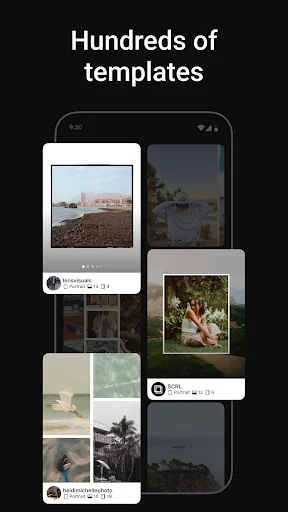
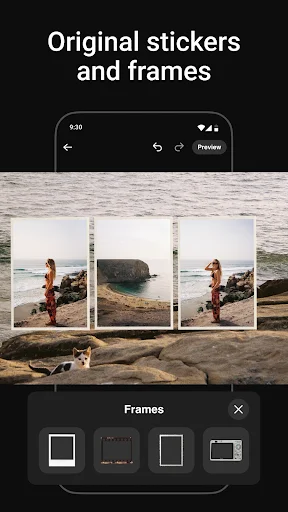
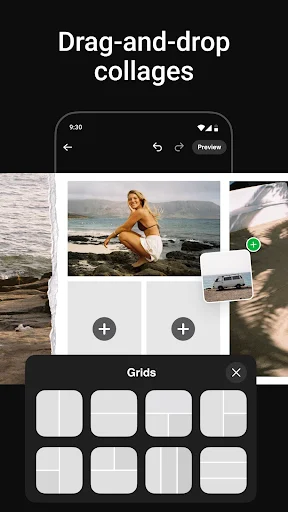
The main purpose of the app is to help users combine multiple photographs into a single visual composition. Instead of placing every image inside a basic rectangular grid, users can experiment with different arrangements and create designs that feel more dynamic. Photos can be positioned, resized, and organized according to the desired layout.
This approach gives users more freedom when presenting a collection of images. A series of vacation photographs, for example, can be arranged into a flowing composition rather than displayed as separate posts. The result can feel more connected and visually consistent, especially when the selected images share similar colors or themes.
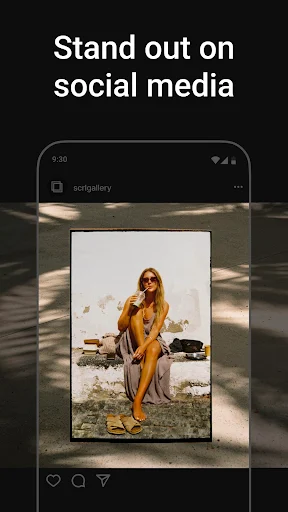
Social media is an important use case for collage-making tools. Users can create visual stories from several photographs and adapt them to different types of posts. The ability to arrange images creatively can also help when preparing content for personal profiles, portfolios, lifestyle pages, or special occasions.
One of the most useful aspects of a collage editor is the ability to treat several photographs as parts of one larger design. Instead of applying the same layout to every project, users can adjust the position and scale of individual images to create a more personalized composition. This can be especially effective for panoramic arrangements and visual storytelling.
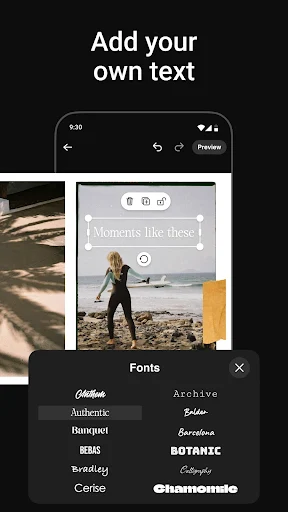
A good collage is not only about fitting photographs together. Spacing, proportions, backgrounds, and image order can all influence the final appearance. Users can experiment with these elements to create designs that match a particular mood. Minimal layouts can keep attention on the photographs, while more elaborate compositions can create a stronger editorial or scrapbook-inspired appearance.
However, creating an attractive collage still requires some attention to composition. Using too many photographs can make the design feel crowded, while images with very different colors may reduce visual consistency. Choosing a smaller selection of complementary photos can often produce a cleaner result.
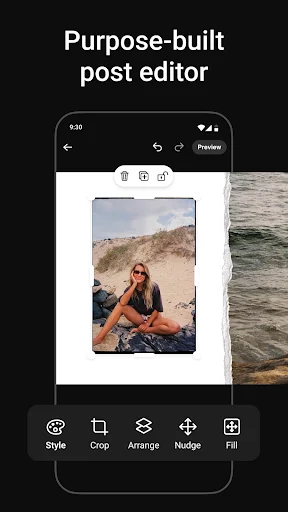
Start by selecting the photographs you want to include in a project. Arrange them on the available canvas and adjust their size and position until the composition feels balanced. Experiment with spacing and backgrounds if those options are available, then review the complete design before saving it.
For social media projects, consider choosing photographs with a consistent subject, color palette, or visual mood. Avoid filling every part of the canvas simply because there is available space. Leaving some breathing room can make important images stand out more clearly. When preparing a larger photo story, arrange the pictures in an order that creates a natural visual flow from one image to the next.
SCRL: Photo Collage Maker offers a creative way to combine photographs into visually engaging compositions. Its collage-focused approach can be useful for social media posts, travel memories, personal projects, and other situations where several images need to tell a connected story. The quality of the final result depends not only on the available editing tools but also on photo selection and composition. By choosing complementary images and keeping the layout balanced, users can create polished designs without relying on complicated des