home chevron_right Apps chevron_right Photos & Videos chevron_right ToonApp

IPTV Smart Player Pro
v3.1.0
• Unlocked
| Updated On | |
|---|---|
| Google Play ID | com.lyrebirdstudio.cartoon |
| Category | Photos & Videos |
| Version | 4.0.7 |
| Size | 119 MB |
| MOD Features | Pro Unlocked |
| Requires | Android 9 |
| Price | |
| Free | |
| Content Rating | |
| Everyone | |
| Internet Required | |
| Required | |
| Languages | |
| English, Arabic, Filipino, French, German, Hindi, Indonesian, Japanese, Korean, Portuguese, Russian, Simplified Chinese, Spanish, Thai, Traditional Chinese, Turkish | |

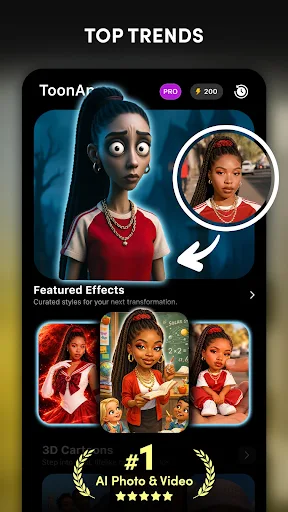
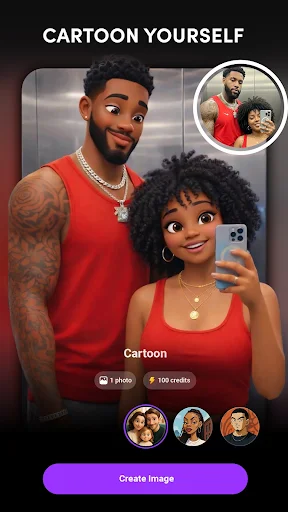
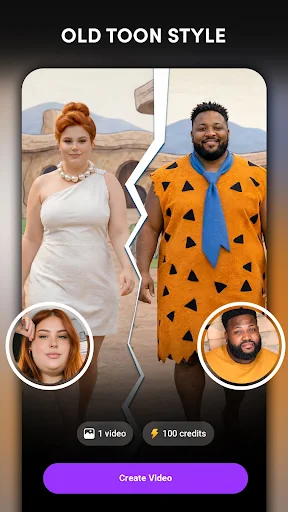
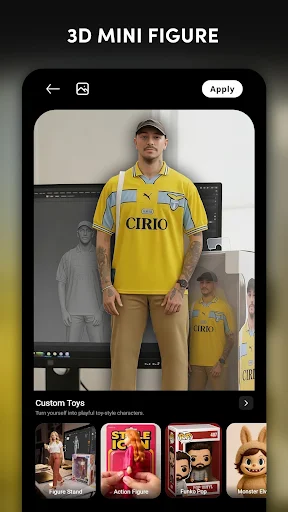
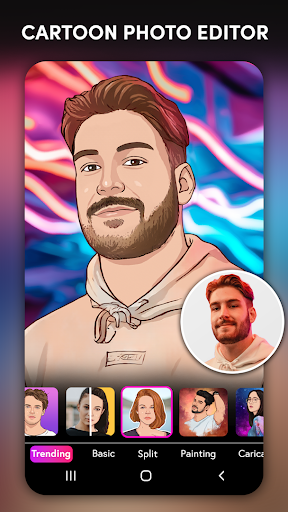
ToonApp brings a playful twist to mobile photography by transforming ordinary portraits into colorful cartoons, caricatures, and artistic illustrations. With AI-powered effects, face-swapping options, background removal, and creative drawing tools, you can give every selfie a distinctive appearance. Explore its most interesting features and discover how to download ToonApp through APKMODY in this article.
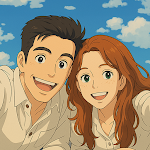
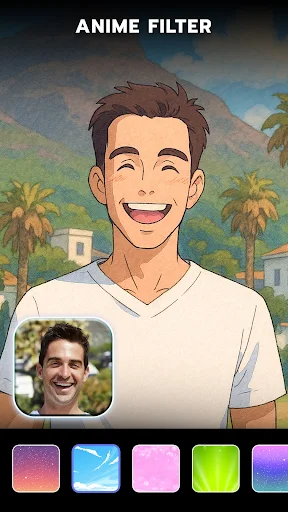
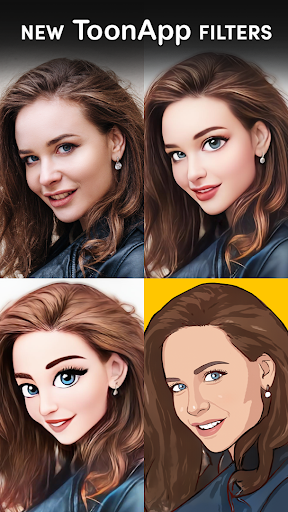
ToonApp is a mobile photo editing application designed for users who enjoy experimenting with different visual styles. Instead of relying on conventional adjustments such as brightness or contrast, it focuses on transforming human portraits into cartoon-inspired artwork. A regular selfie can become an animated character, an exaggerated caricature, or a stylized digital illustration with only a few editing steps.
The application combines ready-made filters with AI-assisted editing functions, making creative transformations accessible even to beginners. Users simply select a photograph, browse the available effects, and apply their preferred look. The straightforward interface also makes it convenient to experiment with multiple styles before choosing a final result.
One of ToonApp’s main attractions is its collection of cartoon filters and caricature effects. These presets reinterpret facial features through different artistic approaches, ranging from colorful animated appearances to exaggerated illustrations. Each option offers a distinct visual treatment, allowing users to find a style that matches their personality.
You can also experiment with several effects instead of relying on a single preset. Combining cartoon-inspired filters with sketch textures or other artistic adjustments creates more individual results. This flexibility makes the editing process feel less repetitive, particularly for people who regularly update their profile pictures.
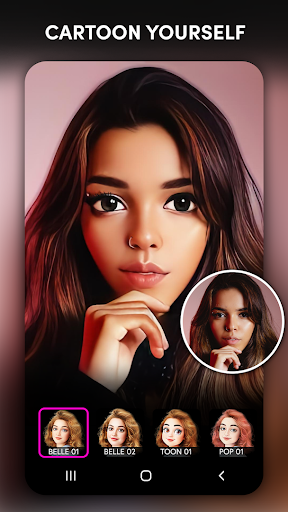
A distinctive profile picture can make a social media account more recognizable. ToonApp helps users create personalized avatars by converting ordinary portraits into cartoon characters with expressive details and vibrant visual effects.
Once editing is complete, the resulting images can be saved and shared across platforms such as Instagram, Facebook, WhatsApp, Pinterest, and TikTok. Users can also combine multiple edited portraits into creative image collections, making them suitable for entertaining posts, stories, or themed social media content.
ToonApp offers face-swapping tools that allow users to experiment with different character appearances. You can transform a portrait into a cartoon-style face and explore available templates that place your facial features into alternative illustrated designs.
This feature creates opportunities for humorous edits and imaginative compositions. Rather than keeping your original appearance unchanged, you can experiment with different character styles and create portraits that look completely different from conventional selfies.
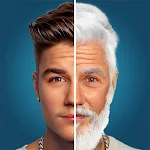
For users who enjoy exaggerated artwork, ToonApp also includes big-head effects and caricature-inspired transformations. These options emphasize certain facial proportions, producing playful portraits with oversized heads and distinctive expressions.
Some editing options allow you to adjust the head size to achieve a preferred result. You can experiment with different proportions until the image looks entertaining without losing the recognizable details of the original portrait. The finished creations are also suitable for sharing through the #BigHeadChallenge and other social media trends.
Beyond automatic filters, ToonApp provides additional editing options for users who want more control over their portraits. After importing an existing photograph or taking a new selfie, you can explore the available tools to modify different visual elements.
Depending on the selected editing mode, adjustments may include facial proportions, eye appearance, hair color, and other portrait details. These functions help users personalize their cartoon transformations rather than simply applying a preset and accepting the first result.
The AI-assisted workflow makes complicated visual transformations easier to approach. Even without professional illustration experience, users can experiment with different appearances and gradually create artwork that reflects their creative preferences.
ToonApp is not limited to conventional cartoon portraits. Its editing collection also includes illustration-inspired effects, sketch treatments, and painting-style filters. These options give ordinary photographs a different artistic identity, ranging from hand-drawn appearances to colorful digital artwork.
Mixing several visual treatments can produce more distinctive results. For example, a cartoon filter combined with a sketch effect may create an illustration-like portrait, while painting-inspired presets offer a softer and more decorative finish. This variety encourages users to explore beyond the application’s most recognizable cartoon transformations.
A distracting background can reduce the visual impact of an otherwise attractive portrait. ToonApp addresses this problem with an automatic background removal function that identifies the main subject and separates it from the surrounding environment.
Instead of manually outlining every detail, users can rely on the automated process to simplify the editing workflow. This is particularly useful when working with portraits containing people, allowing the main subject to stand out more clearly.
After removing the original scenery, you can experiment with different backgrounds to create a more appealing composition. A simple portrait can become a colorful cartoon scene, a themed avatar, or a more artistic social media image.
The process is designed to require only a few interactions, making background customization accessible to casual users. Combined with ToonApp’s portrait filters, this function helps transform an ordinary photograph into a more complete piece of digital artwork.
ToonApp also provides creative tools such as Magic Brush and Pencil Sketch, giving users more freedom to customize their images. These functions introduce a different approach to editing by allowing additional artistic details to become part of the final composition.
You can experiment with sketch-inspired textures, decorative shapes, and colorful visual elements to make your portraits more expressive. Adding hearts, sparkling stars, and other playful details can turn a simple cartoon selfie into a personalized illustration.
For those who prefer traditional artistic appearances, ToonApp includes various painting-inspired and sketch filters. Oil painting effects give portraits a more textured look, while pencil-style treatments emphasize outlines and drawing details.
The available vector-inspired effects and illustrated presets provide even more opportunities to experiment. Whether you want a cute animated avatar or an artwork resembling a hand-drawn portrait, these tools make it easier to explore different creative directions.
The MOD version of ToonApp is advertised with the following modification:
Pro Unlocked: Designed to provide access to Pro-related features without the standard subscription restrictions.
Keep in mind that modified APK files are unofficial releases. Their functionality, security, and compatibility are not guaranteed, and some features may require online verification or an active account subscription.
Ready to give your selfies a completely different appearance? You can find ToonApp through APKMODY by following this alternative download procedure:
Access The APKMODY Homepage: Open your Android browser and visit the APKMODY website.
Locate ToonApp: Use the search function to find the ToonApp application page.
Choose Your Preferred Edition: Review the available APK and MOD versions, paying attention to their descriptions and compatibility information.
Save The Installation Package: Select the corresponding download link and wait for the file to be saved to your device.
Complete The Installation: Find the downloaded APK in your device’s file manager, open it, and follow Android’s installation prompts. Enable the requested installation permission only when necessary.