
VPN PotatoVPN – WiFi Proxy
v64.0.1
• Premium
| Updated On | |
|---|---|
| Google Play ID | com.superear.improvehearing |
| Category | Tools |
| Version | 73.3 |
| Size | 17 MB |
| MOD Features | Premium |
| Requires | Android 7.0 |
| Price | |
| Free | |
| Content Rating | |
| Everyone | |
| Internet Required | |
| Unknow | |

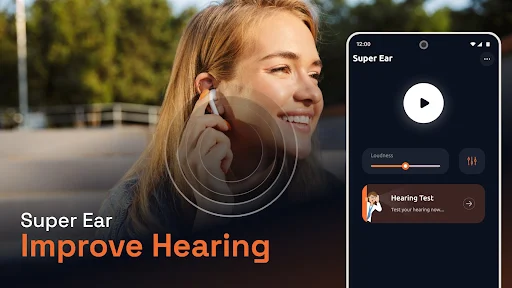
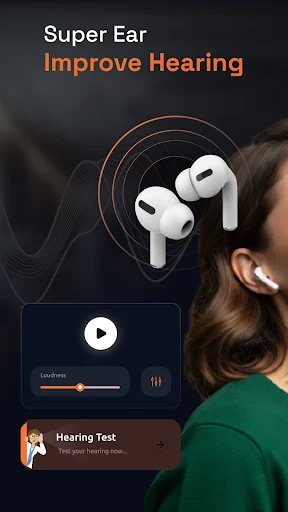
Super Ear – Improve Hearing is an Android app designed to enhance everyday listening through sound amplification and noise reduction. It uses the phone’s microphone to capture surrounding sounds and sends amplified audio to connected headphones or earphones. Users can adjust sound levels, tone, frequencies, and left-right balance based on their listening preferences. The app also supports different microphone options, recording and replay, and Bluetooth listening. With these tools, Super Ear – Improve Hearing can be useful for casual listening in classrooms, meetings, at home, or in other situations where users want clearer audio. The app is currently listed on Google Play with more than 100,000 downloads and contains ads and in-app purchases.
The main idea behind Super Ear – Improve Hearing is simple. The app uses the smartphone microphone to capture nearby sounds and amplify them through headphones or earphones. This can make voices and other sounds easier to hear in certain everyday situations.
Users can try the app in environments such as classrooms, meetings, cafés, or while watching television. The results can depend on the phone microphone, connected headphones, background noise, and distance from the sound source. Therefore, the app works best when users experiment with its available controls and choose a suitable listening setup.
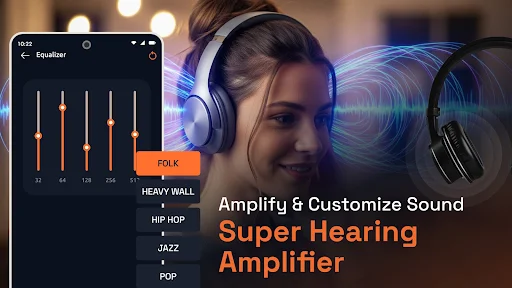
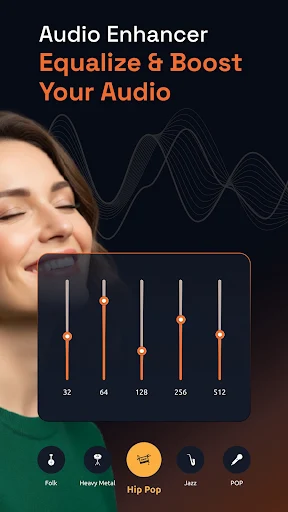
Super Ear – Improve Hearing includes sound amplification tools for increasing the level of quieter voices and sounds. Users can also adjust volume, tone, and frequencies with built-in controls. These options provide more flexibility than simply increasing the phone’s overall volume.
The noise reduction feature is designed to minimize unwanted background sounds. This can be useful in places where several sounds compete for attention. However, noise reduction may affect the character of the audio, so users may need to adjust the settings to find a comfortable result.
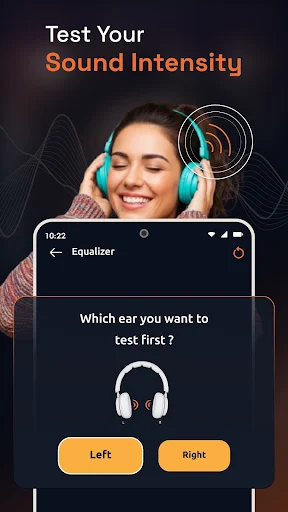
The app supports several microphone configurations. Depending on the device and accessories, users can select the phone microphone, headset microphone, or Bluetooth microphone. Audio can then be played through wired earphones, earbuds, or Bluetooth headphones.
This flexibility makes the application suitable for different listening situations. Users can change their setup depending on whether they are sitting in a classroom, attending a meeting, watching television, or simply testing the sound amplification feature.
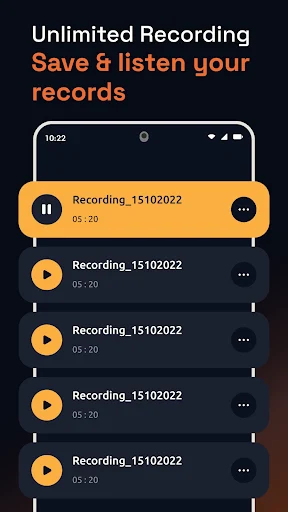
Another useful feature is recording and replay. Users can save selected audio for later listening. This can be convenient for personal notes, lectures, or other situations where replaying audio is useful. The feature should still be used responsibly, especially when recording other people.
Super Ear – Improve Hearing also provides left and right balance controls. Users can adjust the volume balance between both sides for a more comfortable listening experience. This gives the app an additional level of customization for people who prefer different audio levels between their headphones.
Open Super Ear – Improve Hearing and grant the required microphone permission. Connect compatible wired or Bluetooth headphones before starting the listening session. Select the preferred microphone option and begin the sound amplification function.
Adjust the volume, tone, frequency, and noise reduction controls gradually. Avoid setting the amplification too high, especially when using headphones. If the audio sounds unnatural, reduce the amplification or change the available filters. You can also adjust the left-right balance to suit your listening preference.
The application was updated on September 14, 2026, with improvements to its current Android experience. Its Google Play listing also states that the app is not a medical device or a certified hearing aid application. It is intended for entertainment, sound enhancement, and personal use. Users with hearing concerns should consult a qualified healthcare professional.
Super Ear – Improve Hearing provides a collection of sound amplification tools for users who want more control over everyday listening. Its microphone selection, noise reduction, frequency controls, recording feature, Bluetooth support, and left-right balance settings give users several ways to customize amplified audio.
The app can be useful for casual listening in different environments, but its performance depends on the phone, microphone, headphones, and surrounding conditions. It should not be considered a replacement for professional hearing equipment. For users looking for a simple way to experiment with amplified sound through an Android phone, Super Ear – Improve Hearing offers a convenient set of listening features in one application.