
ImageSearchMan – Image Search
v3.73
• Unlocked
| Updated On | |
|---|---|
| Google Play ID | com.pnn.obdcardoctor_full |
| Category | Tools |
| Version | 8.0.12 |
| Size | 24 MB |
| MOD Features | Unlocked |
| Requires | Android 7.0 |
| Price | |
| $4.99 | |
| Content Rating | |
| Everyone | |
| Internet Required | |
| Unknow | |

inCarDoc Pro | OBD2 targets a moment that makes many drivers uneasy: the Check Engine light suddenly turning on with no clear idea of what’s actually wrong. Instead of driving straight to a mechanic just to get an error code read, the app turns a phone into a portable OBD2 scanner when paired with a compatible adapter.
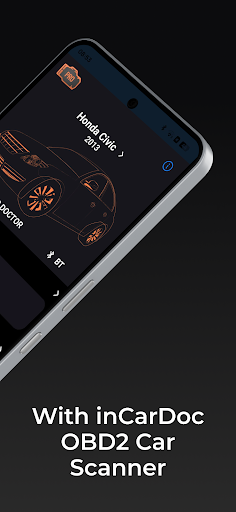
The app is developed by PNN SOFT, has been on Google Play since March 2013, and has passed 100,000 downloads. inCarDoc Pro | OBD2 works with an ELM327 reader or compatible devices such as Kiwi 3, V-Gate iCar 3, Veepeak, Carista, or Vinli, connecting over Bluetooth, Wi-Fi, or BLE depending on the device. The app requires the vehicle to comply with the OBD-II standard and supports the CAN protocol under ISO 15765-4, which covers most vehicles built from around 2008 onward.
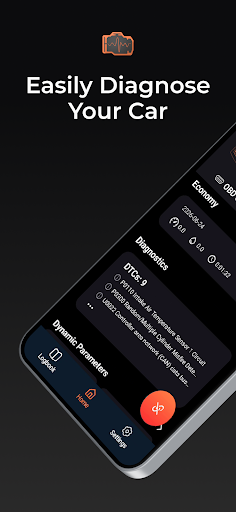
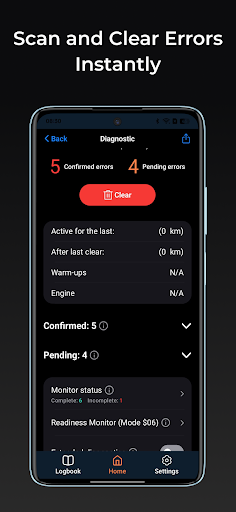
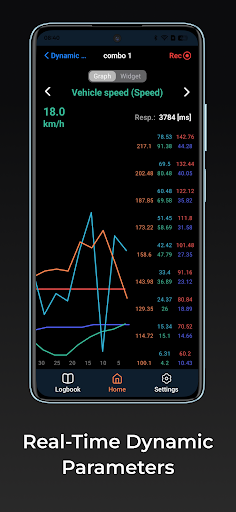
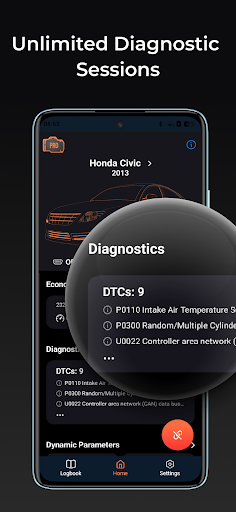
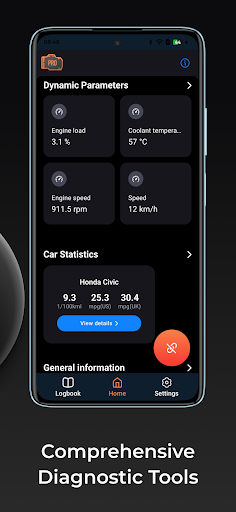
The core function is reading diagnostic trouble codes (DTC) when the Check Engine light comes on, displaying the light’s status, related freeze frame data with detailed descriptions for each code, and clearing stored codes once an issue has been fixed. The app also reads real-time parameters straight from the engine control unit (ECU), making it possible to monitor engine behavior while driving instead of only checking after something goes wrong. Some feedback notes the app works reliably with Bluetooth readers and can scan multiple modules on a car, including ones it can’t specifically identify by name, while connecting through Wi-Fi readers has proven more troublesome for some users.
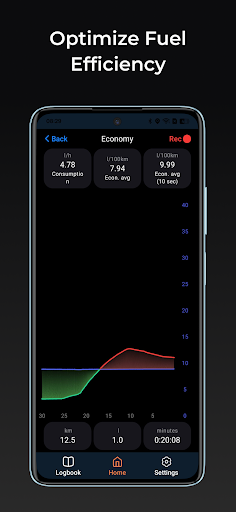
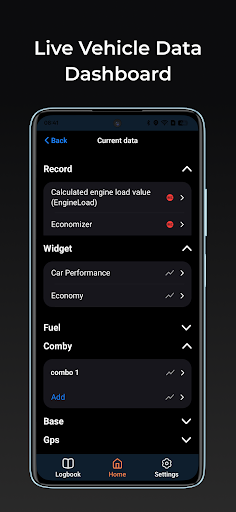
The Pro version unlocks the ability to log real-time data over time, display multiple parameters simultaneously, keep recording even while running in the background, and get detailed fuel economy statistics. For anyone without an OBD2 reader, the app still offers a GPS-only mode showing speed and altitude, though functionality is considerably more limited than with a full connection.
The app also includes extended widgets for things like fuel economy or acceleration, plus an overlay feature that displays data on top of whatever other app screen is currently open, making it possible to keep an eye on vehicle parameters without constantly switching between apps.
Before buying the Pro version, it’s worth testing the free version first to check whether the car and OBD2 reader on hand are actually compatible, something the developer itself recommends directly in the app description. If Wi-Fi connections are giving trouble, prioritizing a Bluetooth-capable reader is worth it, since several reports point to noticeably more stable performance over Bluetooth compared to Wi-Fi. When technical support is needed, turning on Debug logging under Configuration before reaching out tends to help, since sending the log file gives support a much clearer picture than a written description alone.
Overall, inCarDoc Pro | OBD2 suits anyone who wants to keep tabs on their car’s condition and read error codes at home instead of heading to a shop every time the Check Engine light comes on. Real-time parameter reading, data logging, and support for a wide range of adapters are clear strengths, though reliability can vary depending on the specific reader and vehicle involved. It’s a worthwhile tool for anyone who handles their own car maintenance or wants a clearer picture of engine condition before taking it in for deeper repairs.