

SAI: Split APKs Installer
v2.4.3
• Unlocked
| Updated On | |
|---|---|
| Google Play ID | com.shicichaxun.video |
| Category | Tools |
| Version | 1.3.31 |
| Size | 94 MB |
| MOD Features | Unlocked |
| Requires | Android 7.0 |
| Price | |
| Free | |
| Content Rating | |
| Teen | |
| Internet Required | |
| Unknow | |

Video downloader, mp4, m3u8 is a practical mobile tool for users who frequently need to download supported online video files for offline access. The application focuses on handling common video formats and stream links, including MP4 and M3U8, through a straightforward downloading workflow. Instead of relying on complicated desktop software, users can manage supported downloads directly from a mobile device. Its usefulness is especially noticeable when saving videos for later viewing, organizing downloaded files, or working with compatible media sources that provide downloadable streams.
The main purpose of Video Downloader, MP4, M3U8 is to provide a convenient way to save supported video content to a mobile device. MP4 is a widely used video format that is compatible with many players and devices. M3U8, meanwhile, is commonly associated with HLS streaming playlists. When a supported link is available, the application can help users process the download without requiring them to work with technical tools manually.
M3U8 files are different from ordinary video files because they usually contain a playlist describing media segments rather than the complete video itself. This can make downloading streaming content more complicated. An application designed to handle M3U8 links can simplify the process by providing a more accessible interface. However, compatibility can depend on the website, stream configuration, encryption, and other technical restrictions.
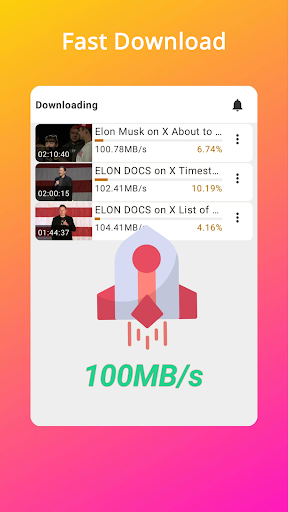
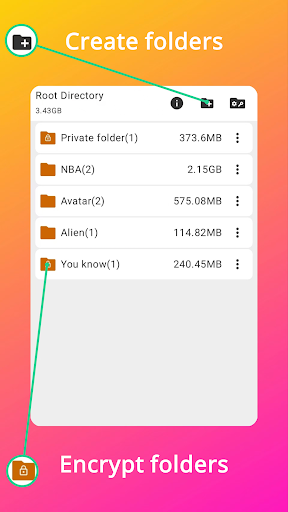
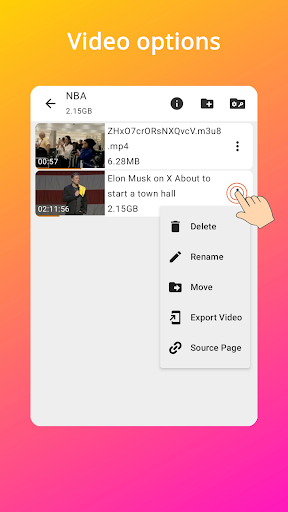
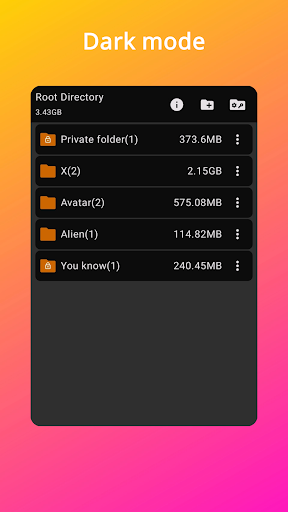
Downloading supported videos can be useful when users want to watch content without a continuous Internet connection. Saved files can also help reduce repeated streaming when the same video needs to be viewed more than once. Depending on the application’s current features, users may be able to monitor download progress and manage completed files from within the interface or through the device’s file manager.
Not every online video can be downloaded successfully. Websites may use authentication, encryption, DRM, access restrictions, or streaming methods that are not supported by a particular downloader. Users should also check the application’s requested permissions and avoid granting unnecessary access to personal information. Most importantly, downloaded content should be used in accordance with copyright rules and the terms of the website providing the media.
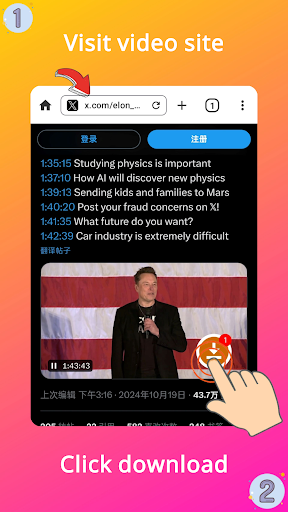
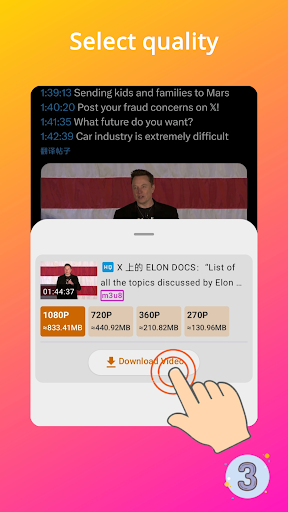
Start by opening the application and providing a supported video URL or M3U8 stream link, depending on the available input methods. Check the detected media information before starting the download. If multiple quality or format options are available, select one that matches your storage capacity and intended use. After the download begins, monitor its progress and wait until the file has been completed.
Once the download is finished, open the saved file using a compatible media player or locate it through your device’s file manager. If a link does not work, check whether the source requires login, uses DRM, or relies on an unsupported streaming configuration. Avoid repeatedly attempting restricted content and use legitimate download options whenever they are provided by the content owner.
Video downloader, mp4, m3u8 offers a convenient approach to handling supported video downloads on mobile devices. Its focus on MP4 files and M3U8 streams can make it useful for users who need offline access to compatible media. However, download success depends heavily on the source, streaming technology, permissions, and content restrictions. By using the tool responsibly and respecting copyright requirements, users can make better use of its downloading capabilities while keeping their mobile media collection organized.