

FlixPlayer
v4
• Unlocked
| Updated On | |
|---|---|
| Google Play ID | flar2.devcheck |
| Category | Tools |
| Version | 6.60 |
| Size | 29 MB |
| MOD Features | Unlock |
| Requires | Android |
| Price | |
| Free | |
| Content Rating | |
| Everyone | |
| Internet Required | |
| Unknow | |

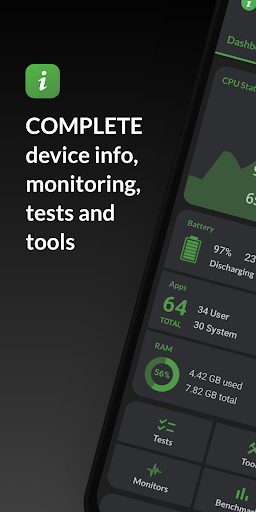
DevCheck is a useful utility app for Android users who want to learn more about their device. Instead of searching through different settings menus, the app brings information about hardware, system software, battery, memory, and other important components into one easy-to-read interface. It can be useful for everyday users as well as people who regularly check their phone’s performance.
Important device information is not always displayed in detail in the default Android settings. Details such as the CPU model, RAM, battery status, or screen specifications may be hidden or presented in a limited way. With a dedicated system information tool, users can access more technical data without installing a separate app for every component.
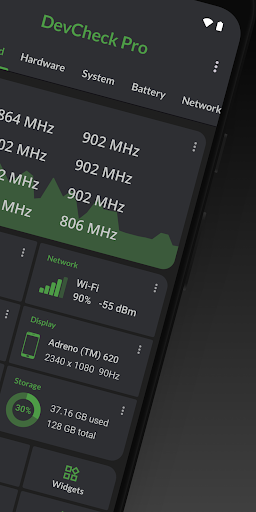
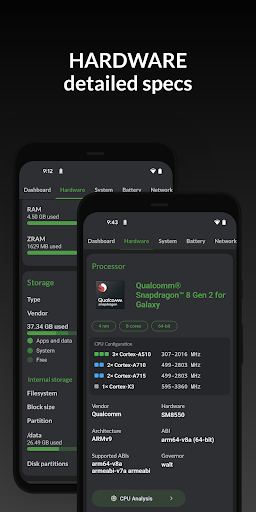
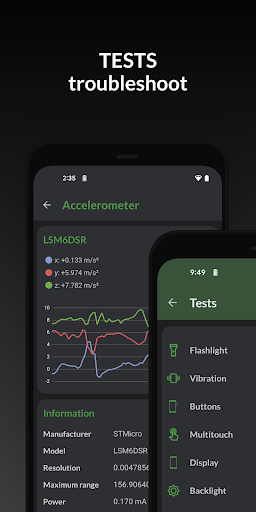
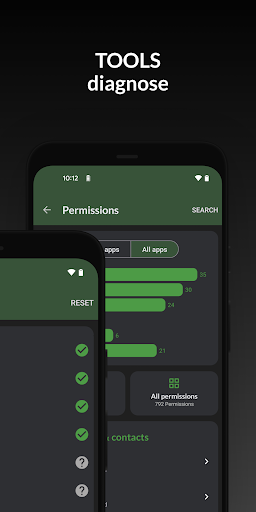
One of the main advantages of DevCheck is its ability to display a wide range of hardware and software information in one place. Users can check the processor, GPU, RAM, storage, Android version, and other details related to their device.
The interface organizes information into separate sections, making it relatively easy to find specific details. People who enjoy learning about smartphone specifications can quickly see what hardware their phone uses and get a better idea of how the system is operating.
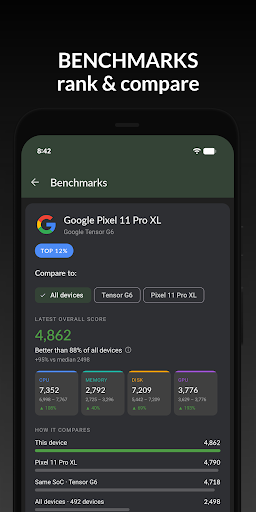
One useful section focuses on the CPU and system performance. Depending on the device, users can view information about processor cores, operating speeds, and other technical details. This can be helpful when trying to understand why a phone feels slow or when checking the processing capabilities of a particular device.
The app can also help users monitor hardware activity while the phone is being used. However, the available information can vary between smartphone models because of hardware limitations and differences between Android versions.
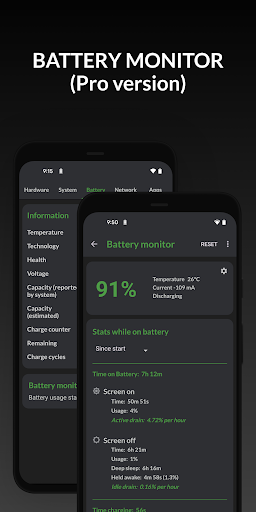
The battery is one of the components users care about most. DevCheck provides information related to battery status, temperature, and other technical details. These figures can give users a better understanding of battery behavior instead of simply looking at the remaining battery percentage.
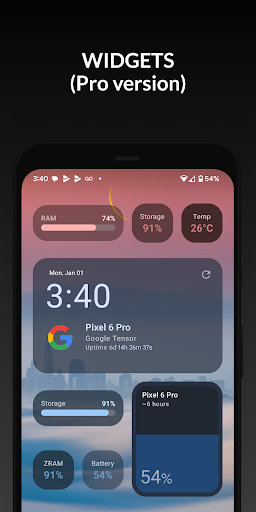
Memory information is also useful for checking available RAM and storage capacity. If a phone frequently reports low storage or starts performing poorly, reviewing these details can help users understand the device’s overall condition.
After opening the app, users can browse through the information sections displayed on the main screen. Start with the overview section to quickly check the phone model, operating system version, and other basic information.
If you want to examine performance, open the CPU or GPU section to view processor-related information. When checking the battery, pay attention to temperature and operating status instead of focusing only on the remaining percentage.
For everyday users, there is usually no need to change system settings simply because an unfamiliar technical value appears on the screen. The main purpose of the app is to display and monitor information, so understanding what the figures mean is more important than trying to change them.
The biggest advantage of DevCheck is that it brings a large amount of technical information together in one application. Its relatively clear interface makes it suitable for users who want to check Android specifications without relying on several different tools. It can also be useful when checking an older phone or learning more about the hardware inside a device.
The main drawback is that some technical information may be difficult for beginners to understand. In addition, the amount of data available depends on what the device and operating system allow the app to access. As a result, not every smartphone will provide the same level of detail.
DevCheck is a useful option for Android users who want to check hardware and system information quickly. From CPU, GPU, and RAM to battery, storage, and Android version, the app brings a wide range of technical details into a convenient interface. If you regularly check your phone’s specifications, monitor performance, or simply want to understand your device better, this utility is worth trying.