
VPN PotatoVPN – WiFi Proxy
v64.0.1
• Premium
| Updated On | |
|---|---|
| Google Play ID | com.tap_to_translate.snap_translate |
| Category | Tools |
| Version | 1.125 |
| Size | 81 MB |
| MOD Features | Premium |
| Requires | Android 7.0 |
| Price | |
| Free | |
| Content Rating | |
| Everyone | |
| Internet Required | |
| Unknow | |

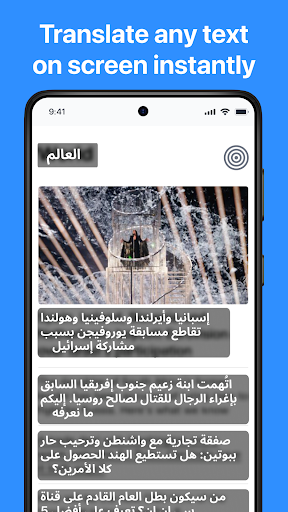
Tap To Translate Screen is an Android translation tool designed to make foreign-language content easier to understand without switching between applications. It can translate text directly from the screen with a single tap, making it useful for reading comics, playing games, chatting, browsing social networks, and shopping through mobile apps. The application supports more than 100 languages and also provides translation through images, cameras, and voice. With a floating translation button, users can access translation tools while staying inside another application. The current Google Play listing shows more than 5 million downloads, and the app was updated on September 1, 2026 with improvements to translation performance and instructions for fixing a disappearing translation icon.
The main purpose of Tap To Translate Screen is to remove the need for constant copying and pasting. When users encounter unfamiliar text, they can activate the translation feature directly over the current application. This approach can save time when reading content that contains frequent foreign-language words or sentences.
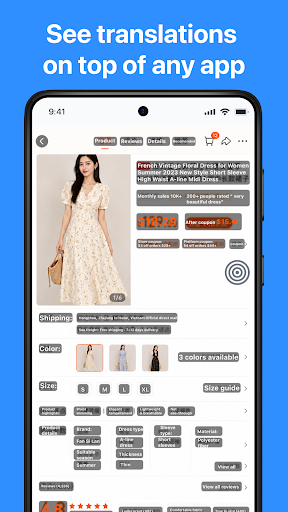
The floating translation button can be accessed while using other applications. Users can translate content from social media posts, conversations, games, comics, and shopping applications. The feature is especially convenient when the original application does not provide its own translation function.
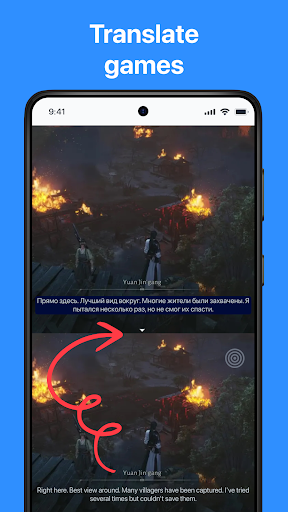
One of the main features is the ability to translate the entire screen with a single action. Instead of selecting individual words, users can request a translation of the visible content. This can be useful for game interfaces, comic pages, long messages, and other screens containing multiple pieces of text.
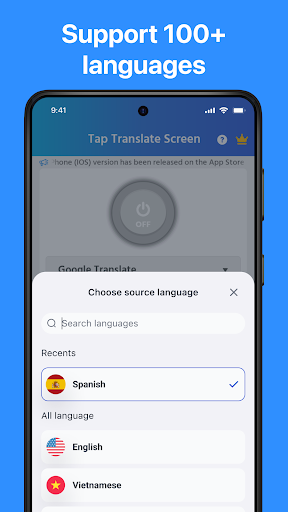
The app supports more than 100 languages, giving users a broad selection for different translation needs. However, machine translation can vary depending on the language, sentence structure, image quality, and context. Users should therefore review important translations rather than treating every result as perfectly accurate.
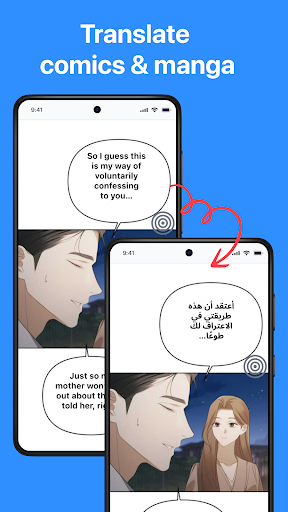
Tap To Translate Screen is designed for content that may be difficult to copy. For example, users can translate dialogue in a game, text bubbles in comics, or messages inside a conversation. This makes the app useful for people who regularly encounter foreign-language entertainment and communication content.
Chat translation is another supported use case. According to the Google Play listing, chat mode uses Android’s Accessibility Service to autofill text fields after translation. This can make translated communication more convenient, although users should review accessibility permissions carefully before enabling the feature.
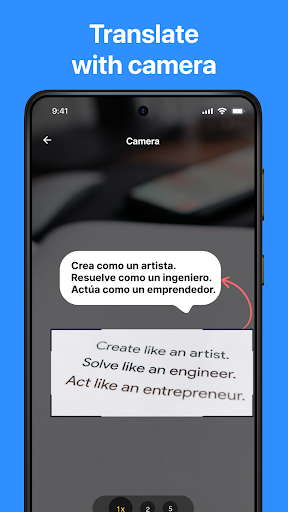
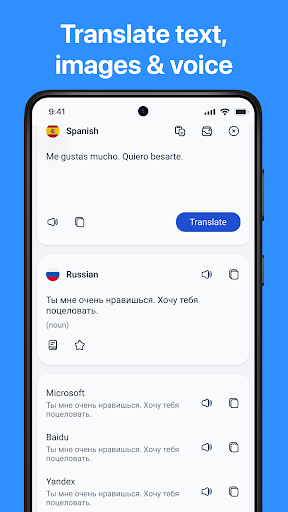
The application is not limited to text already displayed on the phone. It also supports translation through a camera, images, and voice. Users can capture or import visual content and use the translation function when dealing with text that cannot easily be selected.
This can be useful for menus, signs, screenshots, product information, and other visual material. The combination of screen translation and image-based translation gives users more flexibility when moving between digital and physical content.
Install Tap To Translate Screen and open the application. Follow the setup instructions and grant the permissions required for its translation features. Once the floating translation control is available, open another application containing foreign-language text.
Tap the translation button to begin. Depending on the content, you can translate the visible screen or use the available image, camera, voice, or chat functions. When translating games or comics, allow the app enough time to recognize the text before checking the result.
The application was updated on September 1, 2026. The latest update includes improvements to translation performance and instructions intended to help users resolve a disappearing icon problem.
Tap To Translate Screen provides a convenient way to translate foreign-language content without repeatedly leaving the application being used. Its floating translation button, full-screen translation, support for more than 100 languages, and tools for games, comics, chats, images, cameras, and voice make it suitable for a range of everyday situations.
The application is particularly useful when text cannot be easily copied or when users need quick translations while browsing another app. Translation quality can still vary depending on the language and source content, so important information should be checked carefully. For users who frequently encounter foreign-language content on Android, Tap To Translate Screen offers a practical collection of screen-based translation tools.