
NetMod VPN Client (V2Ray/SSH)
v4.3.0
• Premium

| Updated On | |
|---|---|
| Google Play ID | com.vsrevogroup.revouninstaller |
| Category | Tools |
| Version | 3.5.420G |
| Size | 47 MB |
| MOD Features | Unlocked |
| Requires | Android 8.0 |
| Price | |
| Free | |
| Content Rating | |
| Everyone | |
| Internet Required | |
| Unknow | |

Revo Uninstaller is an Android app management tool designed to help users remove unwanted applications and clean up leftover files. Instead of relying only on the standard Android uninstall process, it can scan for files and folders associated with removed apps. It also provides batch uninstalling, app search, sorting, uninstall history, and detailed application information. These features make it useful for users who regularly install and remove apps or want more control over their device storage.
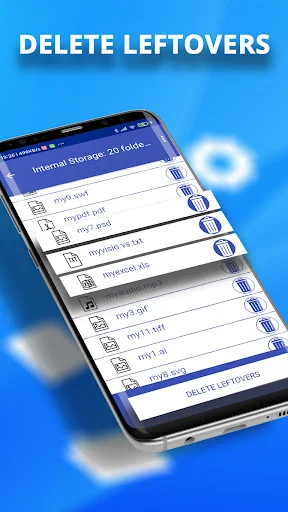
The main purpose of Revo Uninstaller is to make app removal more organized. After uninstalling an application, some related files may remain on the device. The app can scan for these leftovers and show the detected files before removal. This gives users an opportunity to review what will be deleted instead of removing everything without checking.
The app focuses on user-installed applications. Due to Android system restrictions, Revo Uninstaller cannot remove preinstalled system apps. This limitation is important to understand before using the app for device cleanup. Its main strength is managing applications that users have installed themselves.
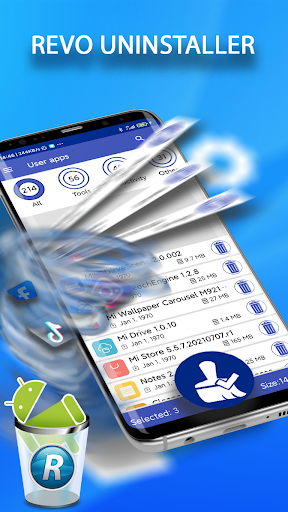
Removing several applications individually can take time. Revo Uninstaller provides a batch uninstall feature that allows users to select multiple apps before starting the removal process. The interface can also show the number of selected applications and the total amount of data involved.
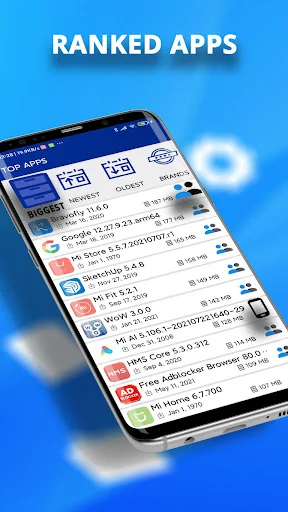
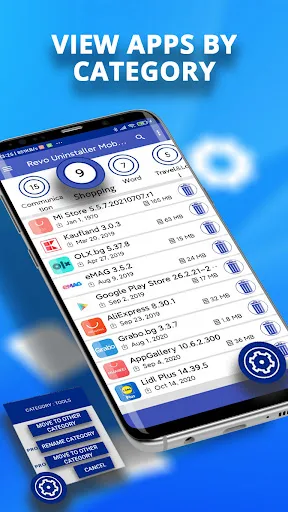
Finding a particular application is also easier through search, filtering, and sorting tools. Users can organize their app list through different categories and view rankings such as the largest, newest, or oldest applications. The app supports more than 60 predefined categories, while Pro users can create custom categories for more personalized organization.
Another useful feature is the detailed application information panel. Users can view information such as the app name, version, installation date, APK size, cache size, and application data size. This can help identify applications that take up significant storage space.
The built-in permission checker provides additional information about permissions requested by installed applications. This does not replace a dedicated security solution, but it gives users a convenient way to review app permissions while managing their installed software.
Revo Uninstaller also keeps an uninstall history. Users can check which applications were removed and view their uninstall dates. When an application is still available on Google Play, the history can provide a link for reinstalling it.
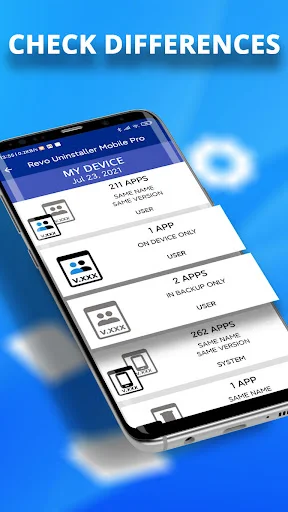
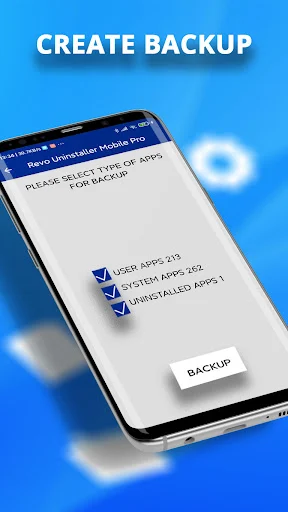
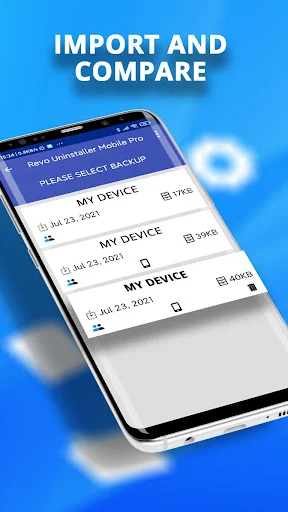
The Pro version adds backup and comparison features. Users can back up information about installed applications and compare saved app lists with the current device state. Pro also removes in-app advertising and adds custom category options.
Open Revo Uninstaller and browse the list of installed applications. Select an app that you no longer need and start the uninstall process. After the standard removal, review the leftover files detected by the app. Remove only the files you recognize as related to the uninstalled application.
For larger cleanup tasks, use the search and sorting tools to find unnecessary applications more quickly. The batch uninstall function can also help when several apps need to be removed. Before deleting anything important, review the selected applications and displayed storage information carefully.
Revo Uninstaller offers a practical way to manage installed Android applications. Its leftover scanning, batch uninstalling, search tools, app information, permission checker, and uninstall history provide more control than a basic uninstall workflow. The Pro version adds backup, comparison, ad removal, and custom category features.
Users should still remember that Android restrictions prevent the app from removing preinstalled system applications. With that limitation in mind, Revo Uninstaller can be a convenient tool for organizing applications, removing unwanted software, and reviewing storage-related information on an Android device.