home chevron_right Apps chevron_right Photos & Videos chevron_right iMPlayer


Edits
v452.0.0.50.64
• Photos & Videos
| Updated On | |
|---|---|
| Google Play ID | com.myiptvonline.implayer |
| Category | Photos & Videos |
| Version | 4.1.6 |
| Size | 64 MB |
| MOD Feature | Not available |
| Requires | Android 6.0 |
| Price | |
| Free | |
| Content Rating | |
| Everyone | |
| Internet Required | |
| Unknow | |

If you’re someone who frequently watches IPTV, loves smooth streaming quality, then you definitely need to know about iMPlayer. This is a dedicated app for Android, Android TV, and even FireStick, allowing you to stream IPTV content from service providers seamlessly and efficiently. No frills, no fuss, iMPlayer focuses on delivering an ultra-smooth user experience with an interface optimized for both mobile and TV.
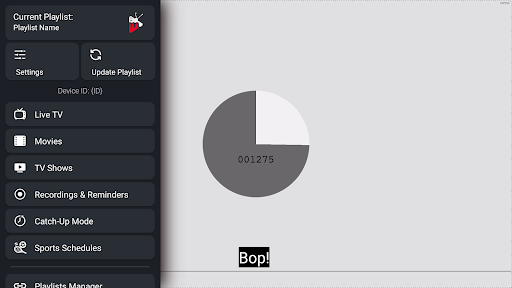
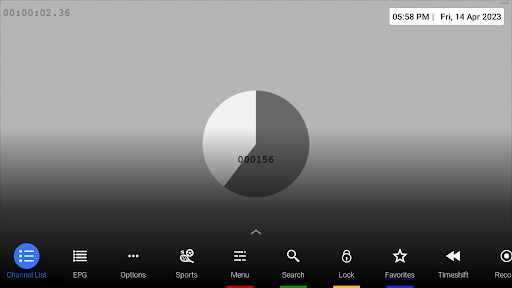
iMPlayer is a standout IPTV player app for Android and Android TV, designed for users who already have their own IPTV content sources and want a smooth, highly customizable experience. This isn’t an OTT app or one that provides content directly; it’s a player that lets you integrate playlists from M3U sources, Xtream Codes, or JSON codes to enjoy Live TV, Video On Demand (VOD), series, and other digital content in your own way.
Right from the Playlist Settings in the main menu, you can easily add various types of streaming sources:
Each added source appears in the”Playlists list with clear details about its type, status (active/inactive), date added, and can be updated or deleted at any time.
iMPlayer doesn’t stream content directly from its servers; instead, it allows you to add playlist URLs from third-party IPTV service providers. Integrating a provider takes just a few steps:
Once connected successfully, you’ll see the full list of TV channels, movies, series, and favorites automatically synced. You can also add multiple providers at once, and switching between them is just a click away, super convenient when you want to compare speed or content between providers.
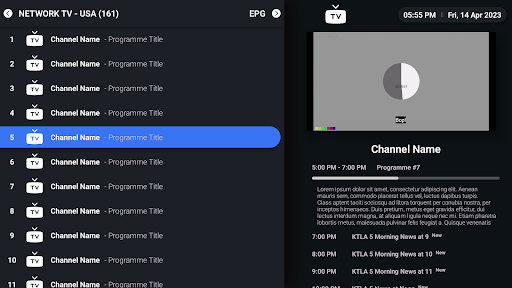
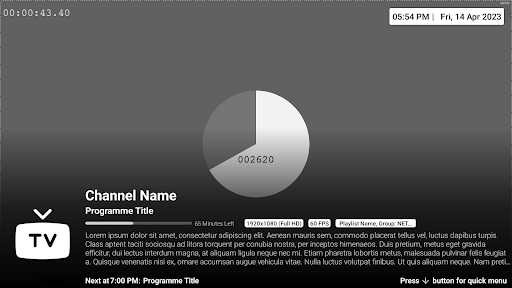
One of the most exciting aspects of iMPlayer is its highly stable Live TV streaming. Channels from your provider are organized into groups (Sports, News, Movies, Kids), complete with clear logos. Just select a channel, wait a few seconds for buffering, and you’re watching. The loading speed is fast, with virtually no freezing if your internet connection is stable.
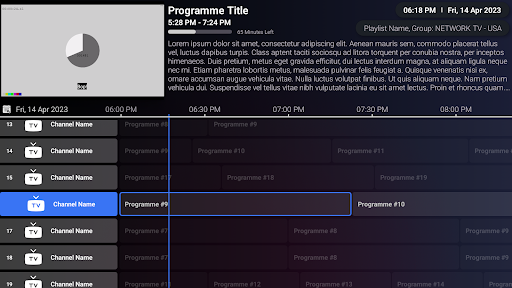
The app also supports EPG (Electronic Program Guide), letting you view the broadcast schedule for each channel. Instead of blindly scrolling, you can see the current program, what’s next, and sometimes even a content description.
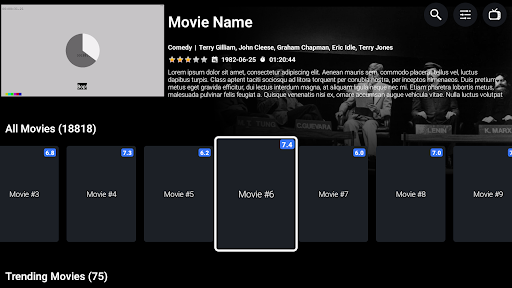
For VOD (Video On Demand), iMPlayer lets you browse movies and series by specific categories. Each title comes with a thumbnail, clear title, release year, and detailed description. For series, the app supports auto-playing the next episode after the current one ends, like Netflix.
The app also tracks your viewing history, marks partially watched episodes, and lets you resume from where you left off.
Subtitle quality greatly impacts your viewing experience, and iMPlayer gets this, so it doesn’t cut corners. For content with subtitle support, you can toggle them on or off with just a few taps. You can even dive deep into the settings to tweak the font, adjust size, and choose colors.
Additionally, you can move the subtitle position up or down. Are the subtitles covering a character’s face? Drag them lower. Are they too low and getting cut off? Pull them up. Most importantly, subtitle timing sync works flawlessly, if they’re off by 1-2 seconds, you can adjust on the spot without exiting and reloading.
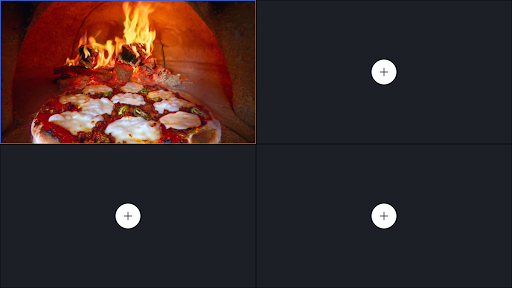
When it comes to viewing modes, iMPlayer doesn’t disappoint. While watching a movie or show, you can change the aspect ratio from 16:9 to 4:3, fit to width or height, or even crop excess parts to avoid distractions. For those who love multitasking, there’s a Picture-in-Picture mode, so you can watch while scrolling TikTok without missing a scene. There’s also a screen lock mode to prevent accidental skips, and if a video has multiple audio tracks (multilingual), you can switch tracks smoothly.
If you’ve ever been frustrated by clunky, hard-to-use IPTV apps, iMPlayer is a convincing comeback. It’s truly an effective tool for anyone serious about enjoying IPTV content. Plug it in, and it runs smoothly from start to finish, deserving a spot on every Android device you own.