home chevron_right Apps chevron_right Productivity chevron_right ColorNote Notepad Notes
Document Reader: PDF, DOC, XLS
v78.0
• Premium
| Updated On | |
|---|---|
| Google Play ID | com.socialnmobile.dictapps.notepad.color.note |
| Category | Productivity |
| Version | 4.8.8 |
| Size | 6 MB |
| MOD Features | Unlocked |
| Requires | Android |
| Price | |
| Free | |
| Content Rating | |
| Everyone | |
| Internet Required | |
| Unknow | |

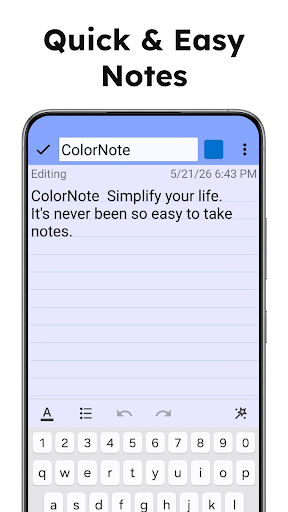
ColorNote Notepad Notes targets a simple but very common need: jotting down a quick thought, a shopping list, or a to-do item without opening a bloated app packed with unnecessary features. The app has kept its minimalist philosophy for years, while most of its early-era competitors have either disappeared or drifted toward more complexity.
The app is developed by Notes, has been on Google Play since 2011, and has now passed 100 million downloads with nearly 4 million ratings, holding a 4.9-star average, a rare figure for a note-taking app that has been around this long. ColorNote Notepad Notes sits in the Productivity category, is free to use with some ads that don’t interfere with core functions, and offers in-app purchases for advanced features.
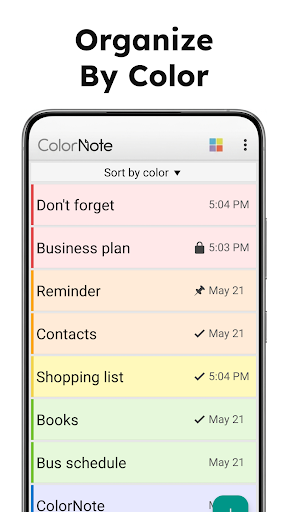
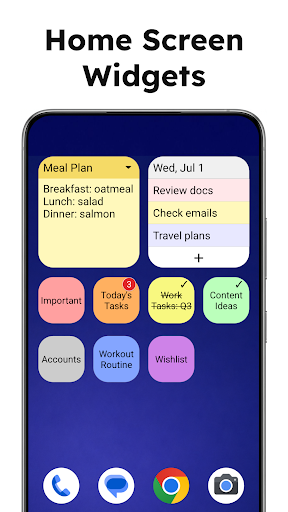
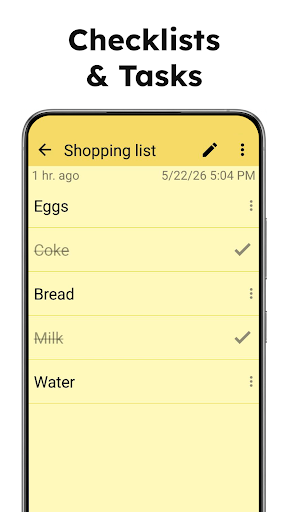
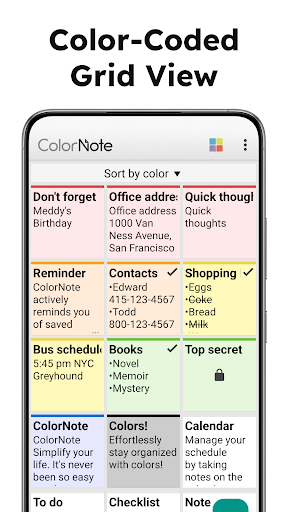
ColorNote‘s core revolves around two basic note types: plain text notes and checklist notes, covering most needs from quick memos to shopping lists. Each note can be assigned one of five different colors for visual sorting, making it possible to identify a note’s category at a glance rather than reading the title. The app supports a sticky note widget on the home screen, allowing notes to be opened and edited directly without launching the full app.
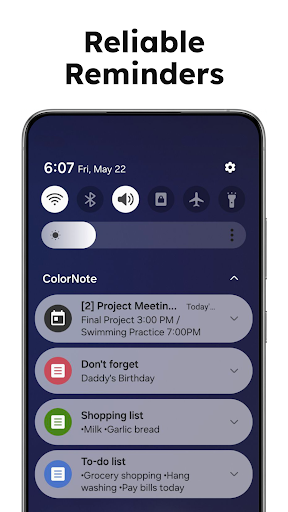
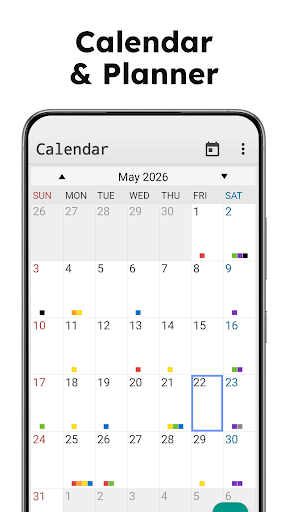
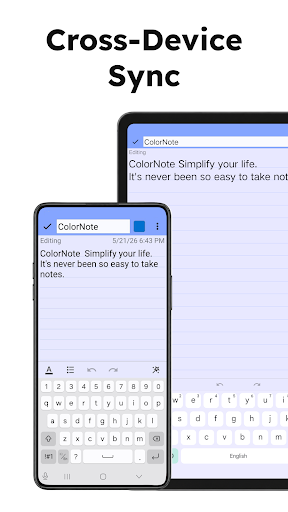
ColorNote‘s reminder feature allows attaching a specific time, setting an all-day reminder, or repeating on a schedule, even supporting a lunar calendar for anyone who needs reminders based on lunar dates. The app also includes a wiki-style note linking feature using double square bracket syntax, making it possible to quickly link related notes together, a feature rarely found in such a simple note-taking app. Data gets encrypted using the AES standard before being uploaded for cloud backup and sync, with sign-in through Google or Facebook to keep notes intact when switching devices.
Some feedback from long-time users notes that a recently added folder organization feature requires upgrading to a paid Premium subscription rather than offering a one-time purchase option many had hoped for, a point some longtime users feel disappointed by given how long they’ve stuck with the app. The app also supports locking individual notes with a password, something many users praise for being simple yet effective security.
It’s worth using the color system from the start to categorize notes by topic, such as one color for work and another for personal matters, rather than leaving everything on the default color and losing track later. For important notes that need timely reminders, setting the reminder right when creating the note is worth doing, since ColorNote won’t remind automatically unless a reminder is actively set. For anything that needs to stay truly private, using the per-note password lock is worth relying on rather than just the phone’s general