
zFont 3 – Emoji & Font Changer
v3.9.2.2
• Unlocked
| Updated On | |
|---|---|
| Google Play ID | com.mtv.sai |
| Category | Tools |
| Version | 2.4.2 |
| Size | 13 MB |
| MOD Features | Unlocked |
| Requires | Android 7.0 |
| Price | |
| Free | |
| Content Rating | |
| Everyone | |
| Internet Required | |
| Unknow | |

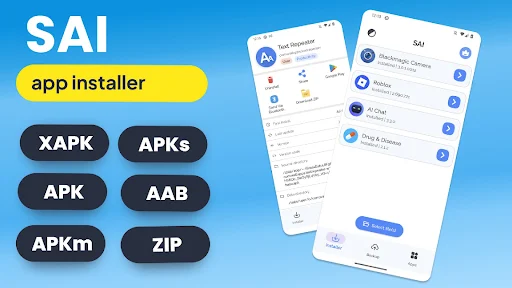
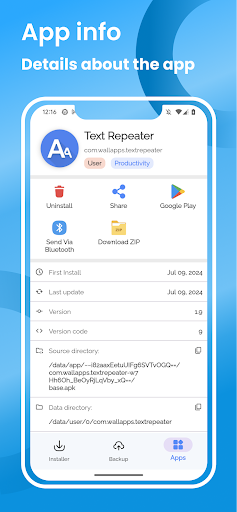
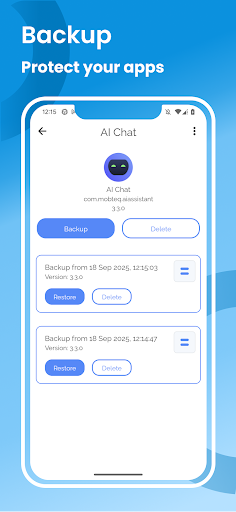
SAI: Split APKs Installer is an Android utility designed to help users install applications distributed as multiple APK files. Instead of handling each file separately, the app allows users to select the required components and install them as a single application package. It is mainly intended for people who regularly work with split APKs or need to install applications from sources outside the standard app store.
SAI: Split APKs Installer addresses a specific need within the Android ecosystem. Some applications are divided into multiple APK files to support different device configurations, processor architectures, or resource components. In these situations, opening a single APK file may not be enough to complete the installation.
The app provides a dedicated interface for selecting and installing related APK files. This approach can reduce manual steps and help prevent users from accidentally leaving out a required component when working with a split APK package. However, it remains a specialized utility and is more suitable for users who are already familiar with Android installation files.
The main purpose of SAI is to support the installation of applications distributed across multiple APK files. Users can select the files belonging to the same package and start the installation through the app. This can be more convenient than attempting to process each component individually.
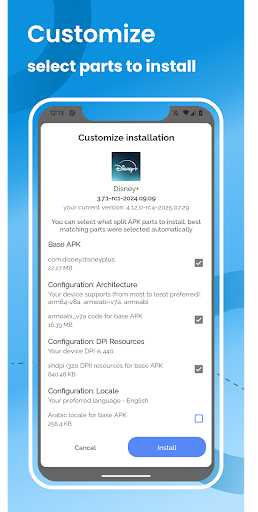
For application packages containing several components, the ability to select multiple APK files makes preparation more convenient. Users can gather the required files before starting the installation process. This is particularly useful when an application includes a base APK together with several additional APK components.
SAI: Split APKs Installer focuses on a specific task rather than trying to become a complete device management tool. Its interface and functions are centered on handling split APK packages. As a result, it can be useful for Android users who frequently test, manage, or install applications distributed in this format.
One of the main advantages of SAI is that it simplifies a process that can otherwise be confusing for inexperienced Android users. Once all required files from the same package are available, users can select them and start the installation from one dedicated interface.
However, SAI is not necessary for every Android user. If you mainly download applications through Google Play or install standard standalone APK files, there may be little reason to use a specialized installer. Installation results can also depend on the Android version, application package structure, and device compatibility.
Users should also pay attention to the source of APK files. Installing applications from outside official stores can create security risks when the files come from unreliable sources. Therefore, it is important to use trusted packages and verify their origin before starting an installation.
First, prepare all APK files that belong to the same application package. Open SAI: Split APKs Installer and use its file selection function to locate the required components. Select the related APK files and start the installation process according to the instructions displayed on the screen.
If the installation fails, check whether all required components are present. You should also verify compatibility with the Android version and device being used. Avoid mixing or replacing APK files from different application versions unless you know that they belong to the same package.
SAI: Split APKs Installer is a specialized Android utility for users who need to install applications distributed as multiple APK files. Its ability to select and process several components as part of one installation process can reduce manual work when handling split APKs. Although it is unnecessary for ordinary app installation, SAI can be useful for users who regularly manage specialized APK packages and want a dedicated tool for this task.