
FlixPlayer
v4
• Unlocked
| Updated On | |
|---|---|
| Google Play ID | dev.km.android.chargemeter |
| Category | Tools |
| Version | 3.0.11 |
| Size | 11 MB |
| MOD Features | Unlocked |
| Requires | Android 7.0 |
| Price | |
| Free | |
| Content Rating | |
| Everyone | |
| Internet Required | |
| Unknow | |

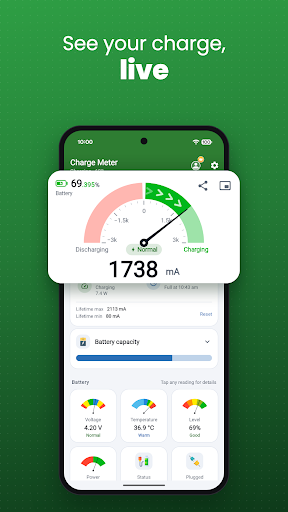
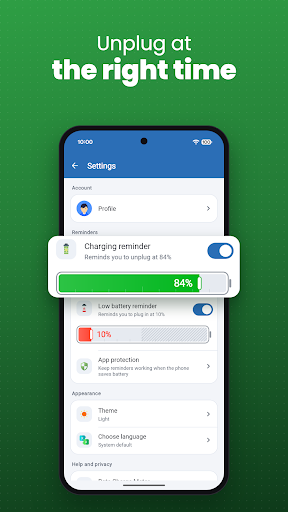
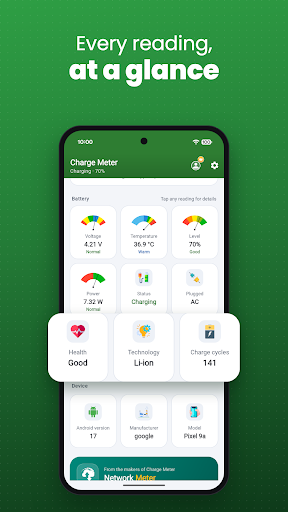
Charge Meter is a practical Android app for users who want a clearer view of their device’s charging and battery status. Instead of relying only on the small battery indicator in the system status bar, the app can present charging information in a more accessible format. It may be useful for monitoring battery levels, checking charging progress, and understanding basic power information while a phone or tablet is connected to a charger.
The main purpose of Charge Meter is to make battery and charging information easier to check. When a device is connected to power, users may want to know whether it is actively charging and how the battery level is changing. A dedicated charging monitor can provide this information without requiring users to navigate through several system settings. This makes it suitable for quick checks during everyday charging.
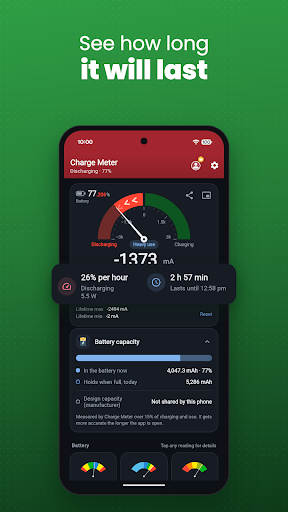
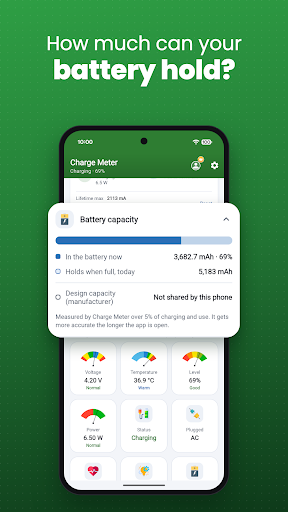
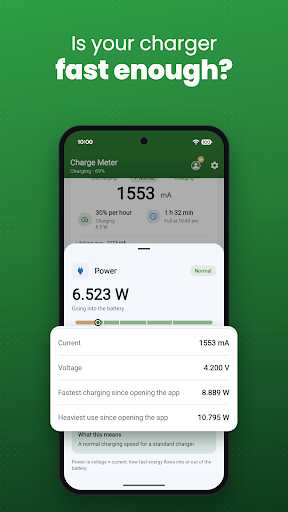
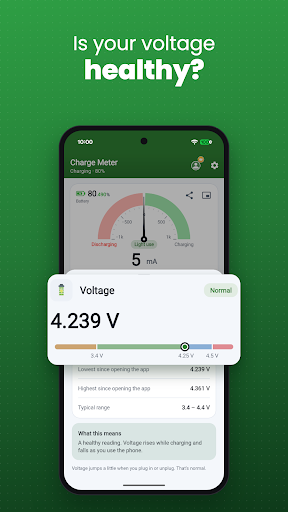
Battery behavior can vary depending on the charger, cable, device hardware, temperature, and current usage. An app such as Charge Meter can help users observe available battery information in one place. Depending on the device and supported features, the displayed data may include charging status, battery percentage, voltage, current, or other measurements. These values are useful for understanding general charging behavior, although they should be treated as estimates when the hardware does not provide precise measurements.
Charge Meter can make charging information more visible while your device is connected to a power source. Users can check the battery percentage and other available readings without relying entirely on the standard battery icon. This can be helpful when testing different chargers or simply observing how quickly a device charges. The exact information available may depend on the Android version and the hardware of the phone.
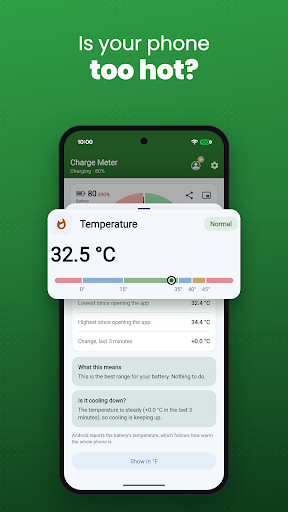
Regularly checking charging information can help users notice unusual changes in battery behavior. For example, a device that charges more slowly than expected may be affected by the charger, cable, background activity, or temperature. The app does not replace professional battery diagnostics, but its information can provide useful context when investigating everyday charging issues.
Start by installing and opening Charge Meter on your Android device. Review the information displayed on the main screen and connect the phone to a compatible charger. Observe how the charging status and available measurements change as the battery level increases. If the app requests permissions, review them carefully and allow only those needed for its functions.
For more useful comparisons, check the readings under similar conditions when using different charging accessories. Keep in mind that charging speed can change because of battery temperature, device activity, power source limitations, and battery condition. Avoid treating a single reading as a definitive measurement of battery health. Instead, use the app as a convenient reference for everyday monitoring.
Charge Meter offers a simple way to view battery and charging information on an Android device. Its monitoring approach can be useful for users who want more details than the standard battery indicator provides. By showing available charging measurements and battery status, the app can help users understand everyday charging behavior and identify situations that may require further checking. For anyone who regularly monitors battery performance or wants a clearer view while charging, Charge Meter can serve as a convenient companion tool.