home chevron_right Apps chevron_right Photos & Videos chevron_right Photo Gallery – Album, Vault


All Video Downloader & Browser
v2.2.3
• Premium
| Updated On | |
|---|---|
| Google Play ID | photo.manager.private.photogallery |
| Category | Photos & Videos |
| Version | 5.7.5 |
| Size | 32 MB |
| MOD Features | Premium |
| Requires | Android 6.0 |
| Price | |
| Free | |
| Content Rating | |
| Everyone | |
| Internet Required | |
| Unknow | |

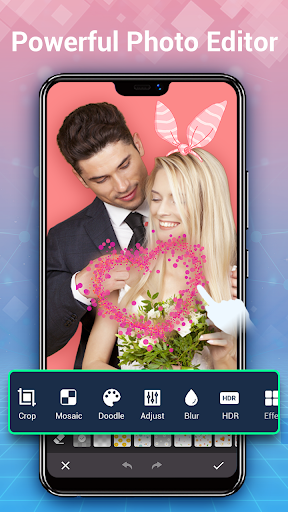
Photo Gallery – Album, Vault is an Android app designed to provide a practical space for viewing, organizing, and protecting photos and videos. A phone gallery can quickly become difficult to manage when thousands of images accumulate from cameras, messaging apps, downloads, and screenshots. The app brings common gallery functions into a more focused experience while adding options for keeping selected media private. It can be useful for users who want easier access to their memories without leaving personal content scattered across folders.
Photo Gallery – Album, Vault combines everyday media browsing with album organization and privacy-oriented features. Instead of relying only on the default gallery application, users can have another environment for viewing their photos and videos. The interface is designed around common tasks such as browsing recent media, creating albums, and managing selected content. This makes the app suitable for people who want a straightforward way to keep their visual library more organized.
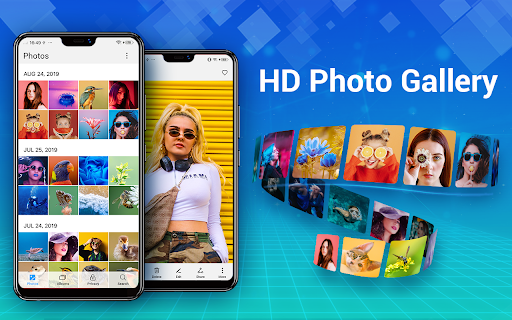
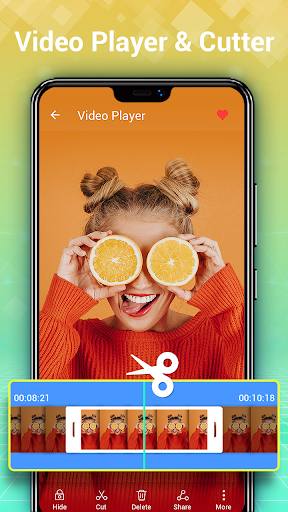
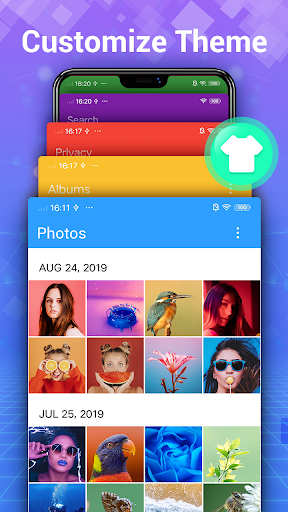
A dedicated gallery can make it easier to review a growing collection of personal media. Photo Gallery – Album, Vault allows users to browse images and videos from their device through a centralized interface. Recent pictures, older memories, screenshots, and downloaded media can be reviewed without repeatedly opening different folders. A familiar gallery layout also makes everyday navigation more convenient.
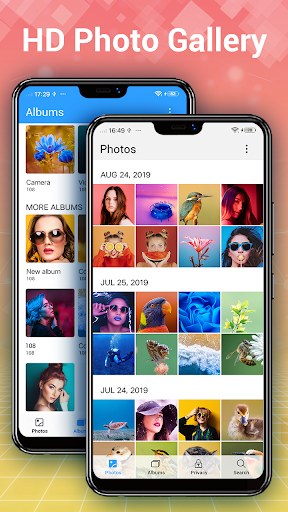
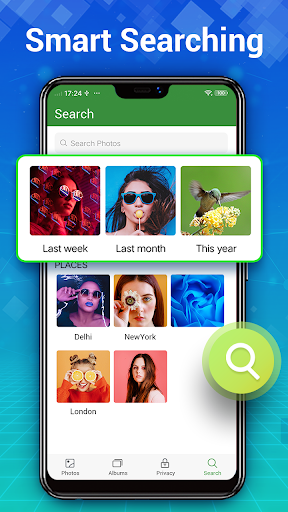
Albums provide a simple way to separate different types of content. Users can organize travel photos, family memories, work images, screenshots, or other collections into more manageable groups. This approach can make specific files easier to locate later. Instead of scrolling through a single long stream, users can use albums to create a clearer structure for their media library.
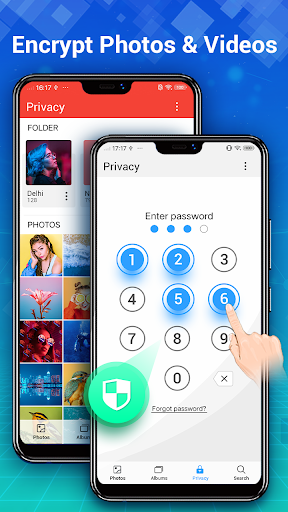
The vault feature adds another layer to the gallery experience by providing a place for selected photos and videos that users do not want to keep in the ordinary gallery view. This can be useful when a device is shared with family members or friends. Moving private content into a dedicated area can also make everyday browsing cleaner while reducing the chance of accidentally displaying certain files.
Not every photo or video needs to remain visible in the main gallery. Photo Gallery – Album, Vault gives users a way to separate more private content from ordinary media. Depending on the available security options, users can protect access to selected files and keep them away from casual browsing. It is still important to understand the app’s privacy and security settings before storing sensitive content.
As a photo collection grows, organization becomes increasingly important. Regularly sorting albums and reviewing unwanted files can make the gallery easier to navigate. Users can separate meaningful memories from temporary screenshots or downloaded images. This simple maintenance routine can also make it easier to find specific photos when they are needed.
Begin by installing Photo Gallery – Album, Vault and granting the media permissions required for accessing photos and videos. After opening the app, allow it to scan the available media library. You can then browse recent content, explore different folders, or create albums based on your preferred categories.
To organize your collection, select photos or videos and place them into suitable albums. For content that should remain less visible, use the vault feature and follow the available protection settings. Before moving important files, make sure you understand how the vault works and whether the content remains accessible through backups or other gallery applications. Regularly review your albums and remove unnecessary media to keep the collection manageable.
Photo Gallery – Album, Vault combines photo browsing, album organization, and private media management in one Android application. Its gallery features can help users navigate large collections, while the vault provides an additional space for selected personal content. The app can be useful for anyone looking for a more organized alternative to a basic gallery. With sensible album management and careful use of privacy settings, it can make everyday photo and video management more convenient.