home chevron_right Apps chevron_right Photos & Videos chevron_right SnackVideo


Cast to TV+ Chromecast Roku TV
v12.315
• Premium
| Updated On | |
|---|---|
| Google Play ID | com.kwai.bulldog |
| Category | Photos & Videos |
| Version | 13.10.20.647201 |
| Size | 70 MB |
| MOD Feature | Not available |
| Requires | Android 5.0 |
| Price | |
| Free | |
| Content Rating | |
| Teen | |
| Internet Required | |
| Not Required | |

SnackVideo brings short-form entertainment and creative video editing together in one convenient mobile application. From adding colorful effects to discovering amusing clips, users can enjoy plenty of ways to express their personalities and connect with other creators. Whether you want to produce original content or simply explore entertaining videos, SnackVideo offers an enjoyable experience worth discovering.
Turn everyday moments into entertaining short videos with simple editing tools and a community full of fresh ideas.
Short videos have become an important part of online entertainment thanks to their quick storytelling, engaging visuals, and easy-to-digest content. SnackVideo embraces this trend by combining video creation, editing features, and social interactions in one application. Instead of requiring professional editing knowledge, it provides accessible tools that help beginners transform ordinary recordings into entertaining clips.
Beyond its editing capabilities, SnackVideo gives users access to a constantly changing collection of community videos. You can discover humorous performances, creative challenges, daily activities, and unusual moments shared by people from different places. Watching other creators also provides inspiration for your next project, while built-in social features make it easy to express your reactions and connect with accounts you enjoy.
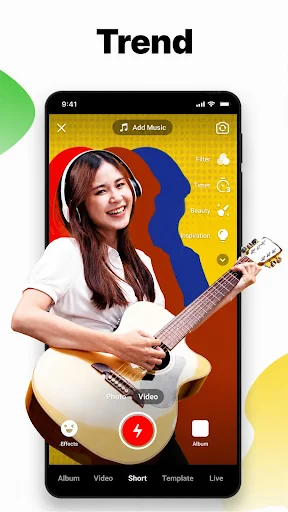
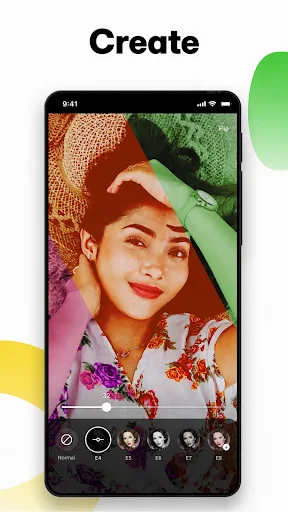
SnackVideo puts creativity at the center of its editing experience. Users can personalize their recordings with colorful filters, playful stickers, visual effects, and other customization options. Basic editing functions make it easier to adjust footage, while additional creative elements help give each clip a distinctive appearance. A few simple adjustments can turn an everyday recording into something more expressive and entertaining.
Once your video is ready, you can publish it directly to the SnackVideo community or share it through other social platforms. This flexibility allows creators to reach different audiences without having to rebuild their content from scratch. Whether you prefer funny clips, personal moments, or creative experiments, the application gives you a convenient space to bring your ideas to life.
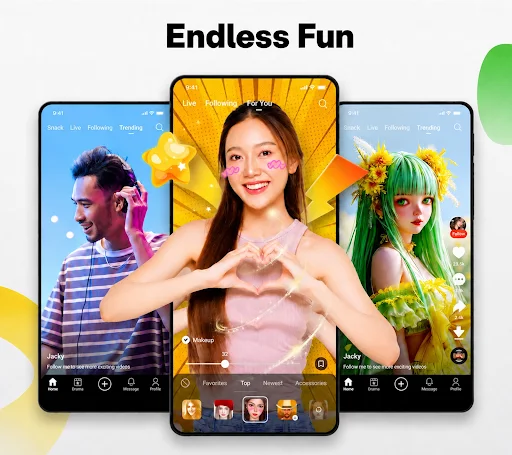
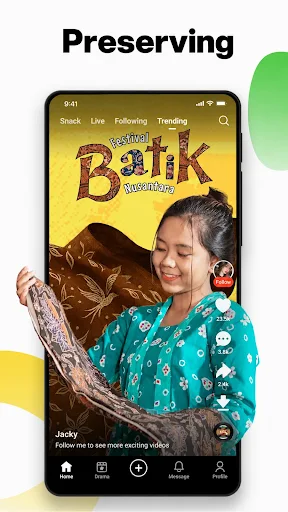
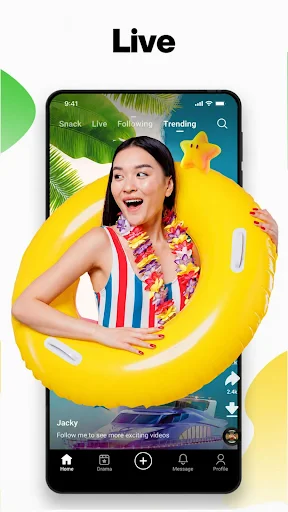
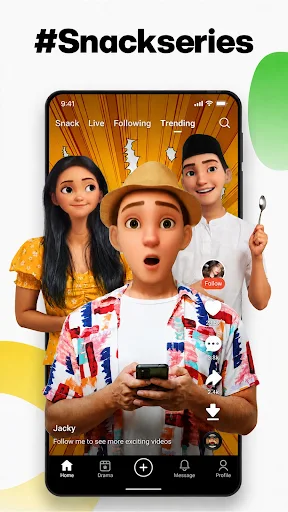
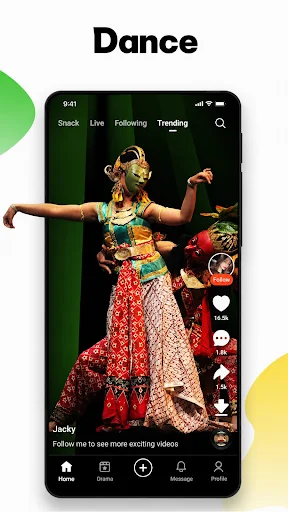
SnackVideo also works as a social entertainment platform where discovering new content is just as enjoyable as making videos. Its browsing interface allows you to move between clips using simple swipe gestures, making it convenient to explore different topics whenever you have free time. Several content categories help organize the viewing experience:
Nearby: Discover videos shared by creators in locations around your area.
Following: Catch up with recent uploads from accounts you have chosen to follow.
Trending: Explore popular clips, viral challenges, and content attracting attention across the platform.
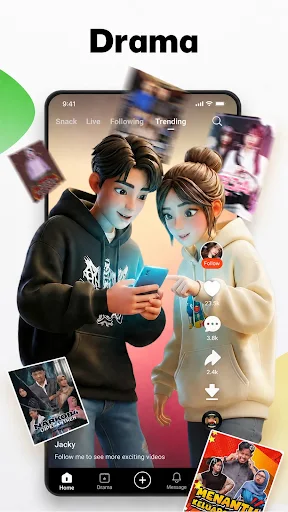
Beyond these categories, the recommendation system helps introduce videos based on your viewing interests and previous interactions. You can explore content covering lifestyle, beauty, pets, magic tricks, cosplay, travel, cooking, and many other subjects. When something catches your attention, leave a comment, tap the like button, or follow its creator to stay updated with future uploads.
SnackVideo also provides search and saving options that make it easier to revisit interesting content. Depending on the video’s available sharing and download permissions, you can save clips for later viewing or access them outside your regular browsing sessions. Its familiar social interaction style makes the platform easy to navigate, especially for people who already use applications such as Instagram.
Get started with SnackVideo by downloading its APK through APKMODY. Our platform provides a convenient way to access the application, check its available version, and prepare it for installation on your Android device.
Follow these steps to install the application:
Open the SnackVideo page on APKMODY and review the available application information.
Tap the download option to obtain the APK file compatible with your device.
Once the download finishes, locate the file in your device’s Downloads folder.
Open the APK and allow installation from your browser or file manager if Android requests permission.
Complete the installation, launch SnackVideo, and start exploring its video collection.