
DNS Changer – IPv4 & IPv6
v3.0.0
• Premium
| Updated On | |
|---|---|
| Google Play ID | biz.cloudex.android.filemanager |
| Category | Tools |
| Version | 2.0.6 |
| Size | 29 MB |
| MOD Features | Premium |
| Requires | Android 8.0 |
| Price | |
| $3.99 | |
| Content Rating | |
| Everyone | |
| Internet Required | |
| Unknow | |

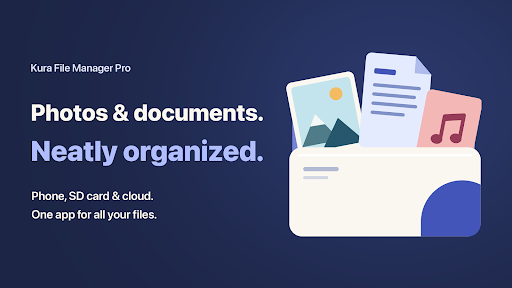
Kura File Manager Pro is an Android file management app designed to organize files stored on a device and across supported cloud services. It brings internal storage, SD cards, USB drives, Dropbox, and OneDrive into one interface. Alongside basic file operations, the app provides ZIP compression and extraction, file search, storage analysis, duplicate detection, empty-folder cleanup, APK extraction, and a 30-day trash system. Its Material You design and dark theme also aim to make everyday file management cleaner and easier to navigate.
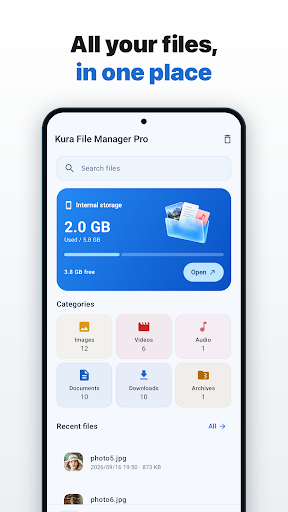
The main purpose of Kura File Manager Pro is to make different storage locations accessible from one application. Users can browse files stored in internal memory, SD cards, and USB drives connected through OTG. The app also supports Dropbox and OneDrive, allowing users to browse cloud files without constantly switching between separate applications. Cloud files can be viewed with thumbnails, while upload and download tools make transferring content more convenient. This approach can be useful for people who regularly move files between local and cloud storage.
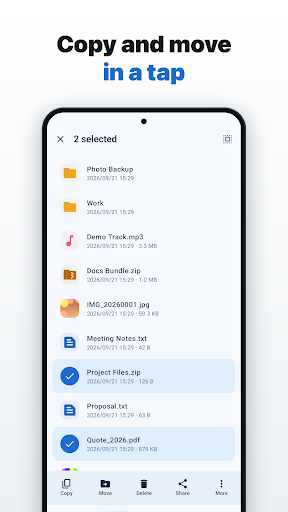
The app includes the essential tools expected from a modern file manager. Users can copy, move, delete, and rename files or folders. Multi-selection makes it possible to perform batch operations on several items at once. Files can also be opened with another compatible application or shared directly from the file manager. The option to copy a file name or path can be useful when organizing folders or sharing the location of a particular file.
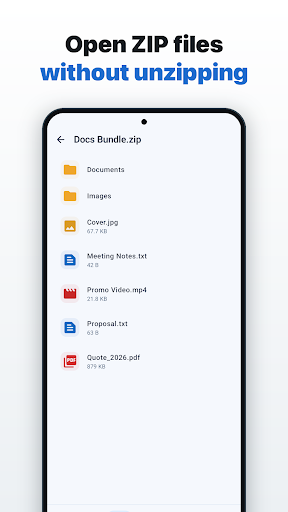
Kura File Manager Pro includes built-in support for ZIP archives. Users can compress files and folders into ZIP packages and extract existing archives without installing another compression application. The current version also adds password confirmation and a show-or-hide password option when compressing files, with AES-256 encryption supported for protected archives. This gives users a convenient way to package files for storage or sharing while keeping related tools in one place.
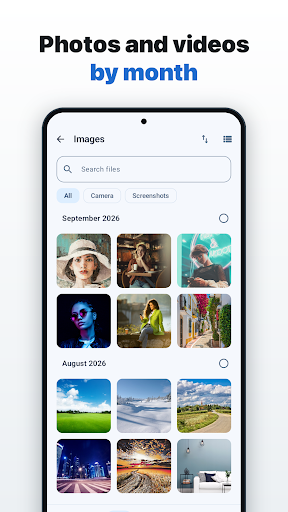
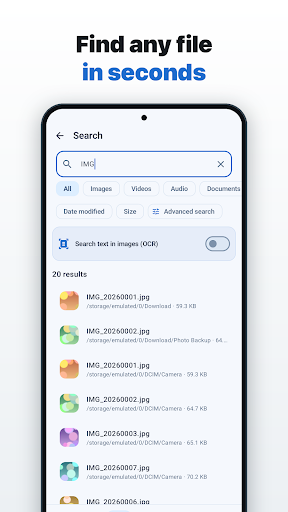
Finding specific content is easier through categories for images, videos, audio, documents, downloads, and applications. Users can access recent files, add frequently used folders to Favorites, and search by file name. The interface can switch between list and grid views, while sorting options help organize larger collections. Hidden files can also be displayed when needed. These tools reduce the amount of manual browsing required when working with a large amount of stored data.
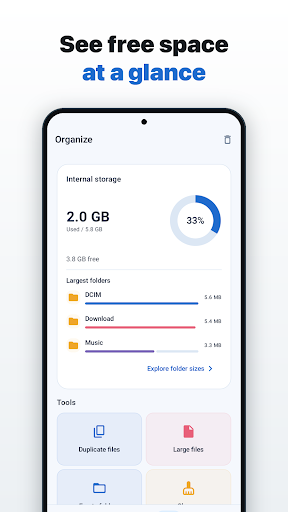
The app goes beyond basic file browsing with several storage-management tools. Storage Analyzer helps identify which files and folders are using the most space. Duplicate Finder can locate duplicate files that may be taking up unnecessary storage, while Empty Folder Cleaner helps identify unused empty folders. The APK Extract feature can also export APK files from installed applications. These tools provide several ways to review device storage before deciding what can be removed or archived.
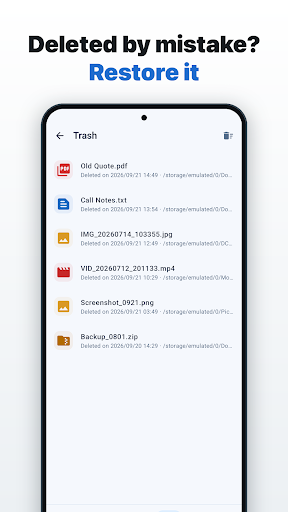
Accidental deletion can be less concerning because deleted files are kept in the trash for 30 days, according to the app listing. Users can restore files during that period instead of immediately losing them. The interface uses the Material You design language with dynamic colors and also includes a dark theme. The overall layout is designed to keep common file operations accessible without making the interface unnecessarily complicated.
Open Kura File Manager Pro and choose the storage location you want to manage. Start with internal storage or connect an SD card or USB drive through OTG if supported by your device. For cloud content, connect the appropriate Dropbox or OneDrive account. Use categories, Favorites, or search to locate files quickly. When you need to free up space, check the Storage Analyzer and Duplicate Finder before deleting anything. For ZIP files, use the built-in compression or extraction tools. If you accidentally remove an important file, open the trash and restore it within the supported 30-day period.
Kura File Manager Pro provides a broad set of tools for managing Android storage in one place. Support for internal storage, SD cards, USB OTG, Dropbox, and OneDrive gives users flexibility when working with different sources. ZIP tools, file search, storage analysis, duplicate detection, APK extraction, and the recovery-focused trash system add practical functions beyond simple file browsing. Its Material You interface and dark theme also provide a clean visual experience. For users who want a file manager that combines local storage, cloud access, and storage-cleanup tools, Kura File Manager Pro offers a focused and versatile solution.