home chevron_right Apps chevron_right Productivity chevron_right Clipboard Pro: Manager & Memo

HabitTick-Habit Tracker & Todo
v1.1.26
• Premium
| Updated On | |
|---|---|
| Google Play ID | jp.snowlife01.android.clipboard |
| Category | Productivity |
| Version | 5.4.5 |
| Size | 6 MB |
| MOD Features | Unlocked |
| Requires | Android 8.0 |
| Price | |
| $3.99 | |
| Content Rating | |
| Everyone | |
| Internet Required | |
| Unknow | |

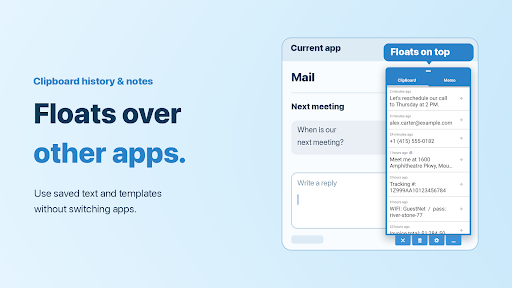
Clipboard Pro: Manager & Memo is an Android utility designed to make copied content easier to save, organize, and reuse. The standard clipboard is useful for temporary text, but its contents can disappear when new items are copied or when the system clears clipboard data. This can become inconvenient for users who frequently work with addresses, messages, links, notes, or repeated phrases. Clipboard Pro: Manager & Memo provides a more organized space for managing copied information and turning useful clipboard entries into accessible notes.
Clipboard Pro: Manager & Memo combines clipboard management with memo-style organization. Instead of treating copied text as temporary information, the app allows users to keep useful entries for later access. This approach can be practical for students, office workers, writers, and anyone who frequently switches between different apps. Having commonly used information available in one place can also reduce the need to copy the same content repeatedly.
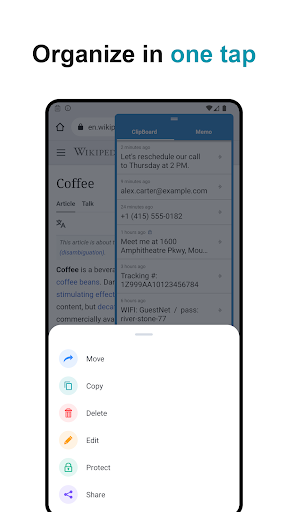
The main purpose of Clipboard Pro: Manager & Memo is to give users better control over copied content. Text copied from a browser, messaging app, document, or other application can be easier to review and reuse. Important entries can remain available instead of being replaced immediately by newer clipboard items. This makes the app useful for information that needs to be referenced several times during the day.
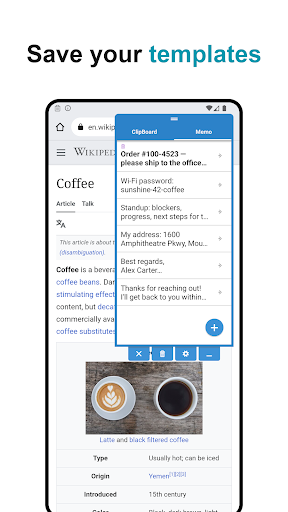
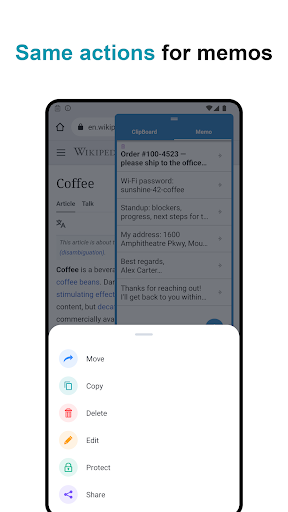
Some clipboard items are more useful when they are treated as permanent notes rather than temporary copies. The memo-oriented features can help users keep frequently needed information in a more structured way. For example, you might save a commonly used response, a short instruction, a website address, or a piece of text that you regularly need. This creates a practical bridge between clipboard history and personal note-taking.
A clipboard manager becomes especially useful when daily tasks involve frequent copying and pasting. Instead of repeatedly searching through conversations or documents, users can keep commonly used information ready for reuse. Clipboard Pro: Manager & Memo can therefore fit naturally into workflows involving communication, research, writing, and routine administrative tasks.
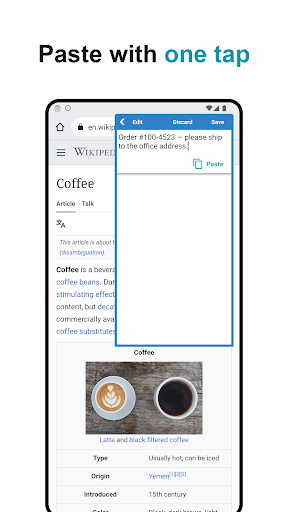
Repeatedly typing the same information can waste time and introduce mistakes. Saving commonly used text in a clipboard manager provides a faster alternative. Users can keep addresses, short descriptions, responses, links, or other reusable content available when needed. This can make repetitive tasks more convenient, particularly when working across several Android applications.
Keeping copied content organized is important when the clipboard contains many entries. A memo-based approach can make useful information easier to identify instead of leaving everything as an unstructured collection of copied text. Regularly reviewing old entries can also help remove information that is no longer relevant and keep the workspace manageable.
Start by installing Clipboard Pro: Manager & Memo and opening the application. Depending on the Android version and device, clipboard-related features may require specific permissions or system settings. Follow the instructions provided by the app so that it can work correctly with copied content.
Once configured, copy text from another application and check the clipboard manager to see the saved entry. Review the available items and keep information that you expect to reuse. You can also use the memo functions for content that should remain accessible for longer. Avoid saving sensitive information unless you understand how the application handles stored clipboard data. Periodically deleting outdated entries can help keep the collection organized.
Clipboard Pro: Manager & Memo offers a practical way to extend the usefulness of the Android clipboard. By combining clipboard management with memo-style storage, it can help users keep important text available and reduce repetitive copying or typing. The app may be particularly useful for people who handle large amounts of short text throughout the day. With sensible organization and regular cleanup, it can become a convenient part of an everyday productivity workflow.