home chevron_right Apps chevron_right Productivity chevron_right Business Calendar 2 Pro


HabitTick-Habit Tracker & Todo
v1.1.25
• Premium
| Updated On | |
|---|---|
| Google Play ID | com.appgenix.bizcal.pro |
| Category | Productivity |
| Version | 2.55.4 |
| Size | 36 MB |
| MOD Features | Unlocked |
| Requires | Android 8.0 |
| Price | |
| false | |
| Content Rating | |
| Everyone | |
| Internet Required | |
| Unknow | |

Business Calendar 2 Pro targets a fairly clear gap between the default phone calendar, usually too basic for real work planning, and full-blown project management software built for entire teams. The app positions itself right in between: powerful enough for detailed planning, yet still tidy for a single user.
The app is developed by Appgenix Software, with the original Business Calendar Pro on Google Play since March 2011, while Business Calendar 2 Pro launched in February 2019. The app was included in Lifehacker’s list of essential Android apps in 2018. This is the Pro version, a one-time purchase of around $13.99 rather than a subscription, and the developer states directly that upgrade revenue is the sole source of funding for the app’s ongoing development.
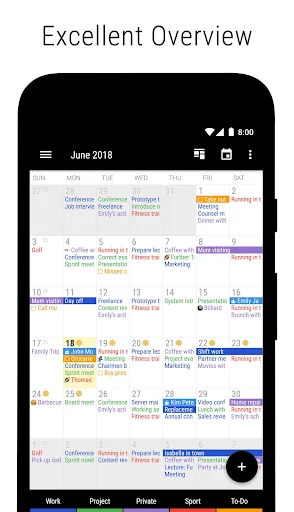
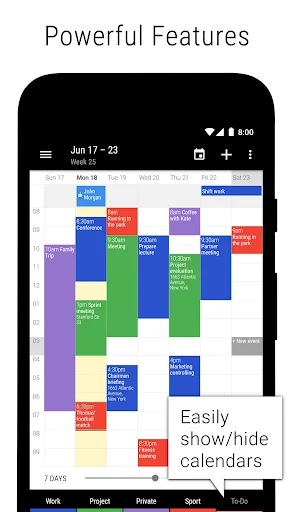
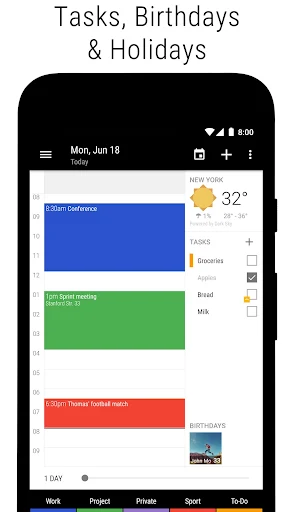
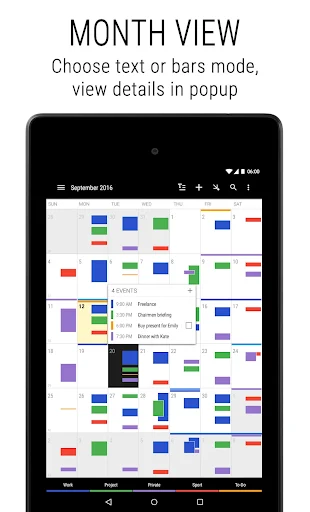
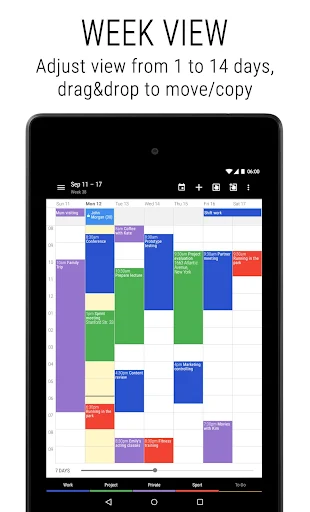
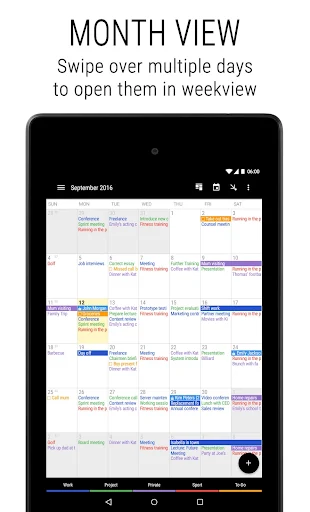
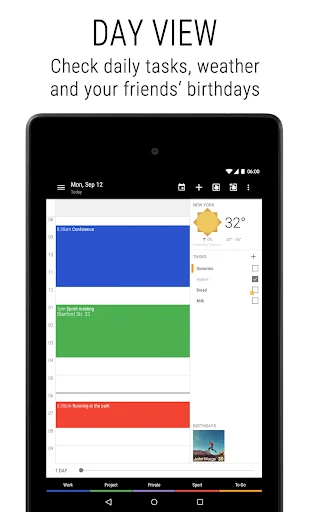
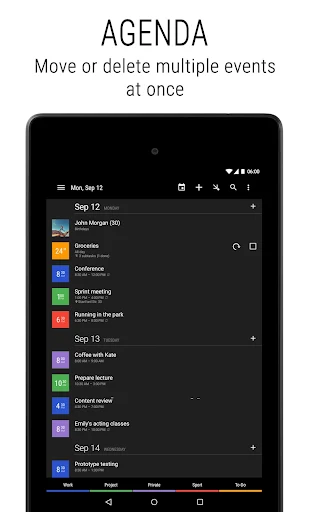
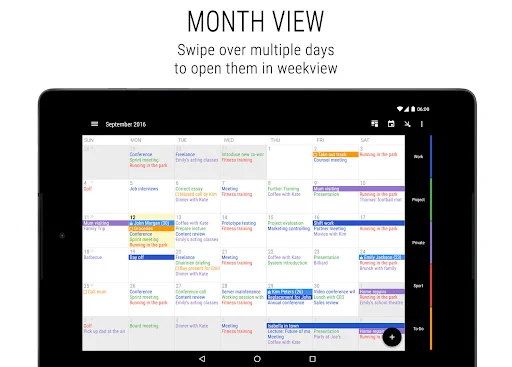
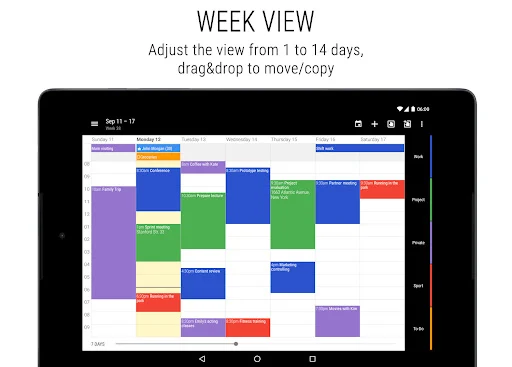
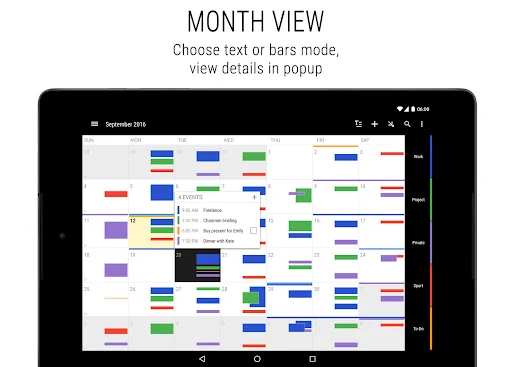
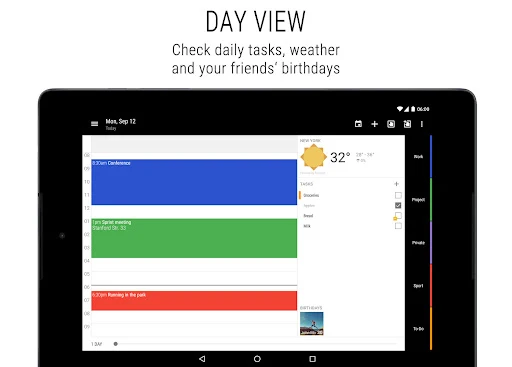
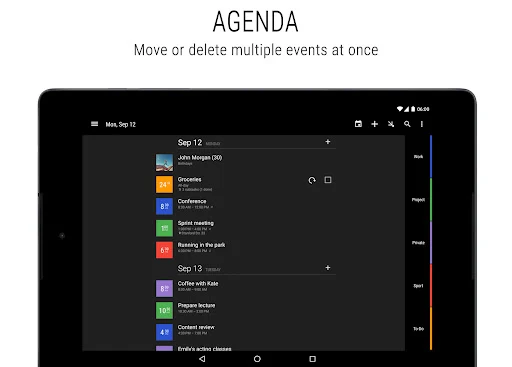
Business Calendar 2 Pro offers six main views, including month, week, day, agenda, year, and tasks, along with a flexible daily and weekly planner that can be adjusted to display anywhere from 1 to 14 days at once. The app syncs with Google Calendar, Microsoft Outlook, Exchange, and several other calendar services, preserving existing calendar data when switching over from another app instead of requiring a manual re-entry from scratch.
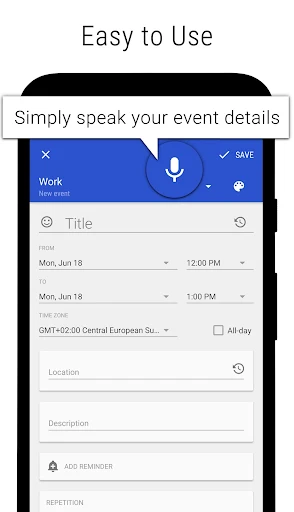
The Pro version’s difference from the free tier comes down to a set of scheduling speed tools: creating events and tasks from templates, automatic location suggestions based on TomTom map data, drag-and-drop to move or copy events directly in the weekly planner, and multi-selecting events to delete, move, or copy in bulk, useful for copying the same work shift across several different days. The app also supports subtasks, priority levels, repeating tasks, and syncing task positions with Google Tasks.
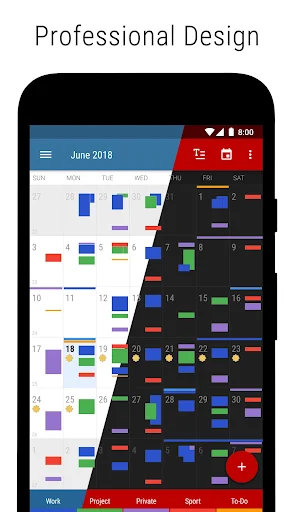
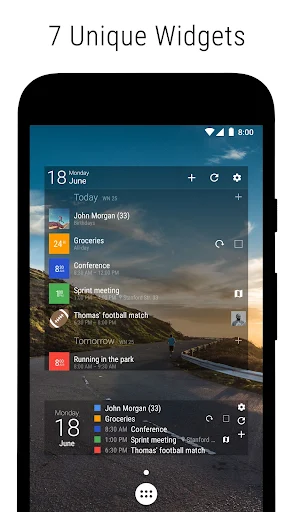
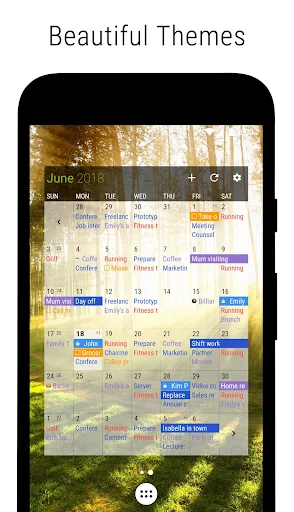
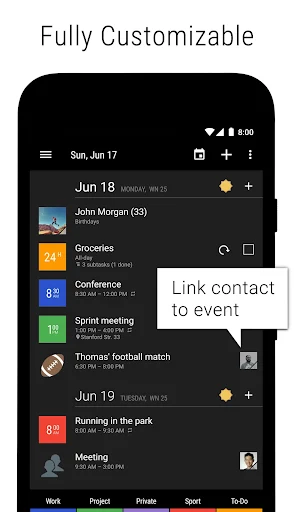
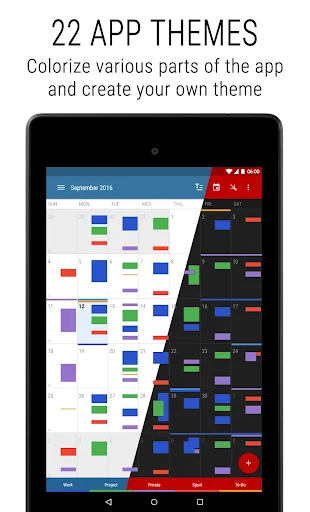
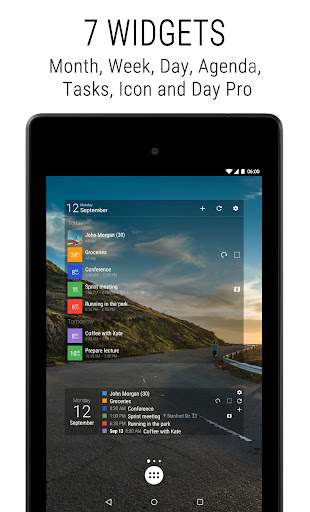
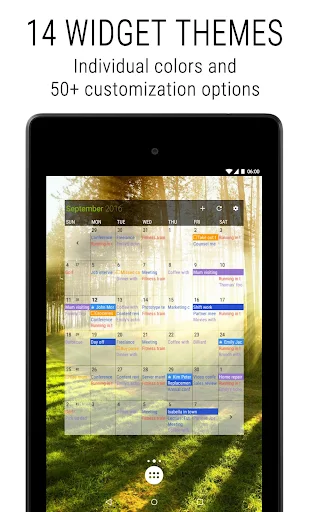
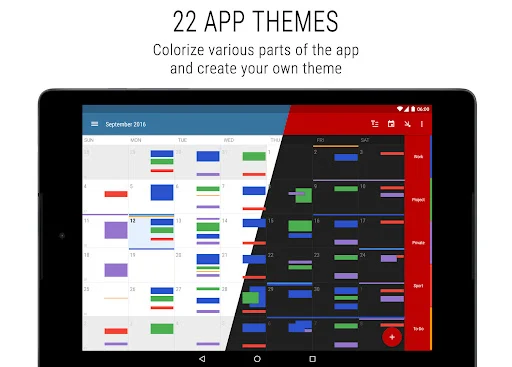
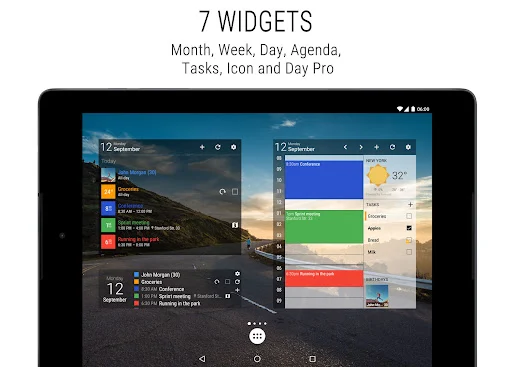
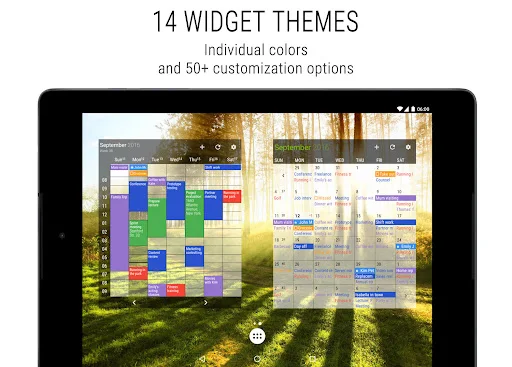
On the customization side, Business Calendar 2 Pro provides 22 different color themes, including a dark theme, along with 14 unique widget styles for different widget types, plus individually adjustable font sizes for different display sections. The app also allows privately linking a contact to a specific appointment, setting a unique alarm ringtone per calendar, and marking events as cancelled to reschedule later without losing the original details.
It’s worth setting up event templates early for recurring schedule types, such as fixed work shifts or regular meetings, rather than creating them manually each time, since this saves noticeable time over the long run. For anyone managing multiple calendars at once, such as personal and work calendars, assigning a different ringtone per calendar makes it quick to tell which kind of reminder is going off without checking the phone. When rescheduling several events at once, using the multi-select feature instead of editing each one individually is particularly useful when a work schedule shifts seasonally or by project.
Overall, Business Calendar 2 Pro suits anyone who needs a scheduling tool more capable than the phone’s default calendar without wanting to learn full project management software. The one-time payment model rather than a subscription is a clear plus for many users, along with the range of scheduling speed tools and deep interface customization. It’s worth investing in for anyone who treats time management as a core part of their daily work.