home chevron_right Games chevron_right Simulation chevron_right Real Flight Simulator


Airport Security Simulator 3D
v0.9
• Simulation
| Updated On | |
|---|---|
| Google Play ID | it.rortos.realflightsimulator |
| Category | Simulation |
| Version | 4.0.4 |
| Size | 459 MB |
| MOD Feature | Not available |
| Requires | Android 7.1 |
| Price | |
| $0.99 | |
| Content Rating | |
| Everyone | |
| Internet Required | |
| Not Required | |
| Languages | |
| English, French, German, Indonesian, Italian, Japanese, Korean, Portuguese, Russian, Simplified Chinese, Spanish, Turkish | |

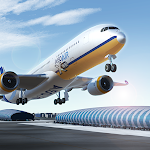
Real Flight Simulator brings the experience of piloting an aircraft to your Android device through detailed cockpits, realistic flight procedures and impressive global environments. Instead of simply steering a plane across the sky, you will manage flight plans, adjust weather conditions and handle different stages of each journey. The game also features online interactions and extensive aircraft customization, giving aviation enthusiasts plenty of ways to explore the skies.
Real Flight Simulator is designed for players who want more than a casual flying experience. Its combination of detailed aircraft systems, realistic environments and flexible flight settings creates an engaging simulation where every journey involves preparation and control.
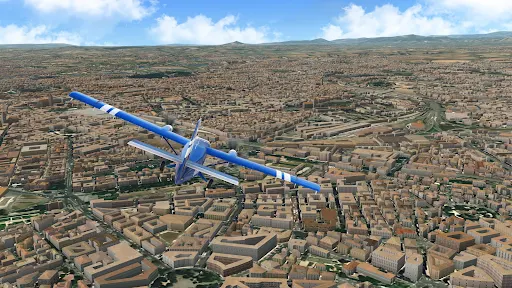
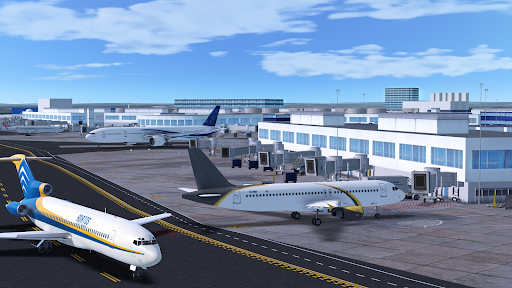
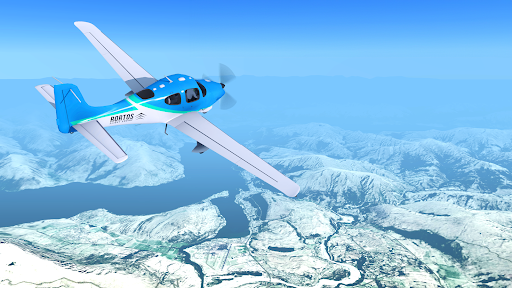
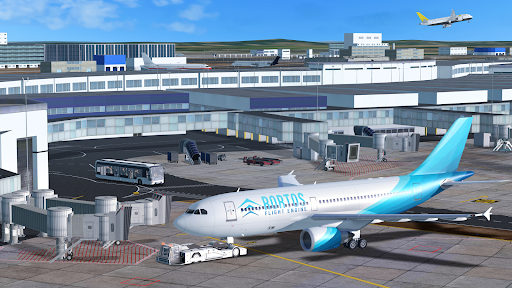
One of the most impressive aspects of Real Flight Simulator is its use of high-resolution satellite imagery to recreate locations around the world. As you fly between destinations, you can observe runways, recognizable landmarks, large buildings and other environmental details from above. Selected locations also feature 3D structures, making the scenery feel more convincing as your aircraft approaches an airport.
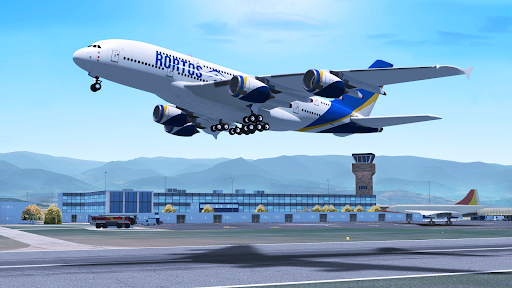
The game offers a range of aircraft and flight routes, allowing players to experience different journeys rather than repeating the same short missions. Whether you prefer flying over familiar landscapes or discovering distant destinations, the expansive environment provides plenty of room to explore.
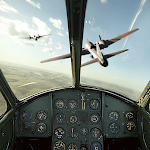
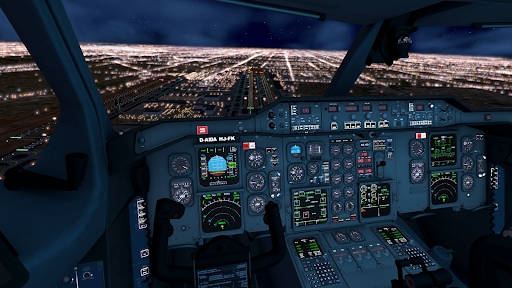
Real Flight Simulator puts players inside the cockpit, where aircraft operation becomes the main focus. The first-person perspective provides access to essential instruments, switches and control systems, encouraging you to pay attention to the details of each flight. You will need to follow instructions, manage the aircraft’s movement and complete important procedures during takeoff and other stages of the journey.
The controls are designed to reflect the logic of real aviation rather than relying entirely on simple directional inputs. Instrument displays, engine sounds and cockpit interactions contribute to the overall atmosphere. Although beginners may need time to understand the available systems, learning how each control works makes successful flights more rewarding.
Planning is an important part of the experience, as Real Flight Simulator gives players considerable freedom over how each journey unfolds. Before taking off, you can configure several elements that influence the aircraft’s performance and the conditions along the route.
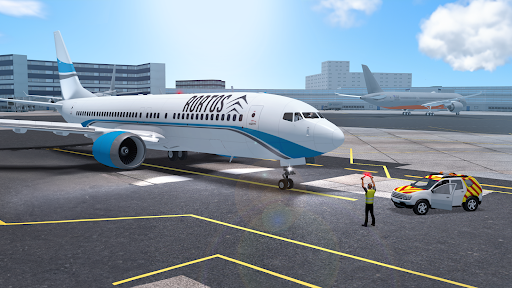
Players can select from available aircraft models, then decide where their journey begins and ends. The chosen route determines the airports and flight paths involved, creating opportunities to experience different approaches, departures and long-distance journeys. As additional aircraft become available, you can experiment with different models and discover how their characteristics affect the flying experience.
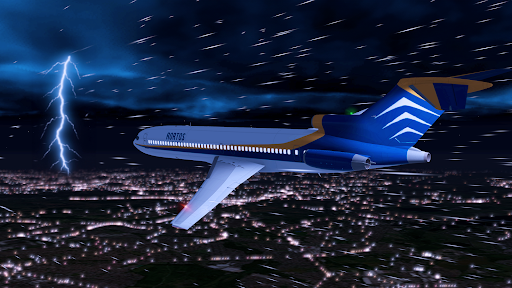
The simulation allows you to modify various settings before departure, making it easier to create flights that match your preferred difficulty. Aircraft-related options include fuel, weight, speed, passenger capacity and cargo, while environmental settings cover wind, pressure, rain, storms, snow, clouds and temperature.
These adjustments can change how demanding a flight becomes. New players may prefer calm weather and manageable aircraft configurations while learning the controls. More experienced pilots can introduce stronger winds or difficult weather conditions to test their ability to respond to changing circumstances.
Flying does not have to be a solitary activity in Real Flight Simulator. Its online environment brings together players who are operating aircraft across different airports and routes, creating a shared aviation experience.
The game features real-time flight activity, with numerous journeys taking place around major airports and connecting destinations. You can observe other aircraft in the virtual sky and use the built-in chat system to communicate with fellow pilots. This interaction adds a social element to the simulation, allowing players to exchange experiences, discuss their routes and enjoy the atmosphere of a busy aviation network.
Aircraft customization gives players another reason to spend time with the game beyond completing individual flights. Real Flight Simulator provides options for changing the appearance and selected details of aircraft, helping each model reflect your preferred style.
You can explore different liveries created by the community, including designs that give familiar aircraft a completely different look. Depending on the available customization options, players can also adjust cockpit elements, instruments, gauges and other visual details. These choices make it easier to create an aircraft that feels distinct from the standard models.
The community content is particularly useful when you want fresh inspiration. Instead of designing every detail yourself, you can browse existing liveries and choose a style that suits your next journey.
To get Real Flight Simulator on your device, visit APKMODY and search for the game’s download page. Check the available version, file information and Android compatibility before selecting the APK package. After downloading, open the file through your device’s file manager and follow the installation instructions. If Android requests permission to install apps from that source, enable it only when you trust the file. Once installation is complete, launch the game, explore the aircraft selection and prepare your first flight.