home chevron_right Apps chevron_right Photos & Videos chevron_right Slow motion video FX


AnyLink XGet Video Downloader
v1.2.5
• Photos & Videos
| Updated On | |
|---|---|
| Google Play ID | com.mobile.bizo.slowmotion |
| Category | Photos & Videos |
| Version | 3.0.0 |
| Size | 46 MB |
| MOD Features | Pro Unlocked |
| Requires | Android 5.0 |
| Price | |
| Free | |
| Content Rating | |
| Everyone | |
| Internet Required | |
| Not Required | |

Slow Motion Video FX transforms ordinary footage into eye-catching videos by letting you slow down individual moments or speed up entire sequences. Its adjustable timeline, simple editing tools, and customizable playback settings make it suitable for casual creators as well as users producing social media content. Explore its key features, learn about the Pro Unlocked edition, and find out how to download the app through APKMODY.
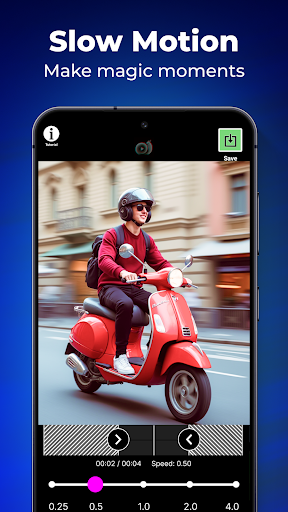
Slow motion is a filmmaking technique that plays recorded footage at a slower rate than its original speed. By extending the duration of an action, this effect allows viewers to notice details that might otherwise pass too quickly, such as a jumping movement, a splash of water, or an object falling to the ground.
The technique is widely used in movies, sports recordings, advertisements, and online videos. It can create dramatic scenes, emphasize important movements, or turn everyday activities into amusing visual moments. When applied thoughtfully, changes in playback speed can completely alter the mood and rhythm of a clip.
Slow Motion Video FX is a video-editing application designed to adjust the playback speed of existing recordings or newly captured footage. Instead of requiring complicated editing software, it provides accessible controls that let you create slow-motion and fast-motion sequences directly on an Android device.
You can apply a consistent speed to an entire clip or modify selected sections to produce more varied results. This flexibility makes the app useful for different purposes, from creating funny videos for friends to preparing short-form content for social media platforms.
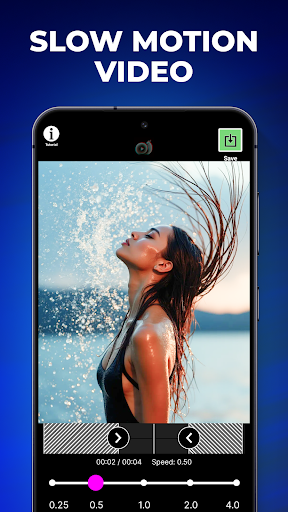
The main attraction of Slow Motion Video FX is its straightforward speed adjustment system. You can reduce playback speed to emphasize a particular action or accelerate footage to create a time-lapse-like effect.
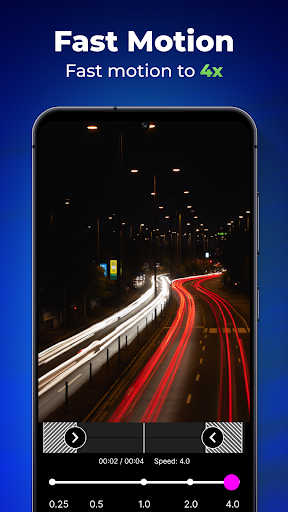
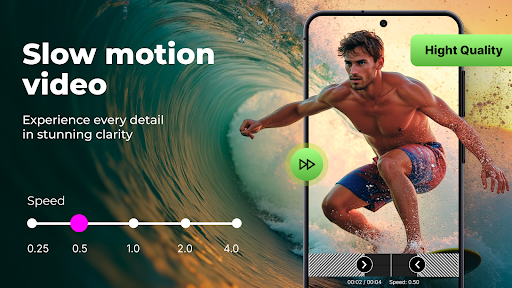
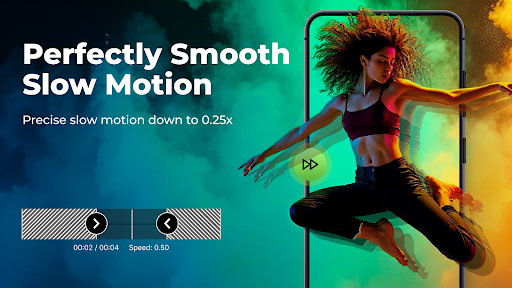
For slower sequences, the app provides speed options such as 1/2x, 1/3x, and 1/5x. On the other hand, fast-motion settings can increase playback speed by up to 5x, allowing long activities to appear much shorter.
These adjustments give you plenty of room to experiment with different visual styles. For example, you can slow down a dance movement to highlight its details or speed up a recording of someone preparing a meal to create a more energetic presentation.
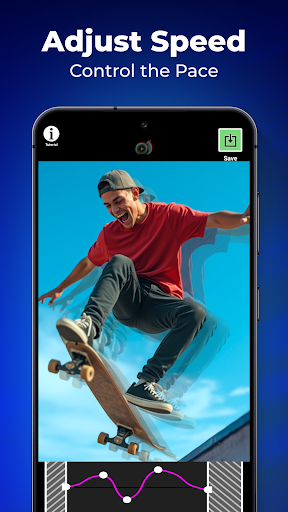
Applying one speed setting to an entire recording is useful, but sometimes only a specific moment needs a different rhythm. The advanced editing mode addresses this by allowing you to adjust playback speed at different points along the timeline.
You can create several speed segments within one clip, combining normal playback with slower or faster sections. This approach is particularly effective when you want to emphasize a key movement without changing the rest of the footage.
By experimenting with the position and intensity of each adjustment point, you can create transitions between different speeds. The result feels more intentional than simply slowing down or accelerating an entire recording.
Slow Motion Video FX supports footage selected from your device’s gallery, making it convenient to work with recordings you already have. You can also capture a new video and apply speed adjustments without switching between multiple applications.
Before editing, you can select the section you want to use and trim unnecessary footage. This helps keep the final result focused on the moment you want viewers to notice.
The ability to work with both existing and newly recorded clips makes the application suitable for spontaneous editing sessions. Whether you are preparing a planned project or experimenting with a random recording, you can start creating without a complicated setup.
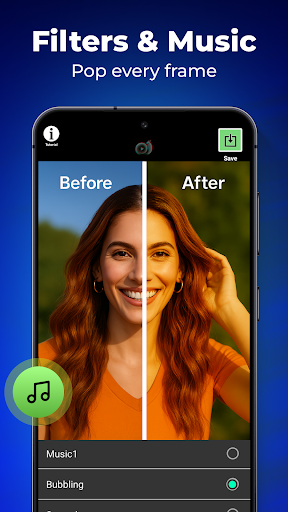
Speed adjustments are the central feature, but additional editing options help you refine the final presentation. Depending on the available tools in your version, you can apply visual filters or add music to complement the footage.
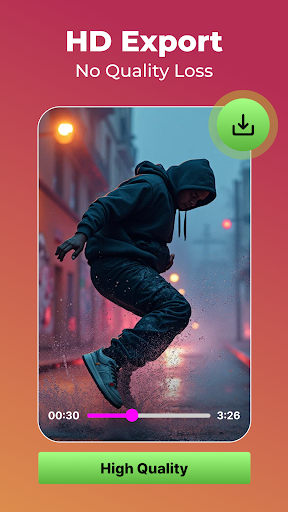
Once the editing process is complete, preview the result to check whether the transitions and playback speed look natural. You can then save the finished clip to your device’s gallery or share it through supported platforms.
You do not need advanced editing experience to get started with Slow Motion Video FX. The following workflow offers a simple way to turn a regular recording into a speed-adjusted clip:
Choose your footage: Open the application and select a video from your gallery, or record a new clip directly through the app.
Prepare the recording: Trim the beginning or ending if necessary, keeping only the sections you want to include in the final result.
Set the playback speed: Choose a simple speed adjustment for the entire clip or switch to the advanced timeline editor to modify individual sections.
Fine-tune the effect: Move the adjustment points to control where the footage slows down, returns to normal speed, or accelerates.
Personalize the result: Add available filters or background music to give your video a more distinctive appearance.
Preview and export: Play the edited clip to check its timing, then save it to your gallery or share it through your preferred platform.
For a more polished result, avoid applying extreme speed changes to every section. A carefully chosen slow-motion moment or a short fast-forward sequence often creates a stronger visual impact than constant speed adjustments.
The modified edition is intended for users who want access to additional editing capabilities without the restrictions of the standard version.
– Pro Unlocked: Unlocks the Pro version’s features, providing access to additional tools and options included in the premium edition.
Keep in mind that modified APKs are unofficial releases. Their compatibility and stability may vary, and downloading packages from untrusted sources can expose your device to security risks.
Want to experiment with creative speed effects on your own recordings? APKMODY provides a place to find the Android installation packages for Slow Motion Video FX. Before installing, review the release details and select the edition that matches your needs.
Find the correct listing: Search for Slow Motion Video FX on APKMODY and open its dedicated download page.
Inspect the package: Check the version information, file size, and available MOD description to avoid selecting an unsuitable release.
Prepare your Android device: Make sure enough storage is available and that your operating system meets the stated requirements.
Save the APK file: Use the download option provided on the page and wait until the package has been fully downloaded.
Install and start editing: Open the saved file, follow the installation prompts, and launch the application once setup is complete.