home chevron_right Apps chevron_right Communication chevron_right Proton Mail: Encrypted Email


Quetta – Video Private Browser
v2.0.8
• Unlocked
| Updated On | |
|---|---|
| Google Play ID | ch.protonmail.android |
| Category | Communication |
| Version | 7.11.11 |
| Size | 153 MB |
| MOD Features | Unlocked |
| Requires | Android 10 |
| Price | |
| Free | |
| Content Rating | |
| Everyone | |
| Internet Required | |
| Unknow | |

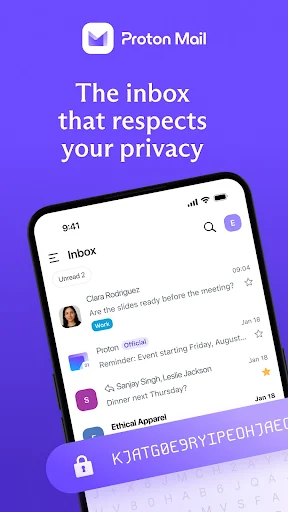
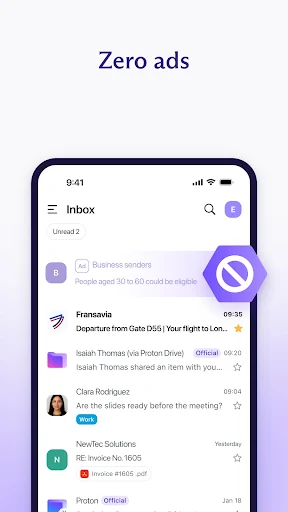
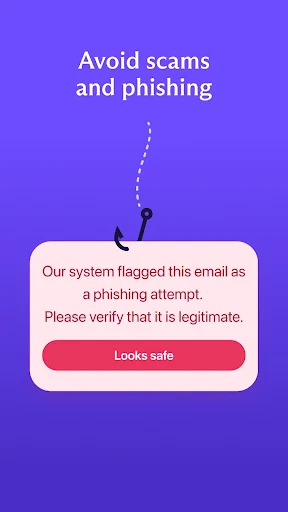
Proton Mail: Encrypted Email is a privacy-focused email service designed to protect messages and attachments with strong encryption. Its Android app provides a familiar email experience while adding security features such as end-to-end encryption between Proton Mail users, zero-access encryption for stored messages, password-protected emails, and PGP support. The app also supports push notifications, offline email access, and standard tools for reading, composing, replying to, and organizing messages. For users who want more control over the privacy of their email communications, Proton Mail offers an alternative to conventional email services.
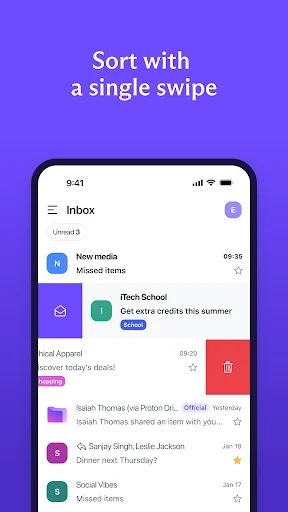
The main purpose of Proton Mail is to provide a secure environment for everyday email communication. The Android application keeps the familiar structure of an email client while placing encryption and privacy at the center of the experience. Users can read messages, compose new emails, reply to conversations, manage folders, and receive notifications when new messages arrive.
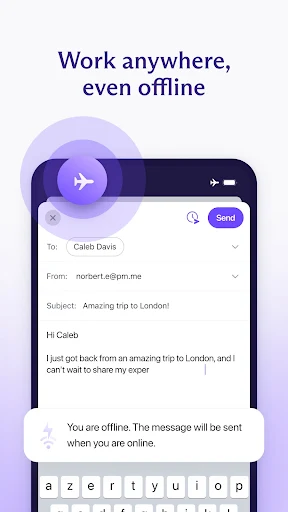
The latest Android app has also been redesigned to provide a faster and smoother experience. Proton states that users can read, write, and organize emails while offline, with changes synchronizing automatically when an internet connection becomes available again.
Security is one of the defining characteristics of Proton Mail: Encrypted Email. Messages stored in a Proton Mail mailbox use zero-access encryption, which means Proton cannot normally decrypt their contents. Message bodies and attachments are encrypted, while some metadata, including subject lines and sender or recipient addresses, is not end-to-end encrypted.
Messages exchanged between Proton Mail users are automatically end-to-end encrypted. The sender’s device encrypts the message, and the recipient’s device decrypts it. This means the message contents remain inaccessible to Proton during transmission.
Not every email recipient uses Proton Mail. For this situation, Proton Mail provides password-protected emails. Users can send an encrypted message to an external email address and require the recipient to enter a password before reading it. This makes it possible to use end-to-end encryption even when communicating with someone outside the Proton Mail ecosystem.
Password-protected emails are available on all Proton Mail plans, including the free plan. They normally expire after 28 days, and the sender needs to share the password with the recipient through a separate secure method.
For users who need more advanced email security, Proton Mail: Encrypted Email supports PGP. This allows communication with contacts who use compatible PGP encryption instead of Proton Mail. The application also displays lock icons that indicate the encryption status of messages.
These indicators can help users understand how a particular email was protected. For example, Proton Mail uses a blue lock for messages sent between Proton Mail addresses with end-to-end encryption. PGP-encrypted messages with compatible external contacts can display a green lock.
Email attachments receive encryption protection alongside message content. Proton states that attachments are automatically encrypted and decrypted on the device, allowing users to view encrypted files through the app without first downloading them separately.
The Android application also provides an App Lock option that can require a PIN when opening Proton Mail. This adds another layer of protection when other people may have access to the device.
Install Proton Mail: Encrypted Email and sign in to an existing Proton account or create a new one. After opening the inbox, use the standard navigation tools to read, organize, and manage messages. Tap the compose button to write a new email, then add recipients and attachments as needed.
When sending messages to another Proton Mail user, encryption is enabled automatically. For recipients who use other email services, consider enabling Password-protected Email when end-to-end encryption is required. Advanced users can configure PGP for compatible contacts. It is also useful to enable App Lock if the device is shared with other people.
Proton Mail: Encrypted Email combines the familiar functions of a modern email application with a strong focus on privacy. Automatic end-to-end encryption between Proton Mail users, zero-access encryption for stored messages, password-protected emails, PGP support, encrypted attachments, and App Lock provide several layers of protection. The Android application also supports offline email management and push notifications, making it suitable for everyday communication. Users should remember that emails sent to ordinary external email services are not automatically end-to-end encrypted, so password-protected messages or PGP may be necessary for more private communication. Overall, Proton Mail provides a structured approach to managing email while keeping encryption and user privacy at the center of the experience.