home chevron_right Apps chevron_right Photos & Videos chevron_right Persona: AI Beauty Editor


Photo Gallery – Album, Vault
v5.7.2
• Premium
| Updated On | |
|---|---|
| Google Play ID | com.tickettothemoon.persona |
| Category | Photos & Videos |
| Version | 1.7.56 |
| Size | false |
| MOD Features | Unlock |
| Requires | Android 10 |
| Price | |
| Free | |
| Content Rating | |
| Everyone | |
| Internet Required | |
| Unknow | |

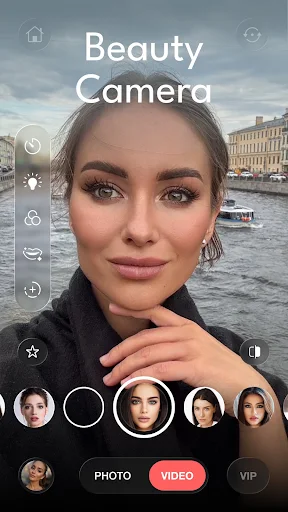
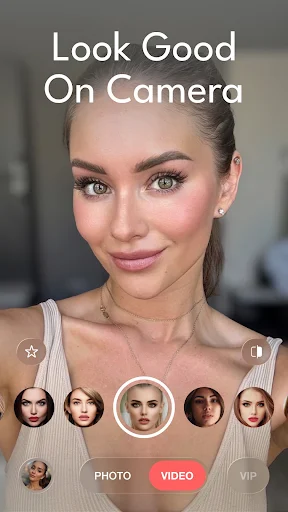
Persona: AI Beauty Editor is a photo and video editing app focused on AI-powered beauty tools. Developed by TICKET TO THE MOON, INC., the app provides a wide range of features for enhancing faces, skin, hair, body shape, and overall image quality. It is a suitable option if you are looking for an AI photo editing app that can help create more polished and attractive selfies with relatively simple controls.
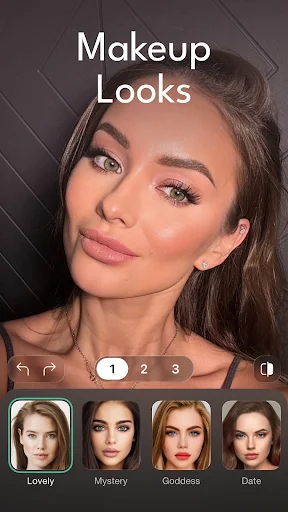
Rather than offering only basic color filters, the app focuses on detailed portrait enhancement. Users can smooth skin, adjust facial features, improve hair, reshape the body, and apply different visual effects. These tools make it accessible even for people who do not have much experience with professional photo editing software.
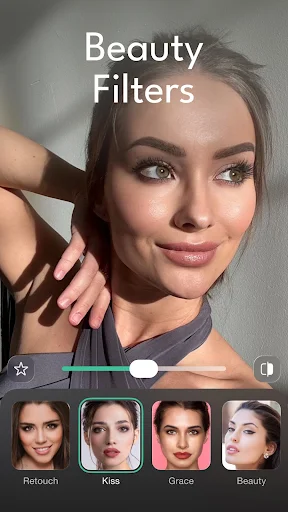
One of the main highlights is its collection of facial beauty tools. Users can smooth the skin, brighten the face, refine facial features, and make subtle adjustments with just a few taps. The beauty filters are designed for quick editing, making them suitable for everyday selfies and social media photos.
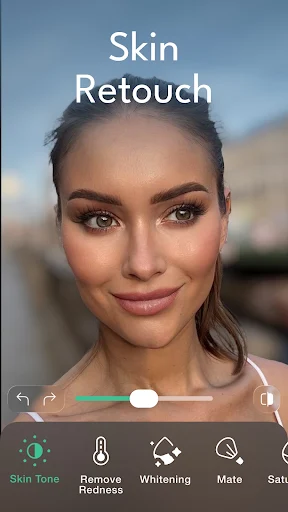
The app also includes skin editing tools with options for adjusting skin tone, improving texture, and reducing unwanted shine. These features can help create a more balanced appearance without requiring complicated manual editing.
Another interesting feature is the collection of hair editing tools. Users can enhance hair volume or experiment with different hairstyles directly on their photos. This can be useful when you want to preview a different look before making a real-world change.
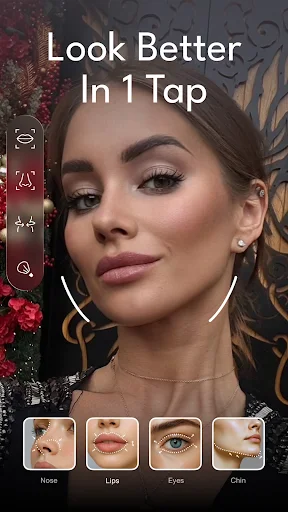
The app also allows users to fine-tune features such as the eyes, nose, lips, and jawline. When used moderately, these tools can make a portrait look more balanced while preserving a relatively natural appearance.
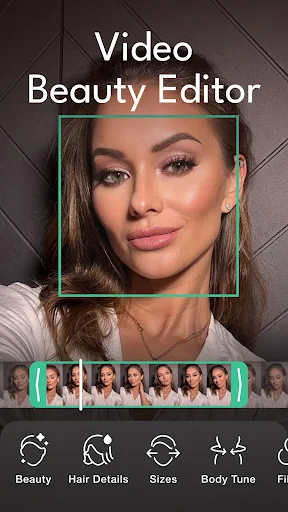
In addition to facial adjustments, the app provides body editing tools for both photos and videos. Users can make subtle changes to their body shape and overall composition. Adjustments should be kept reasonable to avoid making the image look unnatural or distorting background elements.
The color editing tools allow users to modify brightness, contrast, and sharpness. The Color Boost feature can enhance tones and make images appear more vivid. Users can combine color adjustments with beauty filters to create a visual style that matches each photo.
If a photo contains small unwanted details, the Quick Fix feature can help remove certain imperfections or distractions. Users can also add details such as freckles or dimples to create a different appearance.
With many editing tools integrated into one platform, portrait retouching becomes more convenient. Users do not have to switch between multiple applications just to perform basic beauty adjustments.
The biggest advantage of the app is its strong focus on AI-powered portrait enhancement. Its collection of tools for skin, hair, facial features, body shape, and colors gives users plenty of options when editing photos. Several features also support video, making the app useful for people who regularly create portrait content for social media.
The app can be particularly useful for users who want fast results without having to learn complex editing techniques. AI-based adjustments can save time, especially when the goal is to improve a selfie or portrait rather than create a highly detailed professional composition.
However, some advanced features may require a VIP subscription. If you only need basic editing tools, it is worth trying the available free features before deciding whether a paid plan is necessary. For users who frequently edit selfies and portrait videos, the additional AI tools may provide more value.
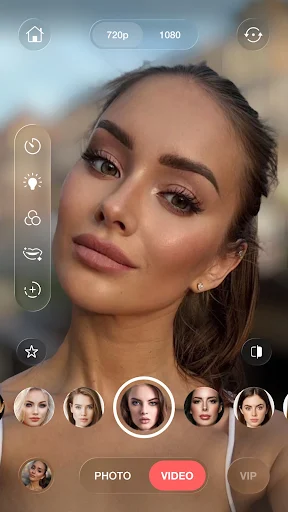
After opening the app, choose an image from your gallery or take a new photo using the camera. Next, select the beauty tools you need, such as skin smoothing, facial adjustments, or hairstyle editing. Start with subtle adjustments and gradually increase the intensity if necessary to maintain a natural-looking result.
For portrait photos, you can combine AI face editing with brightness and color adjustments. After finishing, review the entire image carefully to make sure that background elements and other details still look natural before saving the result.
The AI Tools section provides more advanced features, including options that can transform the appearance or create new looks based on your selfie. When using these tools, choose a clear source image with a well-defined face to improve the quality of the result.
When editing videos, review the entire clip after applying an effect. Strong changes to facial features or body shape can sometimes appear inconsistent between frames, so moderate adjustments are usually preferable.
Persona: AI Beauty Editor is a notable option for users who want to enhance portrait photos with AI on their phones. From facial beautification and skin enhancement to hairstyle changes, body adjustments, color editing, and imperfection removal, the app brings a broad selection of tools into one interface.
If you are looking for an AI beauty photo app that can handle both photos and videos, this is a tool worth trying. However, consider the available free features and the cost of VIP options before subscribing. For the most natural results, use beauty adjustments moderately and choose settings that complement your personal style.