home chevron_right Apps chevron_right Photos & Videos chevron_right Hide Photos, Video and App Loc


Luminar: AI Photo Editor
v4.0
• Premium Unlocked
| Updated On | |
|---|---|
| Google Play ID | com.hideitpro |
| Category | Photos & Videos |
| Version | 8.8.1 |
| Size | 42 MB |
| MOD Features | Unlocked |
| Requires | Android 7.0 |
| Price | |
| Free | |
| Content Rating | |
| Everyone | |
| Internet Required | |
| Unknow | |

Hide Photos, Video and App Loc is a privacy-focused Android app designed to help users keep selected photos, videos, and applications away from casual access. Instead of leaving private content visible in the standard gallery or app drawer, the tool provides a more controlled space for managing sensitive files and selected apps. It can be useful for people who share their devices with family members, friends, or colleagues and want an additional layer of privacy. The app is built around a straightforward idea: keep personal content organized and less exposed without requiring complicated file-management procedures.
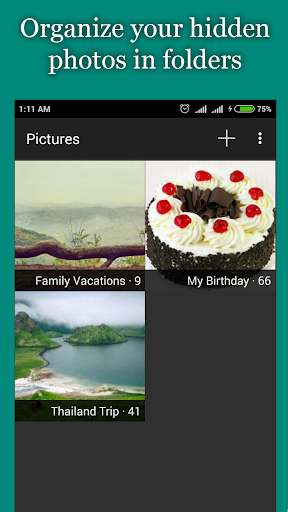
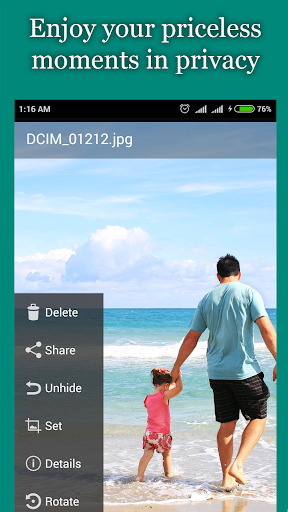
One of the main functions is hiding selected media files from ordinary viewing locations. Users can choose photos or videos that they do not want to appear alongside their regular gallery content. This can make it easier to separate personal media from everyday pictures, especially on devices used by multiple people.
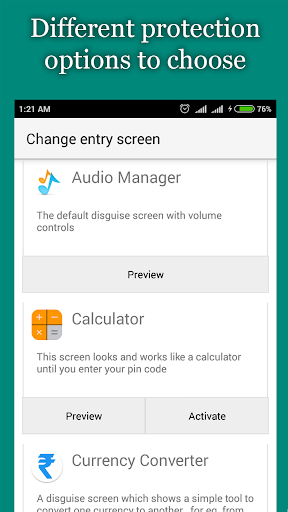
The hidden area can provide a more private space for selected content. Depending on the device and app version, the exact protection features may vary. Users should also remember that hiding a file is not necessarily the same as encrypting it. Strong device security, screen locks, and safe storage practices remain important when protecting sensitive information.
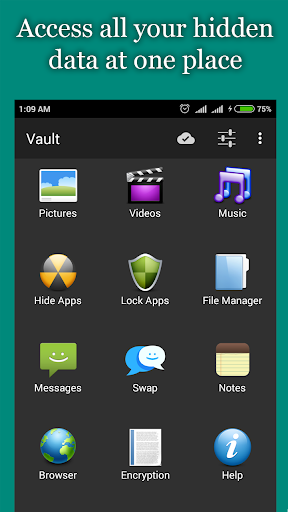
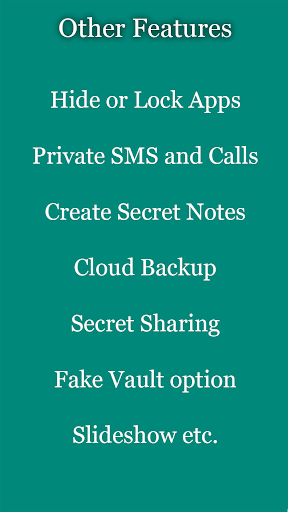
The application also focuses on controlling the visibility of other apps. This can be useful when certain applications contain personal information or when users simply want a cleaner app drawer. Reducing casual visibility may provide more control over which apps are immediately accessible from the device interface.
A dedicated privacy tool can be helpful in everyday situations. For example, users may occasionally lend their phones to someone else and prefer not to expose personal photos, videos, or selected applications. Moving private content away from common viewing areas can reduce accidental exposure.
The approach is also useful for keeping personal and shared content separate. Instead of repeatedly moving files between folders or deleting media from the gallery, users can manage selected items through a dedicated interface. This can make routine privacy management more convenient.
Ease of use is important for a privacy application. Users need to know where their protected content is stored and how to access it when necessary. A clear interface can make it easier to move files into the private area, review hidden content, and restore items when they are no longer needed.
However, users should carefully review the permissions requested by any privacy application. Access to photos, videos, storage, or other device features should match the app’s intended functions. It is also sensible to keep the device operating system updated and use a secure screen lock.
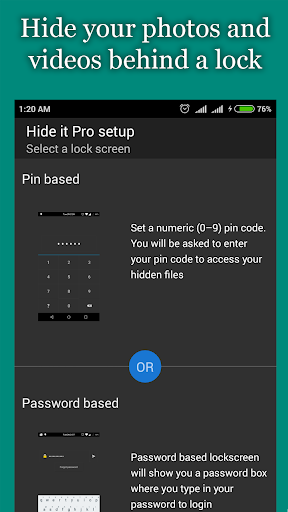
Open Hide Photos, Video and App Loc and review the available privacy options. Select the photos or videos you want to keep away from the standard gallery, then follow the app’s instructions to move them into the protected area. If app-hiding features are available on your device, select the applications you want to manage and configure the provided settings.
Before storing important files, make sure you understand how the app handles hidden content and whether the files remain available after uninstalling or changing devices. For particularly valuable photos or videos, keep a separate backup in a trusted location. This helps reduce the risk of losing content if the application is removed or the device experiences a problem.
Hide Photos, Video and App Loc offers a practical approach to managing private media and selected applications on an Android device. Its main appeal is the ability to move personal content away from common viewing areas and create a more controlled mobile environment. The tool can be useful for people who value everyday privacy, especially when their phones are occasionally shared with others. Still, hiding content should be considered an additional privacy measure rather than a replacement for strong device security. By combining the app with a secure screen lock, sensible permissions, regular updates, and reliable backups, users can manage personal content with greater confidence.