home chevron_right Apps chevron_right Entertainment chevron_right Fluid Simulation – Antistress


MoreShort – Dramas & Stories
v2.9.4
• Premium

| Updated On | |
|---|---|
| Google Play ID | games.paveldogreat.fluidsimfree |
| Category | Entertainment |
| Version | 4.70.1 |
| Size | 30 MB |
| MOD Features | Unlocked |
| Requires | Android 8.0 |
| Price | |
| Free | |
| Content Rating | |
| Everyone | |
| Internet Required | |
| Unknow | |

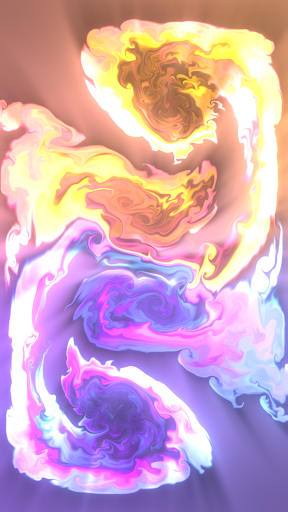
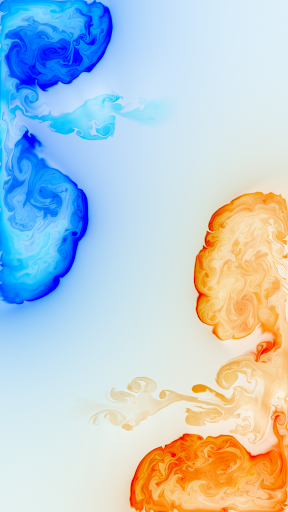
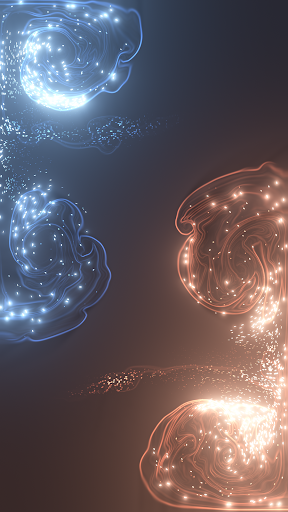
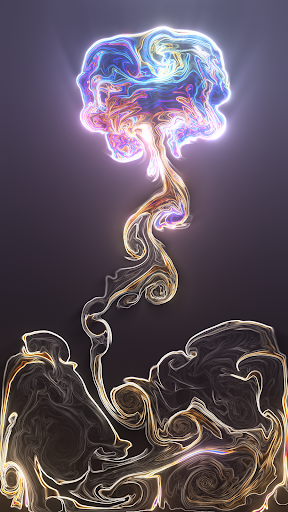
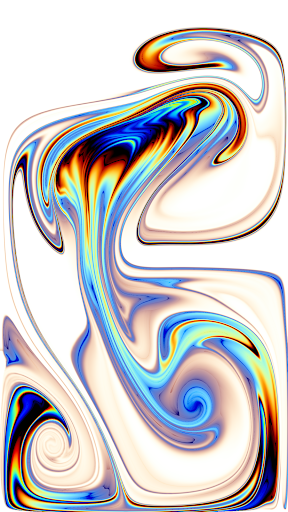
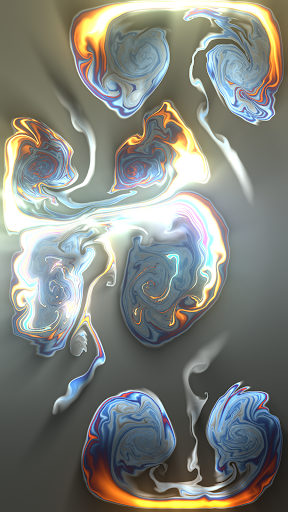
Fluid Simulation – Antistress is a relaxing interactive app that lets users create colorful fluid effects by touching and moving their fingers across the screen. Instead of focusing on goals, scores, or challenging tasks, it offers a visual experience built around flowing colors, smooth movement, and real-time patterns. The app can be a pleasant choice for people who want a simple digital activity during breaks or need a calming way to unwind after a busy day.
Fluid Simulation – Antistress turns your screen into a digital canvas filled with moving colors and fluid-like patterns. Every touch can produce a different visual response, allowing you to experiment freely without following instructions or completing specific objectives. The experience is open-ended, so users can explore different movements and effects at their own pace.
Unlike conventional games, this app does not depend on competition or progression. Its main purpose is to provide interactive visual entertainment that may help users take a short mental break. The combination of flowing shapes and colorful effects can make ordinary screen interactions feel more engaging.
The main attraction is the fluid simulation itself. Moving your finger across the display creates ripples, swirling shapes, and shifting color patterns. These effects respond to your gestures, making the screen feel dynamic rather than static. Experimenting with different movements can produce new visual arrangements, even when using the same basic controls.
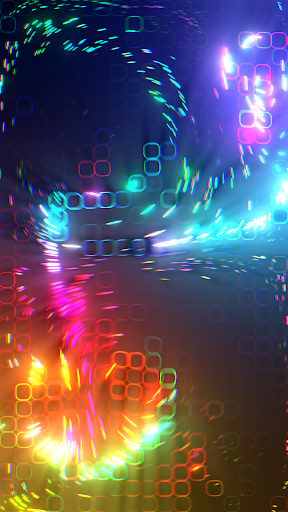
Bright colors and smooth transitions are central to the app’s appeal. Depending on the available settings, users may be able to adjust colors, visual styles, or simulation behavior. These options can make the experience feel more personal and encourage creative exploration.
The visual presentation may also appeal to people who enjoy abstract art and animated backgrounds. However, users who prefer structured activities or practical tools may find the experience limited after the initial novelty wears off.
The app’s straightforward interaction makes it accessible to a wide range of users. There is no complicated storyline to follow or demanding challenge to master. You can open it, interact with the screen for a few minutes, and leave whenever you want.
Although the experience is designed around relaxation, its effects will vary from person to person. It should be viewed as a casual leisure activity rather than a treatment for stress, anxiety, or other health concerns.
There are no strict rules governing how users should interact with the simulation. You can draw circles, make quick swipes, hold your finger in one place, or combine different gestures to explore the visual response. This freedom gives the app a playful quality without requiring artistic experience.
Still, its long-term appeal depends on how much you enjoy visual experimentation. Users looking for detailed creative tools, advanced drawing features, or extensive customization may need a more specialized application.
Start by opening the app and exploring the main simulation screen. Touch the display and move your finger slowly to create flowing patterns. Try faster swipes or circular movements to see how the effects change. You can also experiment with multiple gestures if the app supports them.
Next, check the available settings for options related to colors, effects, or interaction behavior. Adjusting these settings can help you find a visual style that suits your preferences. If the app offers a feature for saving or using simulations as backgrounds, review its instructions before applying it.
For a more relaxing session, use the app briefly during a break and keep the interaction simple. Avoid assuming that every feature is available in every version, as options may differ depending on the release and device. If performance becomes slow, closing other demanding apps may help improve responsiveness.
Fluid Simulation – Antistress offers a simple combination of interactive visuals, flowing colors, and creative freedom. Its biggest strength is its accessibility: users can experiment with fluid effects immediately without learning complex controls or working toward a specific objective.
However, the app’s limited structure may not satisfy people who prefer games with clear goals or creative software with advanced editing tools. Its value comes primarily from the visual experience rather than extensive functionality. If you enjoy colorful animations and want a lightweight activity for short breaks, this app is worth considering as a casual digital pastime.