home chevron_right Apps chevron_right Entertainment chevron_right ElephTV


YouTube Music Morphe
v9.45.51
• Unlock
| Updated On | |
|---|---|
| Package Name | com.africa.elephtvplus |
| Category | Entertainment |
| Version | 1.0 |
| Size | 34 MB |
| MOD Feature | Not available |
| Requires | Android |
| Price | |
| Free | |
| Content Rating | |
| Everyone | |
| Internet Required | |
| Required | |

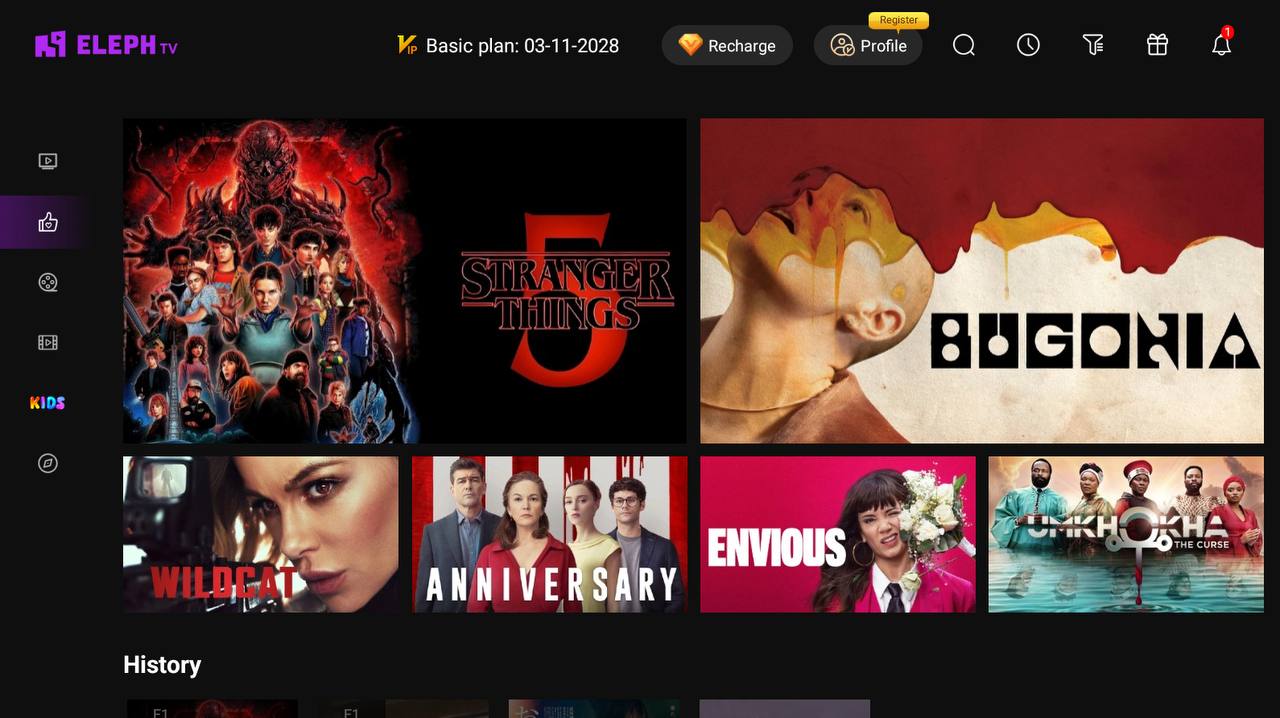
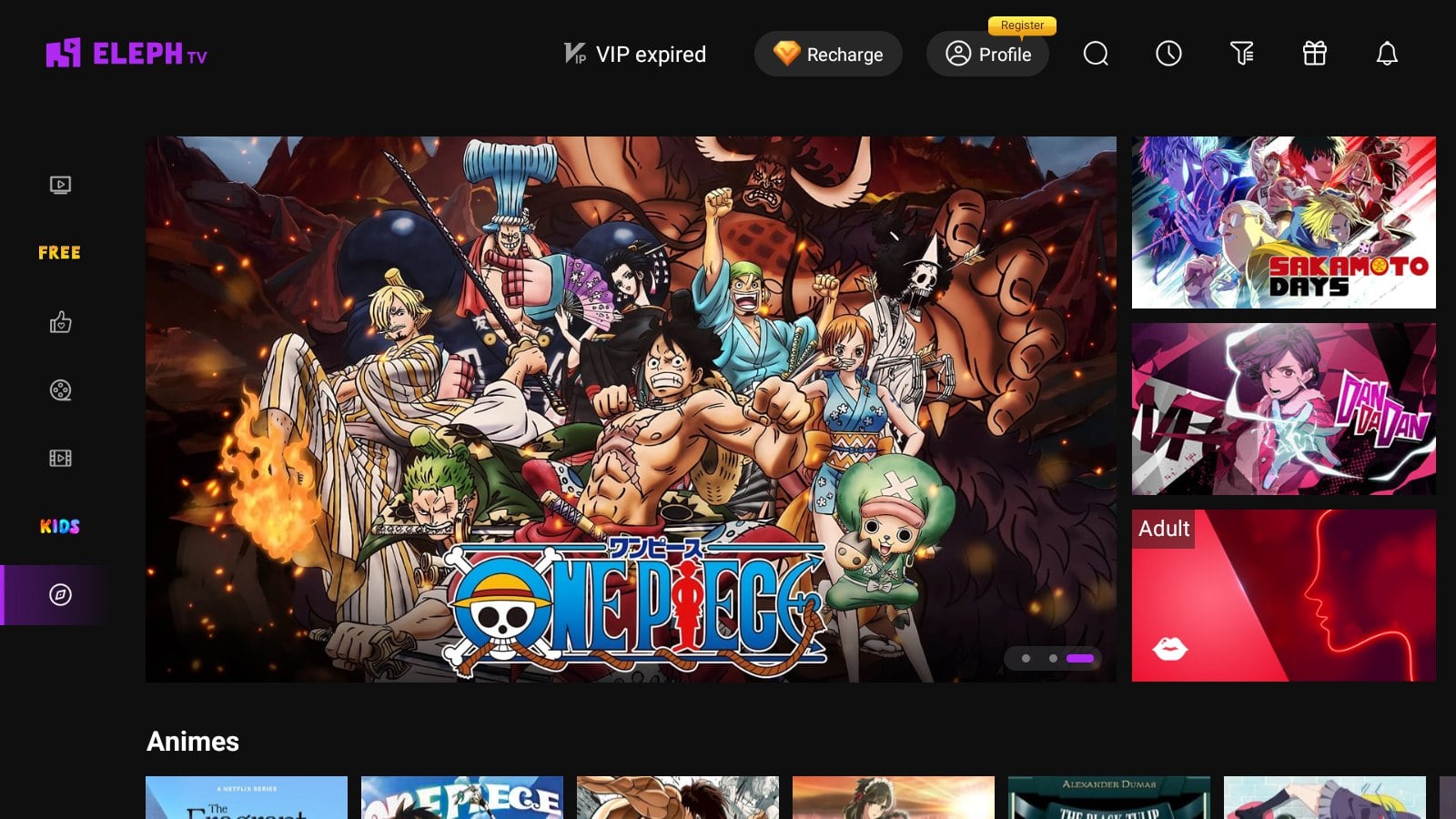
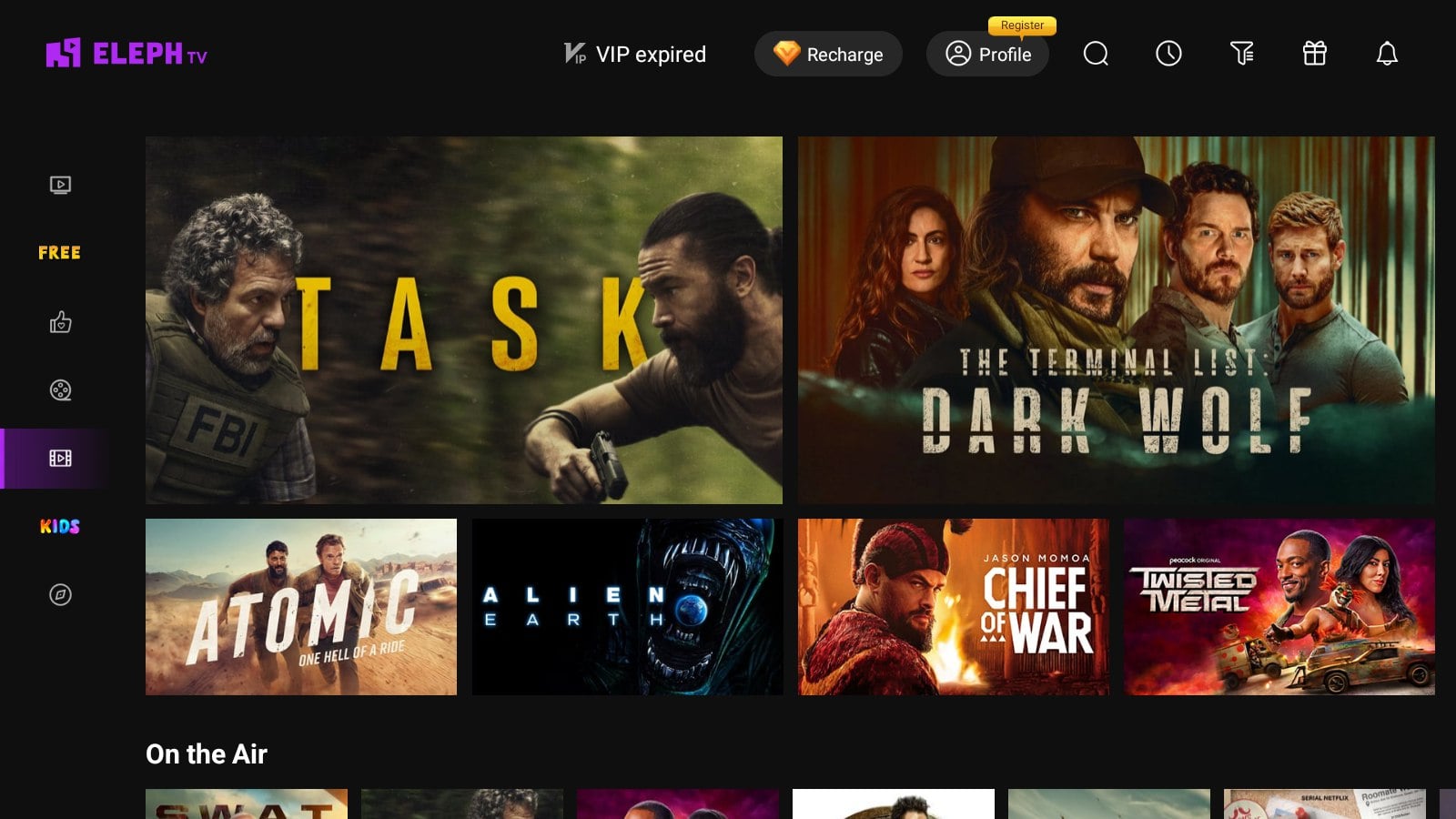
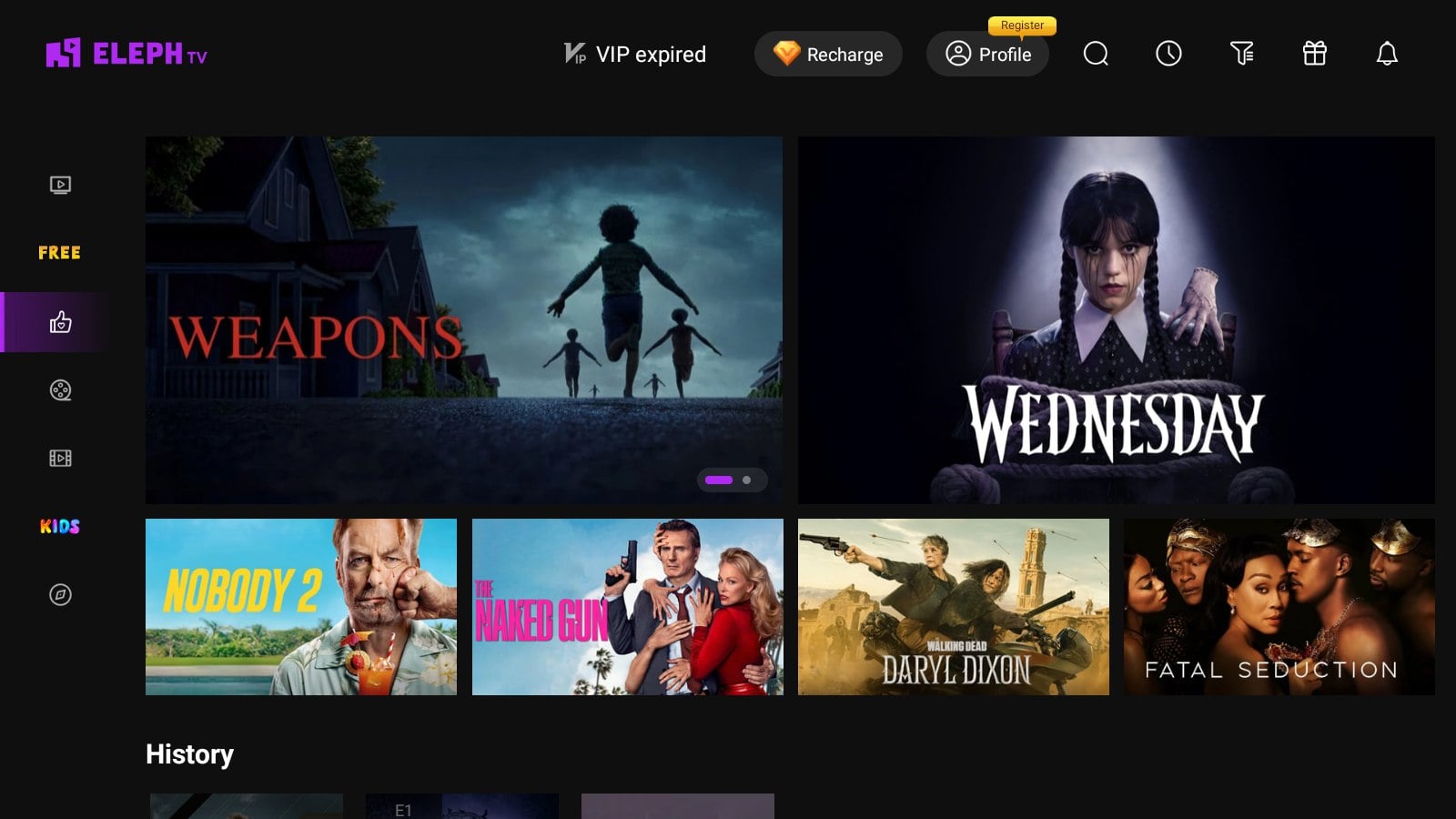
ElephTV APK is an entertainment streaming application that brings movies, television series, documentaries, and live channels together in one convenient platform. With a library of more than 100,000 on-demand titles and over 400 live channels, the app offers plenty of content for different viewing preferences. Whether you enjoy blockbuster films, follow sports broadcasts, or need family-friendly entertainment, ElephTV provides several features to make watching content on Android more convenient.
ElephTV is designed for viewers who prefer having multiple entertainment options in a single application. Instead of switching between separate platforms for movies, television programs, and live broadcasts, you can browse different content categories from one interface.
The application also focuses on accessibility and family entertainment. Its search functions, personalized suggestions, and dedicated children’s section help users discover suitable content without spending too much time navigating through menus.
The VOD (Video on Demand) library is one of ElephTV’s main attractions. According to the application’s provided information, it contains more than 100,000 movies, television series, and documentaries, giving users a broad selection of on-demand entertainment.
You can choose a movie for a relaxing evening, follow multiple episodes of a series, or explore documentaries covering different subjects. Since the content is available on demand, you have more flexibility over what to watch and when to start.
Besides its extensive VOD collection, ElephTV offers over 400 live television channels covering several entertainment categories. These include news broadcasts, sports programming, and general entertainment, making the application useful for viewers who prefer traditional television.
The live channel section provides another way to enjoy content without relying exclusively on prerecorded videos. Sports enthusiasts can explore available broadcasts, while other viewers can switch to news or entertainment programs depending on their interests. Actual channel availability may vary according to location and service conditions.
Families can take advantage of the dedicated Kids Zone, a section designed to make children’s entertainment easier to access. Instead of browsing the entire content library, younger viewers can explore a separate area intended for their age group.
ElephTV also provides password protection for selected sections. Parents can configure access restrictions to help prevent children from entering areas that are not intended for them. This additional control makes the application more suitable for households where several family members share the same device.
A large entertainment library is only useful when you can locate the content you want. ElephTV addresses this through a straightforward interface with convenient browsing and search options.
You can search using keywords or browse titles alphabetically to narrow down the available results. These functions reduce the time spent scrolling through categories, particularly when you already know the name of a movie or television series.
ElephTV also includes a recommendation feature that suggests content based on your viewing habits. Rather than manually searching through thousands of titles, you can discover additional programs that may match your interests.
This feature is useful when you are unsure what to watch next. Personalized suggestions provide an alternative way to explore the library and potentially find movies or series you might otherwise overlook.
Privacy and access management are additional considerations for users who share their devices with family members. ElephTV allows you to set passwords for certain areas, including the Kids Zone and other protected sections.
This gives you greater control over who can access particular parts of the application. Combined with the separate children’s area, the feature provides a more organized viewing environment for households with different entertainment preferences.
New users can explore ElephTV through its introductory VIP trial before deciding whether to continue with a paid plan. The application provides an initial three-day VIP period after installation.
There is also an option to submit your contact details to receive four additional days of access, bringing the advertised trial duration to seven days in total. Once this period ends, you can continue using premium services by purchasing an available subscription through the application or its authorized resellers.
Here is a quick overview of the trial arrangement:
| Access option | Duration |
|---|---|
| Initial VIP trial | 3 days |
| Additional access after submitting contact details | 4 days |
| Total advertised trial | 7 days |
Remember to review the available subscription terms and payment conditions before purchasing a plan.
ElephTV primarily targets Android users and supports several types of devices. Its compatibility extends beyond ordinary smartphones, making it possible to enjoy entertainment on larger screens.
Android smartphones: Access movies, series, and live channels directly from your mobile device.
Android TV: Browse entertainment content using a compatible television interface.
Android TV Boxes: Install the application on supported TV Box devices.
Android TV Sticks: Use compatible streaming sticks to access the platform on a television.
The application does not officially support iPhone or iPad because iOS is not included among its supported platforms. Certain smart TV brands, including Samsung and LG, may also experience compatibility limitations depending on their operating systems.
For Android TV devices, you may need to install the APK manually using a utility such as Downloader, which is available through Google Play on supported devices.
ElephTV brings several entertainment functions together, making it an interesting option for people who prefer a single application for different types of content. Its main advantages include:
Extensive content selection: Access a reported collection of more than 100,000 on-demand titles.
Multiple entertainment categories: Switch between movies, series, documentaries, and live television.
Family-oriented features: Use Kids Zone and password protection to manage access.
Convenient discovery: Find programs through keyword searches, alphabetical browsing, and personalized recommendations.
Flexible device support: Enjoy entertainment across compatible Android phones, televisions, TV Boxes, and TV Sticks.
Introductory VIP access: Explore premium features through the advertised seven-day trial arrangement.
These features make ElephTV worth considering if you want a platform that combines different entertainment formats with straightforward navigation.
To experience ElephTV on your device, you can find its APK installation package through APKMODY. The installation process differs slightly depending on whether you use a smartphone or an Android TV device.
Open Chrome or another browser and visit the APKMODY website.
Search for ElephTV APK and access the corresponding application page.
Review the version details, compatibility information, and installation package.
Select the download link and wait for the APK file to finish downloading.
Open your Downloads folder and tap the downloaded file.
If Android requests permission, allow your browser or file manager to install applications from that source.
Complete the installation, launch ElephTV, and follow the on-screen instructions to access the available content.
For a television device, you can use the Downloader application if direct browser installation is inconvenient.
Open Google Play on your Android TV and install the Downloader app if your device supports it.
Launch Downloader and use its browser or file-download function to access the APKMODY ElephTV download page.
Download the compatible APK package and open the installation prompt.
Grant the necessary installation permission when requested.
Finish the setup and open ElephTV from your television’s application menu.