home chevron_right Apps chevron_right Photos & Videos chevron_right CameraFi Live

CameraFi Live
v1.36.35.0827
• Mở Khóa
| Updated On | |
|---|---|
| Google Play ID | com.vaultmicro.camerafi.live |
| Category | Photos & Videos |
| Version | 1.36.35.0827 |
| Size | 99 MB |
| MOD Features | Unlocked |
| Requires | Android 6.0 |
| Price | |
| Free | |
| Content Rating | |
| Everyone | |
| Internet Required | |
| Unknow | |

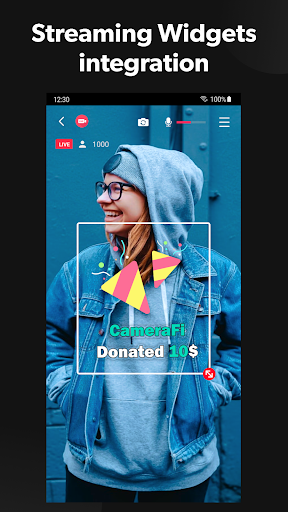
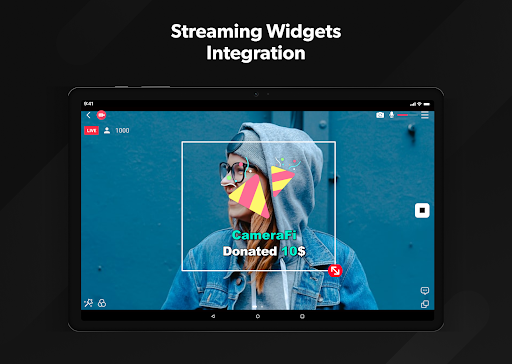
CameraFi Live addresses a fairly specific need: wanting to livestream a sports match, a gathering, or gameplay to YouTube, Facebook, or Twitch without the experience to set up a full professional streaming rig. The app turns a phone into a broadcasting hub, with the option to connect external gear when the built-in camera isn’t enough.
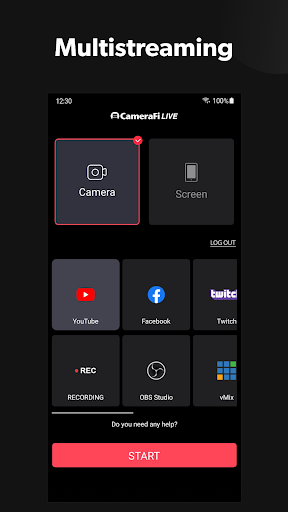
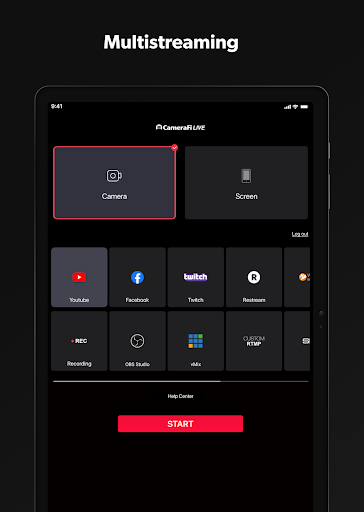
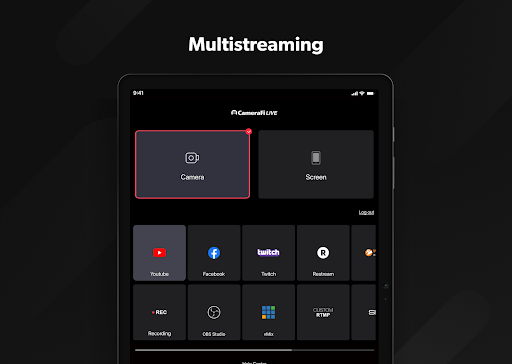
The app is developed by Vault Micro, Inc., has been on Google Play since December 2015, and has passed 21 million downloads. CameraFi Live sits in the Multimedia category, supports streaming to platforms like YouTube, Facebook, Twitch, and Restream for multistreaming, along with RTMP and SRT protocols for anyone needing more advanced configuration. The app runs on Android 5.0 and above and supports H.264 and HEVC video encoding.
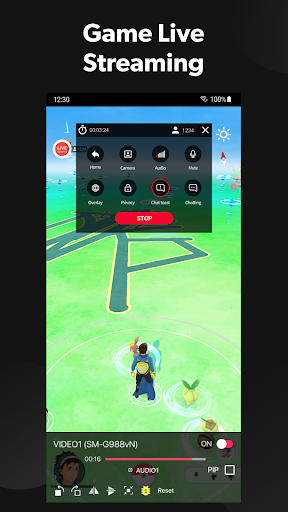
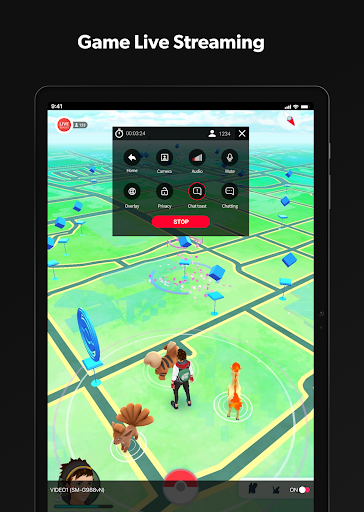
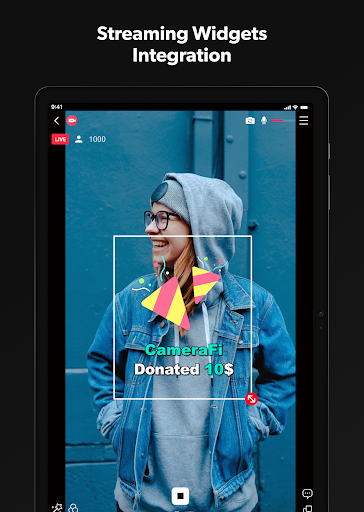
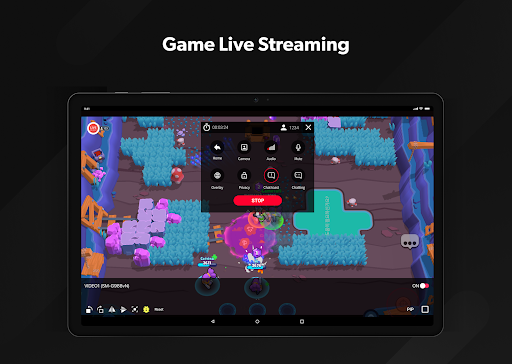
The app has two main modes: Camera mode for streaming footage shot with the camera, and Screen mode for broadcasting the phone’s screen, covering both real-world event streaming and mobile gameplay streaming without needing any additional software. CameraFi Live supports connecting external cameras over USB, such as camcorders or DSLRs, along with zoom control when shooting through these devices, pushing image quality well beyond a typical phone camera when needed.
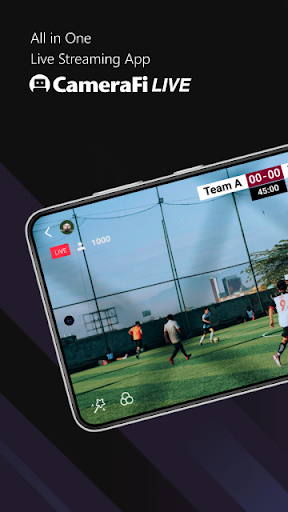
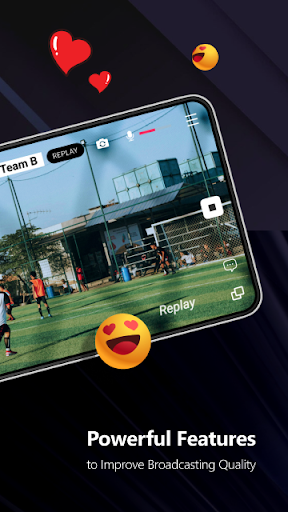
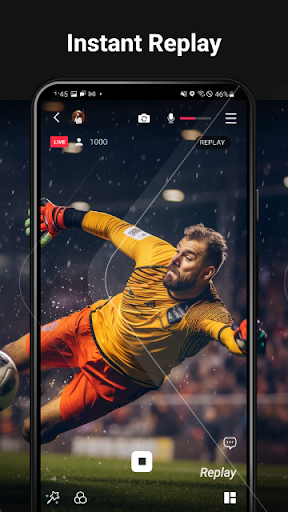
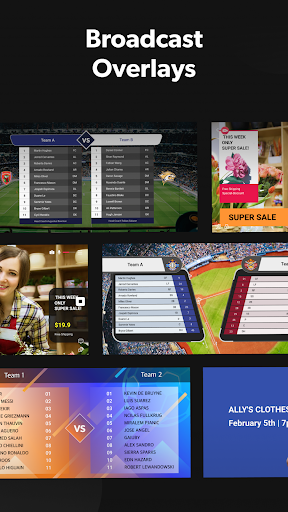
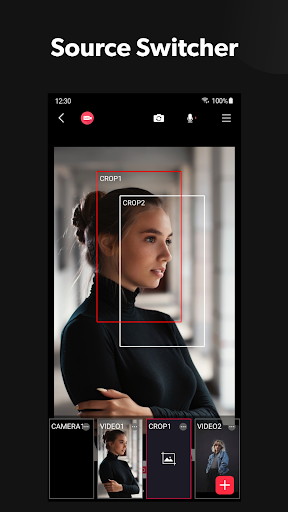
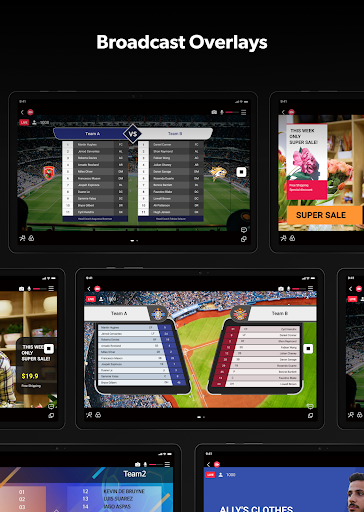
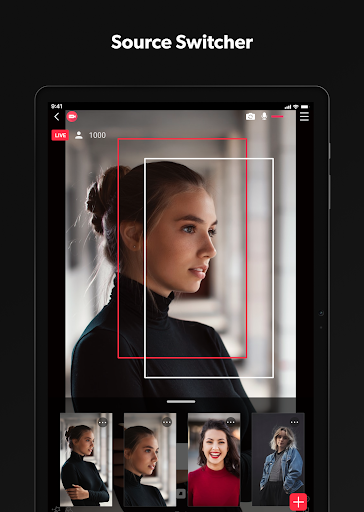
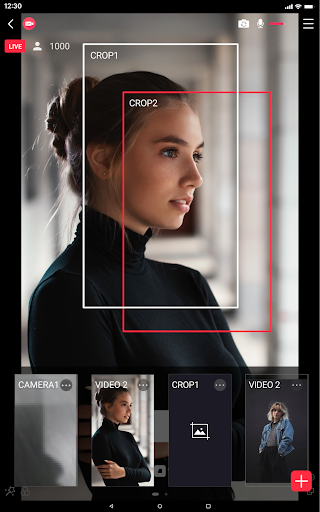
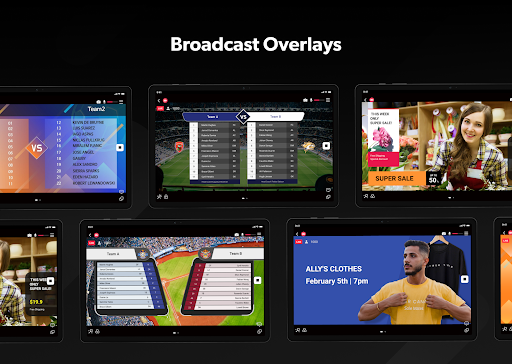
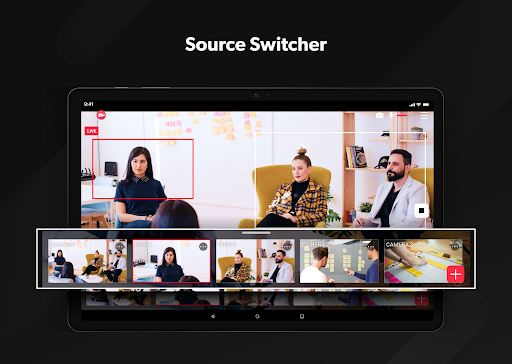
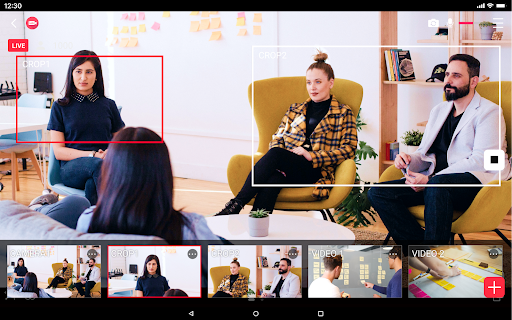
For anyone streaming sports events, the app includes a built-in scoreboard tool supporting over 30 different sports from baseball to soccer, along with an instant replay feature for highlighting key moments during a live broadcast, which can also double as a VAR-style tool or for checking form during training. The app supports a wide range of video input sources, including the built-in camera, USB cameras, capture cards, and pre-recorded video files, along with audio sources like a built-in mic, USB microphone, Bluetooth microphone, or audio files.
Some user feedback describes trouble connecting Facebook or YouTube accounts for streaming, with connection errors showing up even after the app reports a successful account link. The app’s average rating on Google Play sits around 3.37 stars across more than 100,000 ratings, reflecting an inconsistent experience across users, particularly around stable connections to third-party streaming platforms.
It’s worth checking that live streaming is properly enabled on a YouTube account before starting, since some platforms require turning on live permissions in account settings separately before CameraFi Live can connect successfully. If a connection error shows up despite being logged in, logging out and back into the relevant social media account, or checking for a stable network connection first, is worth trying before assuming the app itself is at fault. For anyone after professional-grade image quality, investing in an external USB camera rather than relying solely on the phone’s camera makes sense, especially for outdoor sports events that need long zoom.
Overall, CameraFi Live suits amateur sports event organizers, game content creators, or anyone who needs to stream to multiple platforms without investing in complex desktop streaming software. The scoreboard toolkit and instant replay feature are strengths rarely found in other mobile streaming apps, even though the connection experience with some platforms still isn’t fully reliable based on user feedback. It’s worth trying for anyone who needs a flexible mobile livestreaming solution, especially when paired with an external camera.