
Reigns: The Witcher
v1.0.3626
• Card
| Updated On | |
|---|---|
| Google Play ID | free.fun.card.game.solitaire.klondike.freecell.uno |
| Category | Card |
| Version | 5.9.96 |
| Size | 153 MB |
| MOD Features | Unlimited Coins |
| Requires | Android 7.1 |
| Price | |
| Free | |
| Content Rating | |
| Everyone | |
| Internet Required | |
| Unknow | |

If you enjoy card games that reward patience and logical thinking, Klondike: World of Solitaire MOD APK offers plenty of reasons to keep playing. Developed by QuickwinStudio, this mobile title takes inspiration from traditional Solitaire and turns it into a relaxing yet challenging puzzle experience. With more than 5,000 levels, daily objectives, and offline support, it provides a steady stream of card challenges for both experienced players and beginners.
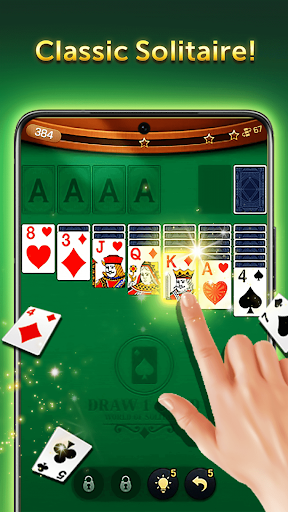
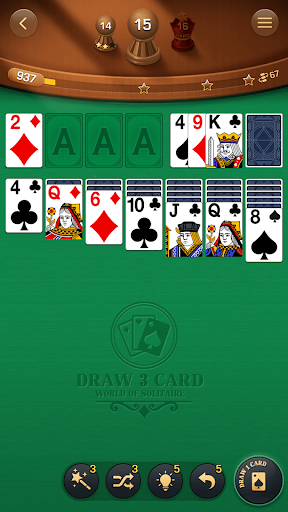
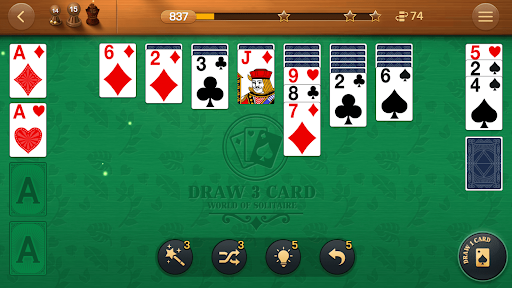
Klondike: World of Solitaire builds its gameplay around the familiar objective of organizing cards into four foundation piles, with each suit arranged in ascending order from Ace to King. At the same time, you must move cards between columns according to the game’s rules, uncover hidden cards, and make room for new combinations. The basic mechanics are easy to understand, making it simple for newcomers to start their first round.
However, completing a board isn’t always as easy as it looks. Every move affects the options available afterward, so rushing through the cards may leave you with fewer ways to progress. As you advance, the puzzles demand more careful planning and a better understanding of which cards to reveal or move first.
Mistakes are not necessarily the end of a round, since the undo function allows you to reverse previous moves and reconsider your strategy. However, this assistance may come with usage limits, so it’s worth thinking ahead instead of relying on it whenever a decision goes wrong.
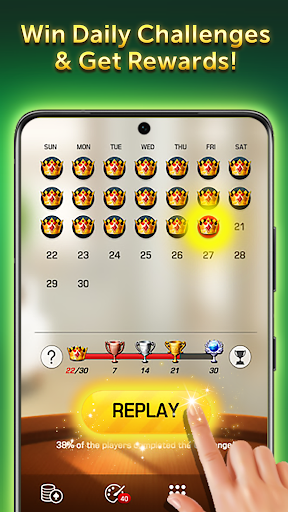
Daily tasks add a layer of progression beyond simply clearing card layouts. Instead of repeating standard rounds without a specific goal, you receive additional objectives that encourage you to explore different aspects of the gameplay. These tasks may involve finishing a certain number of matches or arranging cards into their correct sequences.
Completing the available challenges gives you access to rewards such as gold, special cards, and upgrade-related items. These bonuses provide extra motivation to return regularly and give you more resources to work with as you progress. Even when you only have a few minutes to spare, daily objectives offer a convenient way to make each session feel worthwhile.
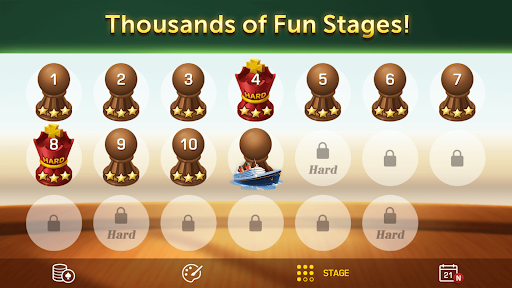
With over 5,000 levels available, Klondike: World of Solitaire offers a substantial collection of puzzles to work through. Early stages introduce the basic mechanics and allow you to become familiar with card movement. As you move forward, the layouts become more demanding, requiring you to consider multiple possibilities before committing to a move.
The increasing difficulty gives experienced Solitaire players something to work toward after mastering the fundamentals. In addition to regular stages, special challenges such as timed puzzles and tasks involving particular card combinations add variety to the experience. These activities test different skills, from quick decision-making to careful planning, so progression doesn’t feel limited to completing identical boards.
You don’t always need a stable network connection to enjoy Klondike: World of Solitaire. Its offline functionality allows you to play during situations when Wi-Fi or mobile data isn’t available, making it suitable for commutes, flights, and other trips. You can open the game and spend a few minutes solving card puzzles without depending on continuous internet access.
This convenience also makes the game a practical choice for short breaks. Whether you’re waiting for an appointment or relaxing at home, you can focus on arranging cards at your own pace. Keep in mind that certain online features or reward-related activities may still require an internet connection.
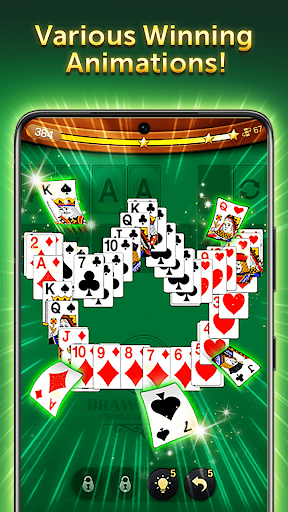
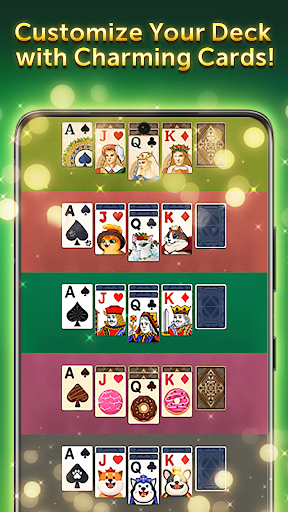
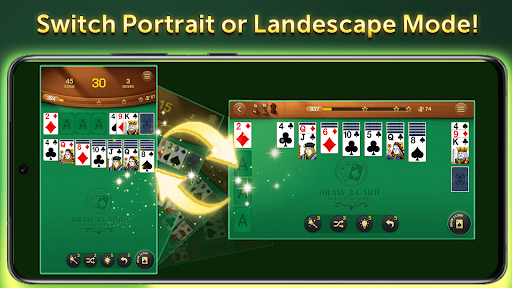
The visual presentation keeps the focus on the cards rather than overwhelming players with unnecessary effects. Each card features recognizable symbols and readable details, making it easier to distinguish suits and values while moving between piles. The interface is designed to support comfortable gameplay, especially during longer puzzle sessions.
Sound effects add another pleasant touch to the experience. The gentle background music creates a calm atmosphere, while the familiar sounds of cards flipping and moving provide feedback as you make decisions. Together, these elements help Klondike: World of Solitaire maintain its relaxing character without taking away from the mental challenge.
The MOD version features unlimited coins, giving players access to a larger in-game currency supply. This modification may make it easier to use coin-related options without spending as much time collecting resources through regular gameplay. Availability and compatibility may vary depending on the version installed.
Want to start solving thousands of card puzzles with additional coin resources? You can look for the MOD package on APKMODY by following this alternative installation route:
Before installing: Make sure your Android device has enough free storage and check that the downloaded package is compatible with your system.
Open your browser and visit the APKMODY website.
Enter Klondike: World of Solitaire MOD APK in the search bar to locate the corresponding game page.
Read the version information and review the available download details before selecting the APK file.
Once the download is complete, open your device’s file manager and find the package in the Downloads folder.
Tap the APK file and follow the Android installation prompts. If necessary, grant permission to install apps from the browser or file manager you used.
Launch the game after installation and check whether its features work correctly on your device.