

Super Clone: Multiple Accounts
v6.2.00.1110
• Unlocked




| Updated On | |
|---|---|
| Google Play ID | com.tinder |
| Category | Social |
| Version | 17.43.0 |
| Size | 143 MB |
| MOD Features | Gold Plus Unlocked |
| Requires | Android 9 |
| Price | |
| Free | |
| Content Rating | |
| Mature 17+ | |
| Internet Required | |
| Required | |
| Languages | |
| English, Afrikaans, Arabic, Bengali, Bulgarian, Cambodian, Catalan, Croatian, Czech, Danish, Dutch, Estonian, Filipino, Finnish, French, German, Greek, Hebrew, Hindi, Hungarian, Indonesian, Italian, Japanese, Korean, Latvian, Lithuanian, Malay, Norwegian Bokmål, Polish, Portuguese, Romanian, Russian, Serbian, Simplified Chinese, Slovak, Slovenian, Spanish, Swedish, Tamil, Telugu, Thai, Traditional Chinese, Turkish, Ukrainian, Vietnamese | |

Dating has changed significantly over the years. Instead of exchanging letters or waiting for an introduction, people can now discover potential partners with a simple swipe on their phones. Tinder brings this experience to Android, helping users connect with people nearby, expand their social circles or explore romantic relationships.
Whether you want casual conversations, new friendships or a meaningful relationship, Tinder gives you a convenient way to meet people beyond your usual social circle.
Tinder is a dating app built around profile discovery and mutual interest. After creating an account, users can introduce themselves through photos, a short biography and personal details such as age, interests and location. The app then displays profiles based on available discovery settings.
Its signature interaction is simple:
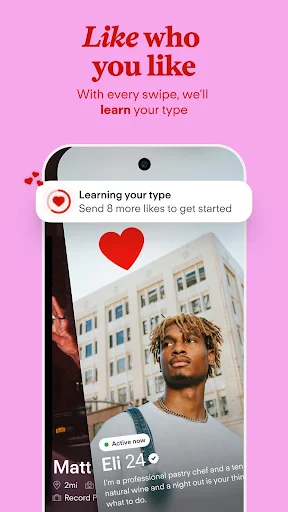
Swipe right: Like someone whose profile catches your attention.
Swipe left: Pass on a profile you are not interested in.
It’s a Match: When two users like each other, they can start a conversation through the app.
Tinder operates in numerous countries, making it possible to connect with people from different backgrounds and locations.
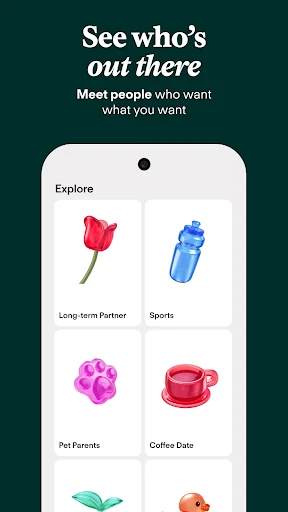
Tinder is not limited to finding romantic partners. You can also use it to make friends, exchange ideas or talk to someone with similar hobbies. Its discovery settings help narrow down potential matches according to factors such as distance, age and other available preferences.
Location settings are particularly useful when you want to meet people in your area. You can adjust the discovery distance to explore nearby profiles or expand the search when you are open to connecting with people farther away.
Your profile is often the first thing another person sees, so presenting yourself naturally can make a difference. Rather than filling every section with generic descriptions, focus on details that reflect your personality.
Consider these suggestions when setting up your account:
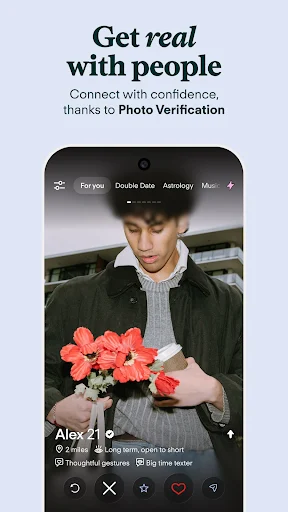
Choose clear photos: Use recent pictures with good lighting. A combination of portraits and everyday moments gives others a better impression of who you are.
Write an engaging bio: Mention a few interests, hobbies or conversation starters. A short, genuine introduction is usually more appealing than an exaggerated description.
Complete relevant details: Add information such as your education, occupation, favorite music or interests when you feel comfortable sharing them.
Keep your profile authentic: Avoid misleading photos or claims. An honest profile helps set realistic expectations before you start talking.
Tinder provides several profile fields and photo slots, although the available options may vary depending on the app version and account settings.
The matching process is built around browsing profiles and expressing interest. Once your account is ready, open the discovery screen and review the people suggested by the app.
If someone interests you, swipe right or tap the Like option. If you would rather move on, swipe left. When both users express interest, Tinder creates a match and enables them to chat.
A few habits can make the experience more enjoyable:
Read profile descriptions instead of judging solely by photos.
Use your bio to give potential matches an easy conversation starter.
Be respectful when starting a chat and avoid sending repetitive messages.
Adjust discovery preferences if the suggested profiles do not match what you are looking for.
Remember that a match is only the beginning of a conversation. Take time to get to know someone before deciding whether you want to meet in person.
Tinder offers a free experience alongside optional subscriptions. The free version provides basic profile discovery and matching, while paid tiers add features designed to give users more control over their dating activity.
| Plan | Main benefits |
|---|---|
| Free | Browse profiles, like other users, match and chat when interest is mutual |
| Tinder Plus | Additional Likes, Rewind and Passport features, subject to current plan limits |
| Tinder Gold | Plus benefits along with access to features that show who has liked your profile |
| Tinder Platinum | Gold benefits, plus additional options such as priority Likes and messaging before matching where available |
Subscription prices, included features and usage limits can change according to country, platform and promotional offers. Check the purchase screen in Tinder for the latest details before choosing a plan. Some subscriptions may also offer different billing periods.
The MOD version is presented as an alternative with selected premium-style functions. Its advertised modification includes:
Gold Plus Unlocked: Attempts to provide access to selected Gold and Plus features.
Important note: The modification has limitations. Certain client-side functions, such as Rewind, may work, but server-dependent features are not guaranteed. Subscription entitlements and account-level benefits are controlled by Tinder’s servers, so a modified APK cannot reliably unlock them. Unofficial versions may also pose security, privacy and account risks.
Is Tinder’s paid subscription worth buying?
It depends on how often you use the app and which features matter to you. If you want extra discovery controls or ways to manage Likes, a subscription may be worth considering. The free version is still a reasonable starting point.
Can you find a serious relationship on Tinder?
Yes. People use Tinder for different purposes, including casual conversations, friendships and long-term relationships. Be clear about what you are looking for and communicate your expectations honestly.
Can you chat with someone without matching?
Regular conversations generally require a mutual match. Some paid features may offer additional messaging options, depending on the subscription and region.
Ready to explore new connections? Visit APKMODY to find the available Tinder APK version for your Android device. Before installing, check the version information and make sure the package is compatible with your phone. If you choose a modified release, consider its security and account-related limitations before using it.