CrimeRadar: Dispatch Alerts
v26.44.0
• Premium

| Updated On | |
|---|---|
| Google Play ID | com.polestar.super.clone |
| Category | Social |
| Version | 6.1.51.1030 |
| Size | 18 MB |
| MOD Features | Unlocked |
| Requires | Android 7.0 |
| Price | |
| Free | |
| Content Rating | |
| Everyone | |
| Internet Required | |
| Unknow | |

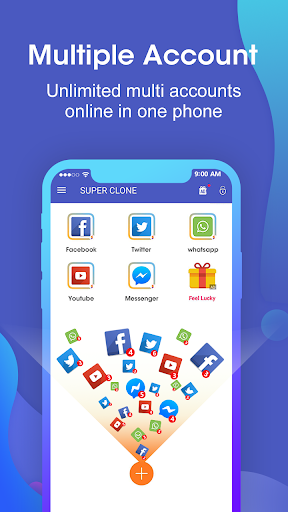
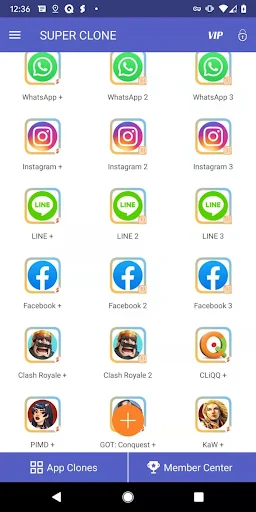
Super Clone: Multiple Accounts is an Android app designed for users who need to manage several accounts from the same device. It creates separate clones of supported social, messaging, and game applications. This lets users stay logged into different accounts without repeatedly signing out and signing back in. The app supports services such as WhatsApp, Instagram, LINE, Messenger, and various games. It also provides account labels, custom icons, privacy protection, notifications, and quick switching between cloned apps. According to its current Google Play listing, the app has more than 10 million downloads and was updated in September 2026 with Android 17 support, Google account login support, and improvements for camera, storage, and clone stability.
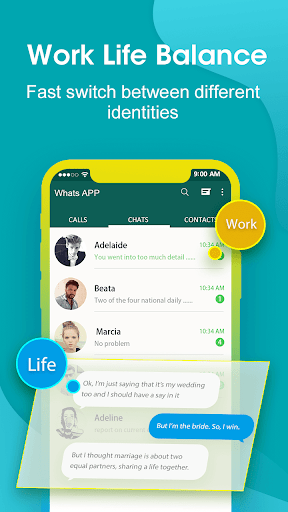
The main purpose of Super Clone: Multiple Accounts is to separate multiple accounts on a single Android phone. After selecting a compatible application, users can create a cloned version and log into another account. Each clone operates separately from the original application. This can be useful for people who maintain separate personal and work accounts or manage several profiles.
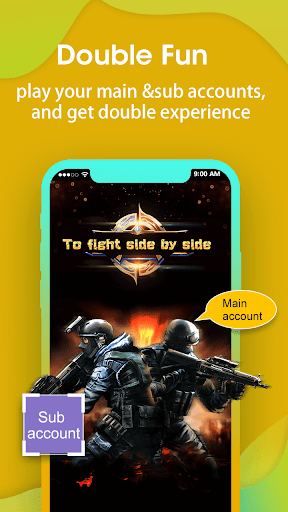
The app is also designed for gaming. Users can create separate versions of supported games and access different game accounts from the same device. This removes the need to constantly switch accounts inside one application. However, compatibility can vary between apps and Android versions, so not every application will necessarily work perfectly.
Super Clone: Multiple Accounts keeps the data of cloned accounts separated. Users can therefore maintain different login sessions within individual copies of an application. The platform states that it can support multiple parallel accounts, including a large number of clones depending on device and application compatibility. Google Play services are also supported for cloned applications, allowing users to sign in with Google accounts where supported.
For users who frequently switch between accounts, this setup can make daily management more convenient. Instead of opening one application and changing profiles, users can launch the specific clone associated with the account they need.
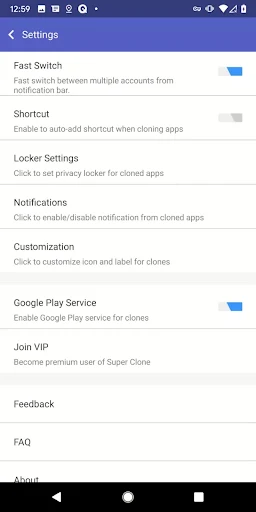
Managing several identical app icons can become confusing. Super Clone: Multiple Accounts allows users to customize the labels and icons of clones. Clear names can help distinguish work, personal, or gaming accounts at a glance.
The app can also manage notifications for individual clones. Recently used accounts can be accessed through quick switching options. These features are particularly useful when several accounts need to remain available at the same time.
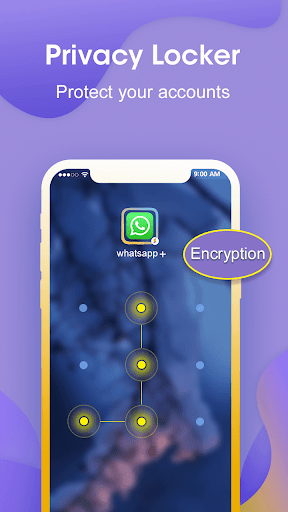
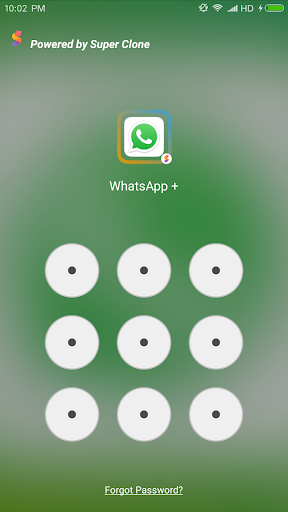
Privacy is another part of the app’s feature set. A Privacy Locker can be used to hide and protect cloned accounts. The developer also states that data from different clones remains separated. This provides an additional layer of organization for users who do not want every account to be immediately visible.
A Lite Mode is available for users who want to reduce resource consumption. However, the developer notes that memory, battery, and mobile data usage are largely determined by the applications running inside the clones. Notification and shortcut permissions may also need to be enabled for some devices.
Open Super Clone: Multiple Accounts and choose an application from the available list. Create a clone and wait for the process to finish. Open the new clone and sign in with the additional account you want to use. You can then customize its icon or label to make it easier to identify.
If you use several clones, organize them with clear names and icons. Check notification permissions if alerts are not appearing correctly. Some cloned applications may also require additional permissions for features such as camera or file access. The latest update specifically mentions improvements for camera, storage, and clone stability.
Super Clone: Multiple Accounts provides a straightforward way to manage multiple accounts on one Android device. Its cloning system, separate account data, custom labels, custom icons, notification management, privacy locker, and quick switching features can simplify multi-account use. It also supports Google account login in cloned applications and is designed for both social apps and games.
At the same time, users should remember that cloned applications can behave differently depending on the original app, Android version, and required permissions. The developer continues to update the application, with the September 2026 release adding Android 17 support and addressing several stability-related issues.