home chevron_right Apps chevron_right Entertainment chevron_right NewPipe


Lovora: Couple Games & Widgets
v2.0.16
• Premium

| Updated On | |
|---|---|
| Google Play ID | org.schabi.newpipe |
| Category | Entertainment |
| Version | 0.29.3 |
| Size | 10 MB |
| MOD Feature | Not available |
| Requires | Android |
| Price | |
| Free | |
| Content Rating | |
| Everyone | |
| Internet Required | |
| Unknow | |

NewPipe APK provides an alternative way to enjoy online videos and music without the interruptions commonly associated with traditional streaming platforms. Developed by Team NewPipe, this lightweight Android application focuses on ad-free playback, user privacy, and convenient media management. Whether you want to watch videos, listen to music in the background, or explore different content sources, NewPipe brings these activities together in one simple interface.
First released in 2015, NewPipe has gradually developed into a popular open-source multimedia application for Android. Rather than relying on Google’s official services, it uses its own approach to retrieve and display content from supported platforms. This allows users to access videos and music without installing the official YouTube application or signing into a Google account.
One of the main reasons behind its popularity is its lightweight design and emphasis on privacy. The application avoids unnecessary background services while providing useful playback and downloading options. Its development is also supported by an active open-source community, which continues to maintain and improve the software.
Frequent advertisements can disrupt the viewing experience, especially when watching longer videos or listening to music. NewPipe addresses this inconvenience by providing an ad-free playback environment for supported content. You can browse channels, search for videos, and enjoy your favorite media without the usual advertising interruptions.
Unlike conventional streaming applications, NewPipe does not depend on the official YouTube API. Instead, it retrieves publicly available information through its own extraction system. This approach allows the application to operate independently of Google Play Services. If you prefer another alternative, you can also explore YouTube ReVanced for additional viewing options.
Privacy is another important aspect of NewPipe. The application does not require users to connect a Google account before accessing supported content. You can search for videos, explore channels, and manage playlists without going through a traditional account registration process.
NewPipe also avoids using Google Play Services and does not rely on Google’s tracking infrastructure for its core functionality. Since it is designed with minimal data collection in mind, you have greater control over your viewing activities. This makes it an appealing option for people who want to reduce unnecessary account connections and limit the amount of personal information shared with online services.
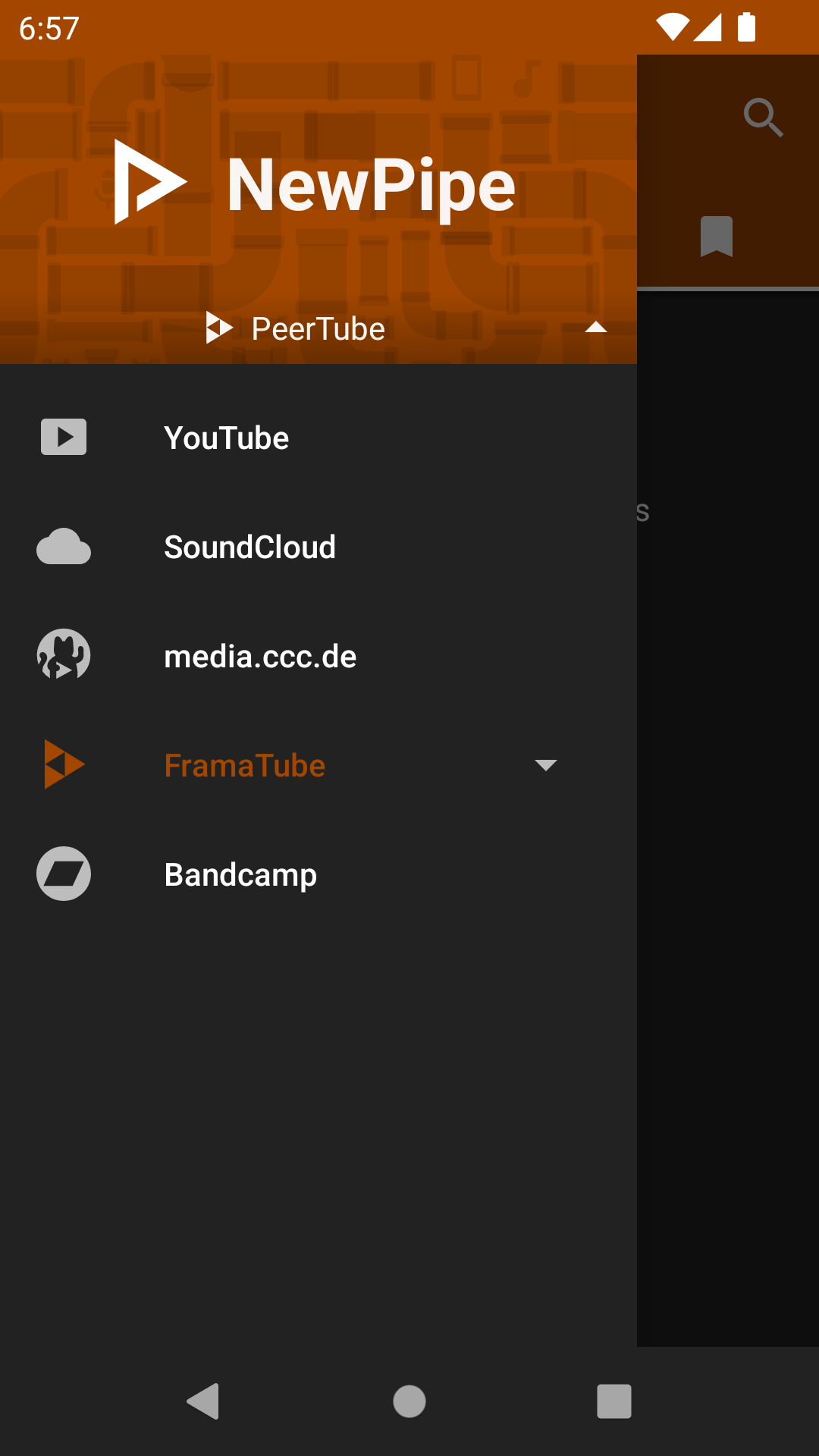
NewPipe is not limited to YouTube content. It also supports several other media sources, giving you more flexibility when discovering videos, music, and educational materials.
Some supported platforms include:
YouTube: Browse channels, watch videos, and discover music content.
SoundCloud: Explore audio tracks and discover music from different creators.
media.ccc.de: Access presentations, recordings, and technical conference content.
FramaTube: Discover videos hosted through a decentralized video-sharing service.
Bandcamp: Explore independent music and recordings from various artists.
The availability of individual services may change as their platforms and extraction methods are updated. Nevertheless, having multiple content sources within one application makes NewPipe a convenient multimedia companion.
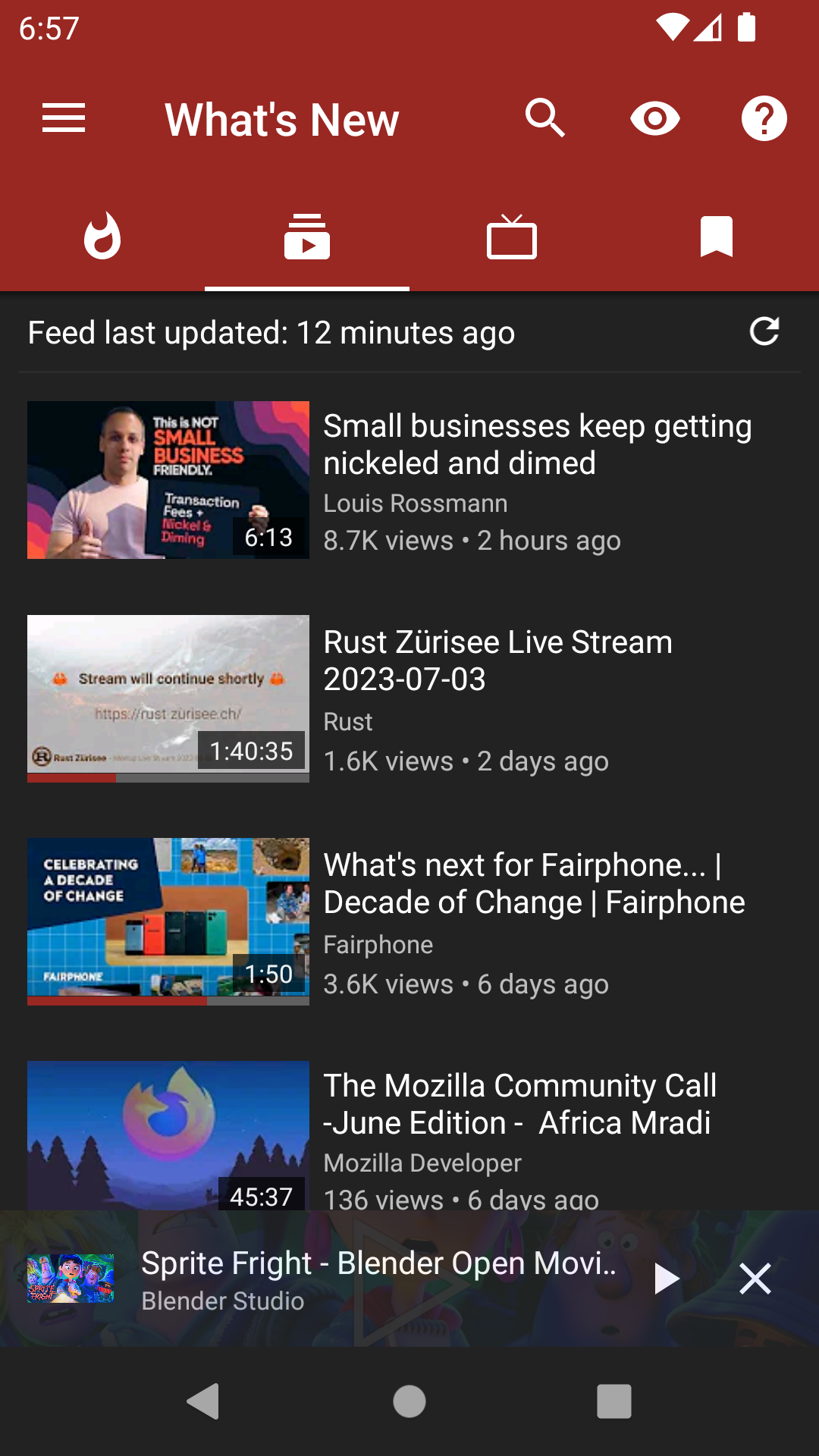
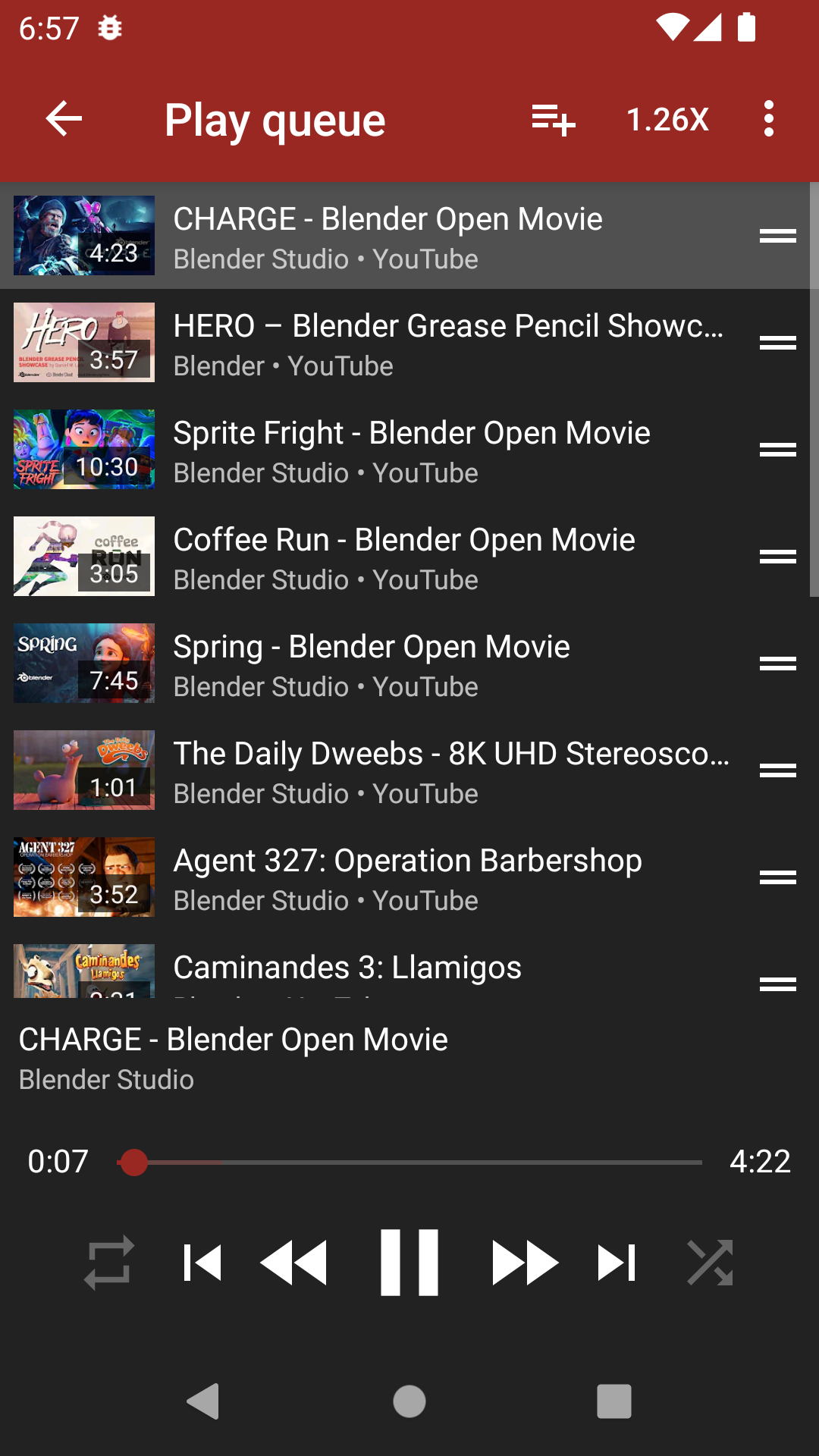
NewPipe follows a straightforward design philosophy that prioritizes functionality over visual effects. Instead of filling the screen with complicated menus or decorative elements, the application organizes its content into accessible sections. You can browse popular videos, search for specific topics, open channels, and access your saved playlists without navigating through numerous menus.
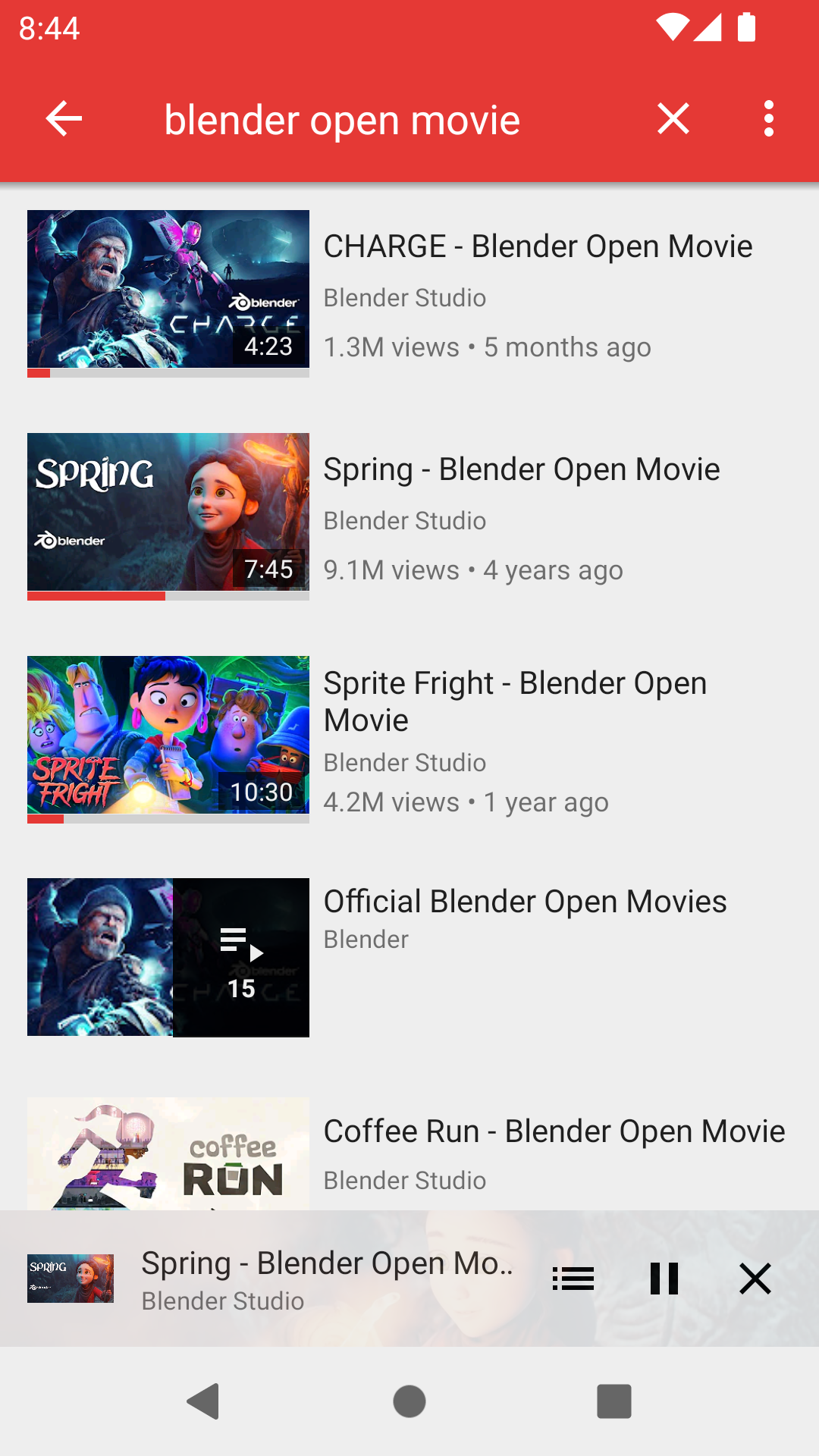
The search function makes finding your preferred content relatively simple, while playlist management helps organize videos and music for later enjoyment. You can also create channel groups to categorize subscriptions and keep your favorite creators organized. This uncluttered layout makes the application comfortable to use, even for people who are new to alternative streaming software.
Besides removing advertising interruptions, NewPipe includes several practical tools that improve everyday media consumption. These additional functions make it more than just an alternative video player.
NewPipe allows you to download supported videos and audio tracks directly to your Android device. Depending on the available formats, you can select suitable quality options and save your preferred content for offline playback. This is particularly useful when traveling or dealing with an unstable internet connection.
Background playback lets you continue listening to audio even after switching to another application or turning off the screen. This feature is convenient when enjoying music, podcasts, interviews, or other audio-focused content without keeping the video player open.
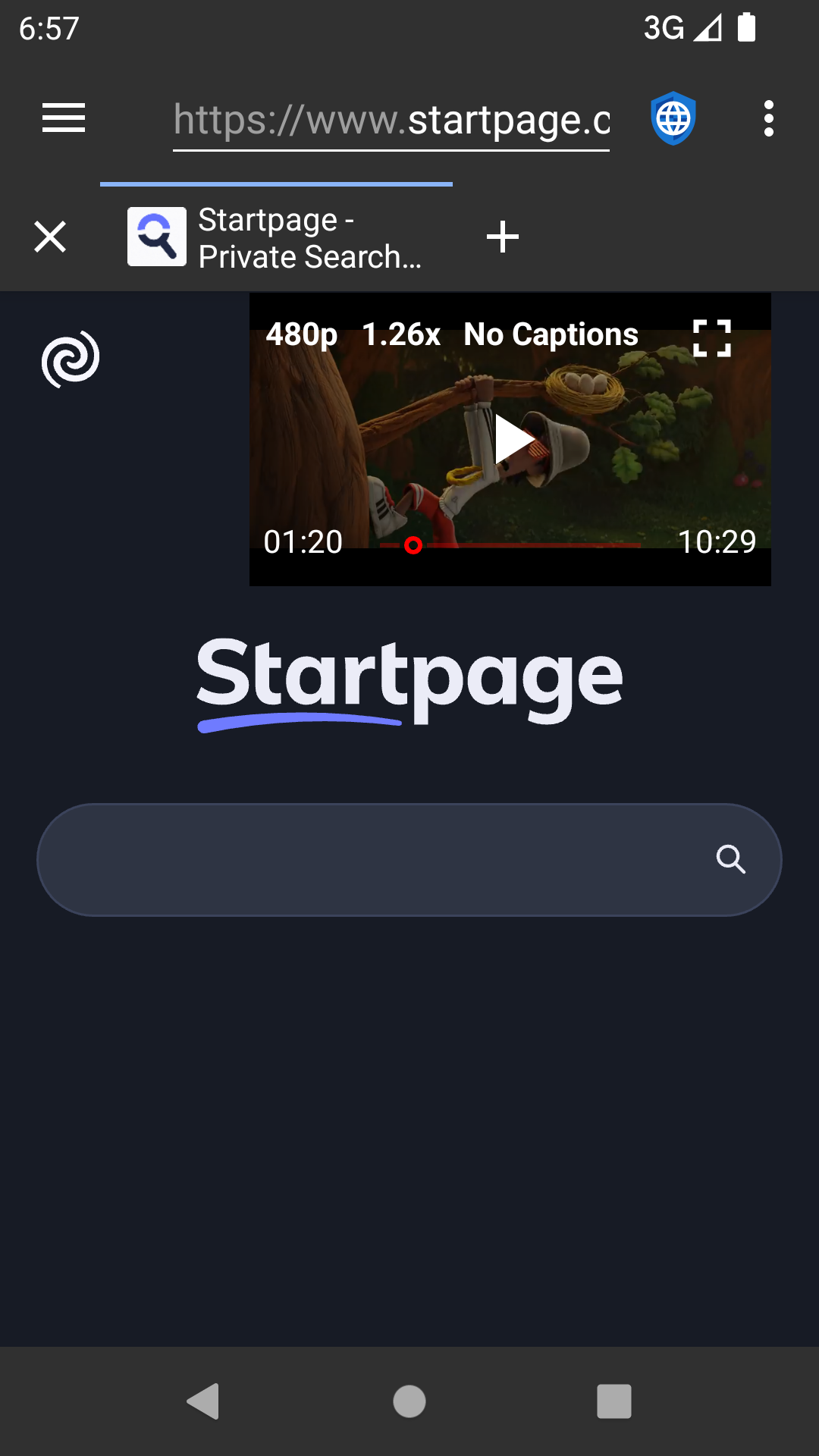
The popup player also provides another flexible viewing option. It displays a floating playback window over other applications, allowing you to watch videos while performing different tasks on your device.
For users who prefer a larger screen, the developers also provide a dedicated NewPipe experience for Android TV through a separate project. This allows compatible television devices to access supported media with an interface designed for remote-based navigation.
NewPipe includes backup and restore functionality to help preserve important application data. You can export relevant information, such as playlists and settings, then restore it when moving to another device or reinstalling the application. This reduces the inconvenience of configuring everything from scratch.
Although NewPipe keeps its interface relatively simple, it still provides customization options. You can switch between available themes to create a viewing environment that suits your preferences. These visual adjustments make everyday navigation more comfortable without complicating the overall design.
Since NewPipe is not distributed through Google Play, you need to obtain its installation package from another source. APKMODY offers an alternative way to access the APK file. Here is a quick installation walkthrough:
Open APKMODY: Visit the APKMODY website using your preferred Android browser.
Locate NewPipe: Use the search function to find the NewPipe application page.
Review the release: Check the available version, application information, and compatibility details before choosing the APK package.
Save the installation file: Select the download option and wait until the APK file is completely saved to your device.
Complete the setup: Open the downloaded file, grant installation permission for your browser or file manager if requested, and follow the Android installation prompts.
Launch NewPipe: Open the application and start exploring supported video and music platforms.