home chevron_right Apps chevron_right Entertainment chevron_right Magic Fluids


ShortsWave: Watch Drama Series
v2.68.00
• Unlocked

| Updated On | |
|---|---|
| Google Play ID | com.magicfluids |
| Category | Entertainment |
| Version | 2.4.0 |
| Size | 35 MB |
| MOD Features | Unlocked |
| Requires | Android 7.0 |
| Price | |
| $4.99 | |
| Content Rating | |
| Everyone | |
| Internet Required | |
| Unknow | |

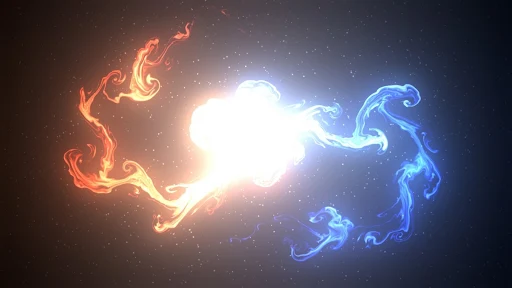
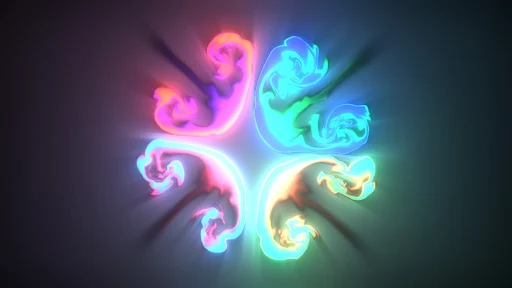
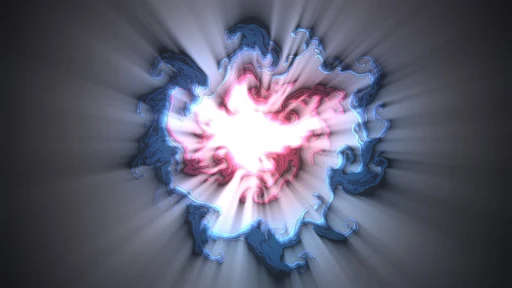
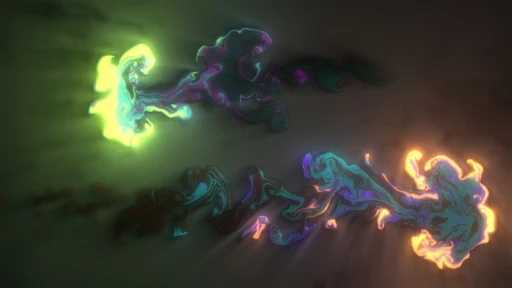
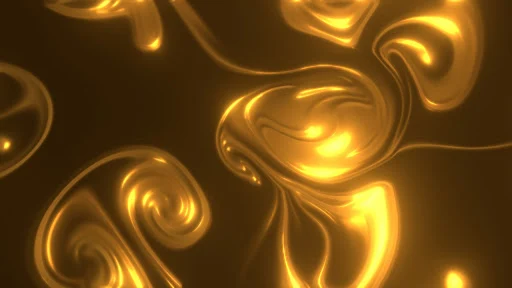
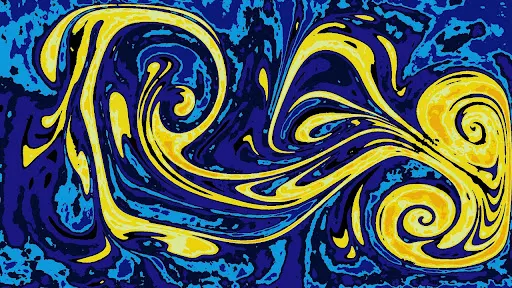
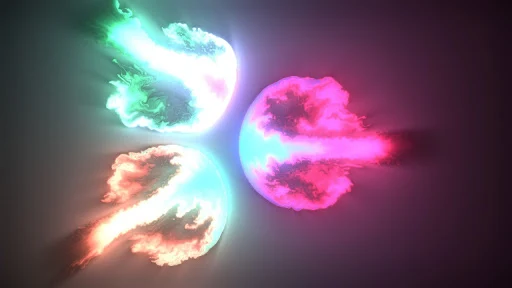
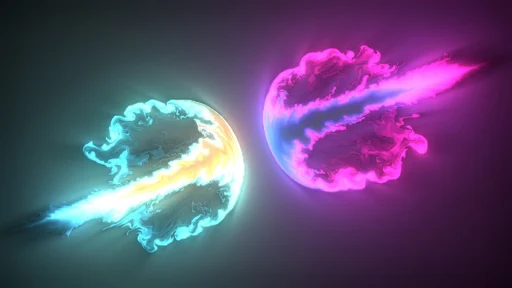
Magic Fluids is a relaxing visual app that transforms simple touch gestures into colorful, fluid-like animations. Rather than focusing on productivity or complex gameplay, it provides an interactive digital canvas where users can experiment with flowing shapes, changing colors, and dynamic motion. The result is a calming experience that can be enjoyed for a few minutes or used as an atmospheric background while relaxing.
Modern smartphones can create impressive real-time visual effects, and Magic Fluids turns this technology into an accessible form of interactive entertainment. Users can touch, drag, and move their fingers across the screen to influence the animated fluids. Each gesture can produce a different pattern, making every session feel slightly different.
The app does not require complicated controls or previous experience. Its appeal comes from experimentation. Users can simply open it and start interacting with the screen, then explore different visual effects at their own pace.
The central feature of Magic Fluids is its fluid-style simulation. Colors move, blend, spread, and form constantly changing patterns in response to touch. The motion creates an organic appearance that can be surprisingly engaging to watch.
Because the animation responds to user input, the display is not just a passive wallpaper. Every swipe or touch can change the direction, shape, and movement of the visual effects.
The controls are intentionally simple. Users can place a finger on the display and move it around to create colorful trails and flowing movements. This makes the app easy to understand from the first session.
The simplicity also makes it suitable for casual use. There is no need to learn complicated combinations or complete objectives. Users can experiment freely and see how the simulation responds.
Visual variety is another important part of the experience. Different color combinations can create completely different moods. Bright tones can make the display feel energetic, while softer combinations may provide a more relaxing atmosphere.
This flexibility makes the app useful for users who enjoy digital art, abstract animations, or visually pleasing screen effects. It can also provide an interesting background when listening to music or taking a short break.
Magic Fluids is particularly suitable for short relaxation sessions. There are no demanding tasks, scores, or time limits that force users to concentrate. Instead, the experience encourages free interaction and visual exploration.
Users can spend only a few minutes creating patterns or remain with the simulation for longer periods. This flexible approach makes it easy to incorporate into different daily routines.
The biggest advantage is its accessibility. The basic interaction is immediately understandable, while the constantly changing animation provides enough variety to remain interesting. The combination of touch controls and fluid movement also gives the app an artistic quality without requiring users to create traditional drawings.
Another strength is its calming visual presentation. People looking for a simple way to relax may appreciate being able to interact with flowing colors without worrying about objectives or performance.
However, users looking for a traditional game or productivity tool may find the experience too simple. The main purpose is visual interaction and relaxation rather than structured progression. The visual effects may also consume noticeable battery or system resources during extended sessions, depending on the device and selected settings.
Open Magic Fluids and begin interacting with the display using your finger. Try slow movements to create smooth trails, then experiment with faster gestures to produce more energetic patterns. Explore the available visual settings to find combinations that match your preferences.
For relaxation, try using slower movements and softer visual effects. If you enjoy creating abstract patterns, experiment with different gestures and color combinations. Since there is no fixed objective, the best approach is simply to explore and find the visual style you enjoy most.
Magic Fluids offers a simple but engaging way to interact with colorful fluid animations on a smartphone. Its responsive touch controls, dynamic simulations, and atmospheric visuals make it suitable for relaxation, casual entertainment, and creative experimentation.
It may not be the right choice for users seeking traditional gameplay or productivity features. However, for anyone who enjoys abstract visuals and interactive digital art, Magic Fluids provides an enjoyable experience that is easy to start and requires very little commitment.