home chevron_right Apps chevron_right Entertainment chevron_right IPTV Player

TDTChannels | TV en directo
v2026.09.1
• Premium
| Updated On | |
|---|---|
| Google Play ID | com.boostvision.player.iptv |
| Category | Entertainment |
| Version | 1.7.3 |
| Size | 33 MB |
| MOD Features | Premium Unlocked |
| Requires | Android 7.0 |
| Price | |
| Free | |
| Content Rating | |
| Everyone | |
| Internet Required | |
| Required | |

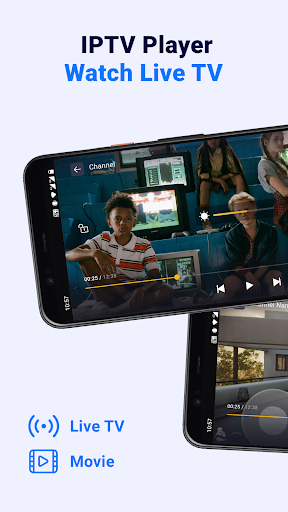
Hey, have you ever sat and pressed the remote of your old TV but couldn’t find any interesting channels? Or when you saw your neighbor holding a Smart TV while you only had a phone? No problem, IPTV Player appeared to break down all barriers between you and the world of borderless entertainment. With just a stable Internet connection, you have the entire universe of TV channels in your hands.
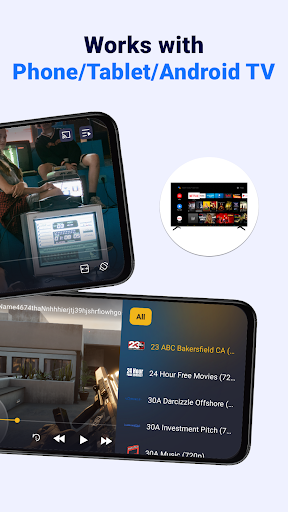
IPTV Player is an application that allows you to watch TV online via the Internet (IPTV – Internet Protocol Television). Instead of using antennas, cables or satellites, you can watch a variety of TV channels via an Internet connection. IPTV Player is often designed to be compatible with many devices such as smartphones, tablets, Smart TVs, or even TV Boxes. Let’s find out with APKMODY.COM what makes this application stand out!
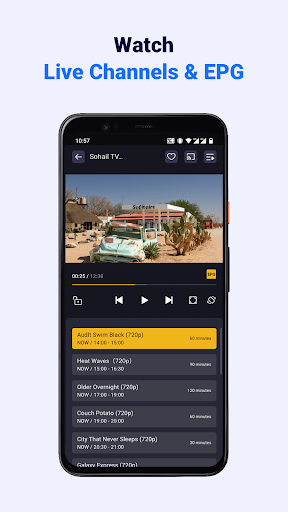
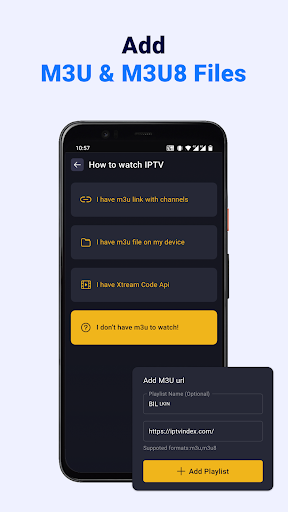
It must be said that IPTV Player is like a giant “entertainment supermarket”, where no matter if you are into sports, movies, music, news, or even if you are curious about world culture, everything is displayed deliciously before your eyes. What do you like to watch? Just enter a standard playlist, and it’s like you’re holding the entire television universe in your hands.
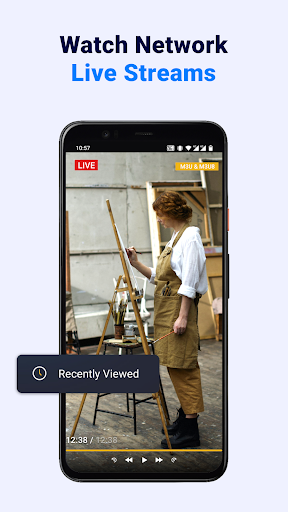
Have you ever missed a football final because you were busy picking up your lover? Or fallen asleep while watching the hottest series on your favorite channel? Don’t worry! IPTV Player has a great replay and recording feature. For example: You are watching the match between Real Madrid and Barca, and when the player scores a goal, suddenly there is a call. If you watch it on TV, you might be angry, but if it’s on your phone, specifically IPTV Player, you can completely rewind as many seconds as you want, regardless of whether it’s a live program. Is it ok?
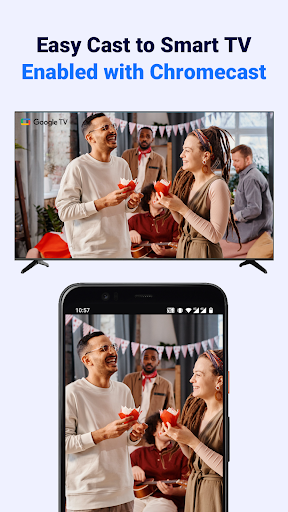
If your house has a fancy TV, then congratulations, you are about to turn it into a “cool” entertainment center because IPTV Player can connect directly to Smart TV! How to connect? Easy! Just install IPTV Player on Smart TV or use casting (screen casting) from your phone, a few clicks and all your favorite channels will appear on the screen. Sharp images, vivid sound, feeling like you are in a mini cinema at home.
In particular, IPTV Player supports most TV lines from Samsung, LG, Sony, to Android TV Box. So whether you use a “flagship” or a “low budget” line, this app can handle it all. You can even control the application via the TV remote or turn your phone into a remote control, extremely convenient.
If there was an award for the most user-friendly app on earth, IPTV Player would definitely win the top prize. Instead of forcing you to endure what you might consider a boring interface (though I find it quite nice), this app gives you full control over your customization. Want a bright background like your phone screen at night or a mysterious dark one to protect your eyes? Ok, change it to whatever you want.
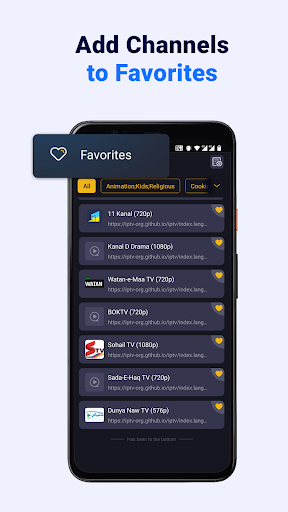
Not only that, the channel list can also be completely customized to your liking. Do you like to arrange it in ABC order for easy searching or divide it into groups such as “Movies,” “Sports,” “News”? Just a few clicks and everything is in the right place, no need to grumble every time you search for a channel. In particular, small but lovely features such as changing channel icons, turning on/off program information display mode or choosing mini view mode on the screen corner are also supported in this application!
Premium Unlocked
If you are an entertainment junkie who likes to watch interesting things without paying expensive cable bills, IPTV Player is definitely the app for you. No need for a receiver, no need for an antenna, just hold your phone and IPTV Player in your hand and you have everything!