Anime Drawing & Manga Lesson
v200.7.75
•
Premium
| Updated On | |
|---|---|
| Google Play ID | jp.ne.ibis.ibispaintx.app |
| Category | Art & Design |
| Version | 14.1.6 |
| Size | 87 MB |
| MOD Features | Prime Unlocked |
| Requires | Android 7.0 |
| Rating Score | |
| Price | |
| Free | |
| Content Rating | |
| Everyone | |
| Internet Required | |
| Unknow | |

Ibis Paint X turns an Android device into a convenient digital art studio, giving users the freedom to sketch, paint and develop illustrations wherever inspiration strikes. Its extensive brush collection, flexible layer controls, customizable effects and anime-oriented resources make it suitable for beginners and experienced artists alike. Explore its main capabilities, premium benefits and MOD features to discover how this drawing application supports different creative styles.
Traditional painting often requires numerous supplies, from pencils and brushes to paper and coloring materials. Ibis Paint X brings these essentials into a mobile environment, allowing users to create digital artwork without carrying physical equipment.
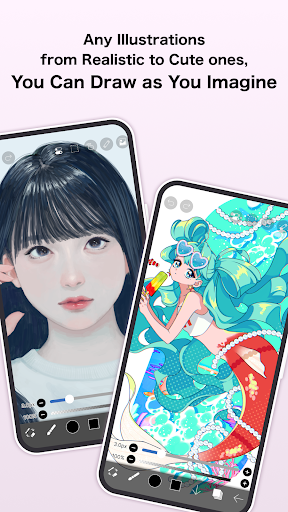
Ibis Paint X is a drawing application developed for mobile users who enjoy creating illustrations, sketches, comics and anime-style artwork. It provides a wide selection of digital tools, allowing artists to experiment with different techniques while working directly on their device screens.
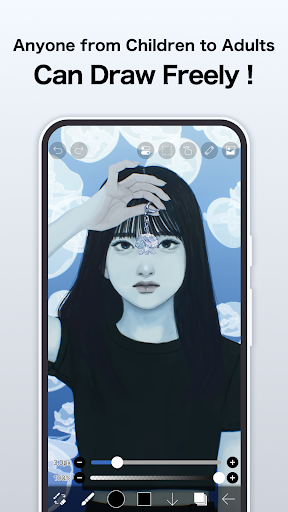
Users can start with a blank canvas, import existing images or develop their ideas through multiple drawing stages. The application also supports advanced editing functions, making it useful for simple sketches as well as more detailed digital compositions.
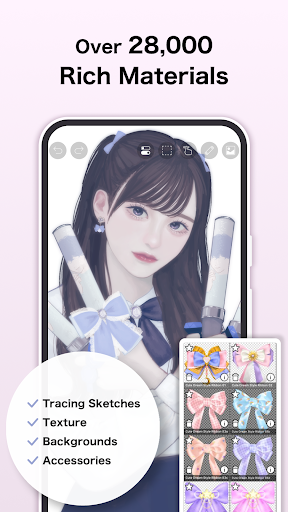
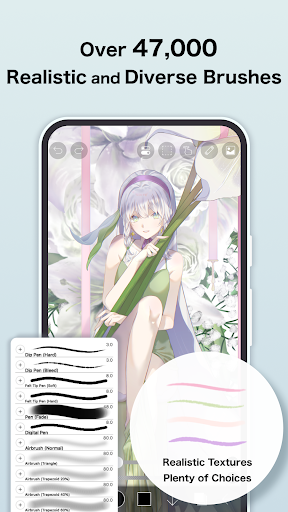
One of the biggest attractions of Ibis Paint X is its large collection of creative resources. The application offers more than 12,000 brushes and related materials, covering different artistic styles such as pencils, pens, oil painting and charcoal effects.
Brush settings can be adjusted to control thickness, opacity and other stroke characteristics. This flexibility helps users reproduce different textures and create detailed illustrations without relying on physical art supplies.
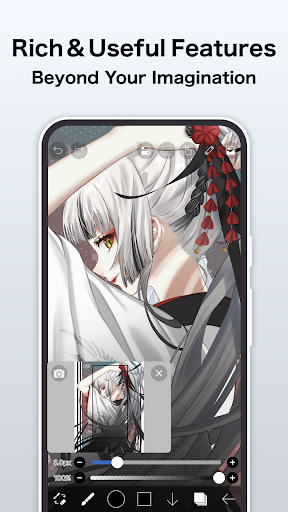
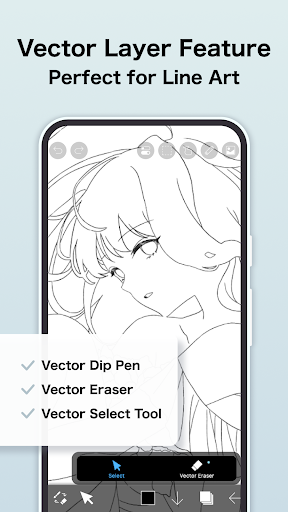
Layer management provides another important advantage. Artists can separate individual elements, adjust transparency, rearrange compositions and combine colors to achieve greater depth. Additional functions such as copying, flipping, moving and clipping layers make complex projects easier to manage.
Ibis Paint X offers different access options for users with varying creative requirements. The free edition provides essential drawing functions, although advertisements may interrupt the experience.
For those who want fewer restrictions, the application offers paid options, including an ad-removal add-on and a Premium Membership. Depending on the current subscription terms, premium access may include:
Up to 20GB of cloud storage for artwork.
Additional premium materials and canvas papers.
Exclusive fonts and drawing resources.
Advanced filters, including tone curve, level adjustment and cloud effects.
The ability to rearrange artwork in My Gallery.
An advertisement-free experience.
Subscription prices and available benefits may change depending on the platform and region. Check the official application for the latest payment details before purchasing.
The MOD APK is an unofficial modified package that advertises access to selected premium resources without following the standard subscription process. Its actual functionality depends on the specific release, and the advertised benefits are not guaranteed.
Prime Membership Unlocked
Some modified releases claim to unlock Prime Membership resources, including premium materials, advanced filters and additional customization options. These packages may also advertise the removal of advertisements and expanded cloud-related functions.
The premium offering focuses on providing more resources and flexibility for digital artists. Commonly promoted benefits include:
20GB Cloud Storage: Additional online space for storing creative projects.
Premium Materials: Access to exclusive drawing resources and decorative elements.
Canvas Papers: More background textures for different illustration styles.
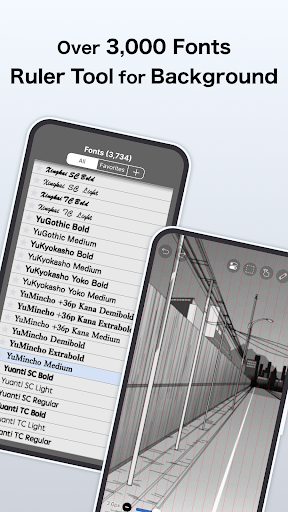
Premium Fonts: Expanded typography options for comics and graphic designs.
Advanced Filters: Tone curve, level adjustment, color-changing and cloud filters.
Gallery Organization: Rearrange saved artwork within My Gallery.
Ad-Free Experience: Remove advertising interruptions while working.
These are advertised premium benefits rather than guaranteed functions of every MOD package. Unofficial versions may also introduce security, privacy and compatibility risks. For reliable updates and cloud services, the official application is the safer option.
New users may have questions about managing their artwork and sharing finished illustrations. The following answers cover two useful functions.
Keeping frequently used colors in saved palettes makes it easier to maintain consistency across different projects. To access them, open the Paint Tool menu and navigate to the Palettes tab. Your saved color collections should appear there, ready for use in new drawings.
Yes. Ibis Paint X supports sharing options that allow users to showcase their creations with others. You can share artwork through available social platforms or export the finished image to your device before uploading it elsewhere.
This makes it convenient to present illustrations, exchange creative ideas and receive feedback from other artists. You can also keep exported files as personal backups or use them in other creative projects.
Ready to create your own digital illustrations? Visit APKMODY to explore the available ibis Paint X packages for Android. Follow these steps to find the version that suits your device:
Open APKMODY: Visit the website through your Android browser.
Search for Ibis Paint X: Enter the application name in the search field.
Review Available Versions: Check the version number, update information and Android compatibility.
Choose a Package: Select the appropriate APK edition after reviewing its description.
Download and Install: Follow the provided instructions and carefully review installation permissions.
Start Drawing: Launch the application, select a canvas and begin creating your artwork.