home chevron_right Apps chevron_right Photos & Videos chevron_right Beauty Plus Cam

Remover bg – HD Photo Editor
vV8.9.49
• Premium Unlocked
| Updated On | |
|---|---|
| Google Play ID | camera.photoeditor.selfiecamera.beautypluscam |
| Category | Photos & Videos |
| Version | V8.6.51 |
| Size | 99 MB |
| MOD Features | Premium Unlocked |
| Requires | Android 7.0 |
| Price | |
| Free | |
| Content Rating | |
| Everyone | |
| Internet Required | |
| Unknow | |

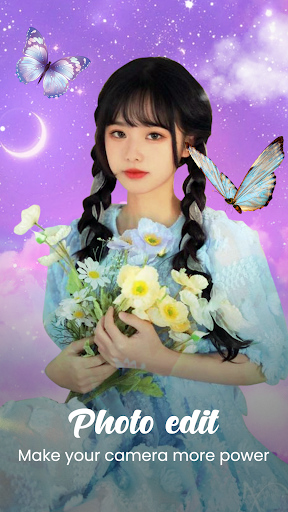
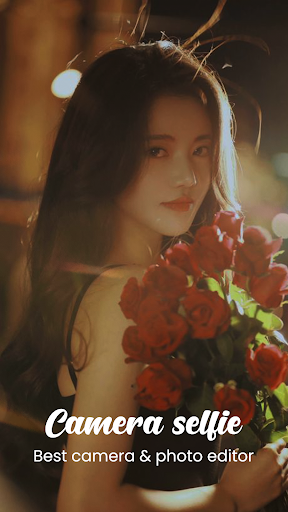
Want to make your selfies more eye-catching without spending hours editing them? Beauty Plus Cam offers a collection of beauty effects, colorful filters, playful stickers, and creative editing tools to help transform ordinary pictures into attractive images. Developed by MoonNight.Studio, this photography app makes it easier to experiment with different styles and create photos that match your personality.
Beauty Plus Cam is a camera and photo-editing application developed by MoonNight.Studio. Designed for users who enjoy taking selfies and enhancing their pictures, it provides various tools for capturing, decorating, and transforming images directly on Android devices. Instead of relying entirely on the default camera application, you can use its built-in effects to personalize your photos before sharing them.
The app has gained considerable attention among mobile photography enthusiasts, with more than 5 million downloads reported on Google Play. Its combination of automatic beauty effects, themed stickers, and creative filters makes it suitable for both casual users and those who enjoy experimenting with photo styles.
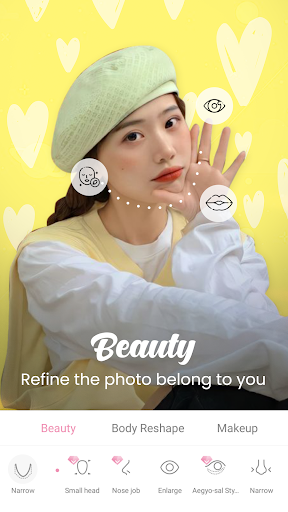
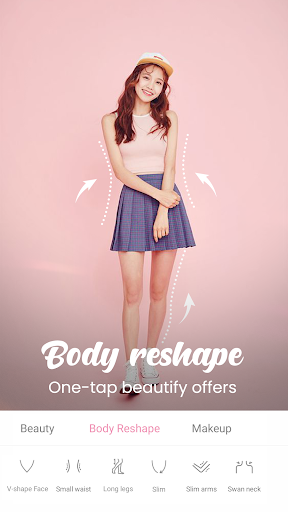
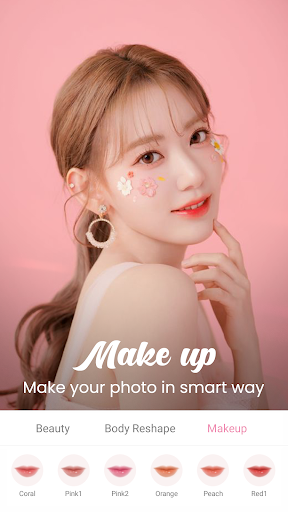
One of the main attractions of Beauty Plus Cam is its collection of tools designed to improve the appearance of selfies. You can apply different filters, adjust image brightness, modify colors, and add decorative elements to create a more polished result. These options make it easier to give ordinary portraits a distinctive look without requiring professional editing knowledge.
For users who prefer a quicker approach, the application also offers automatic effects. Simply select your preferred filter or beauty option, then let the app process the picture. Its face recognition technology can identify multiple faces in a photograph, allowing certain effects and decorations to be applied to group selfies as well. Whether you want a natural appearance or a more playful style, there are plenty of combinations to explore.
Beauty Plus Cam allows users to apply visual effects directly through its camera interface. Rather than taking a regular picture and editing everything afterward, you can preview different decorations and filters before pressing the shutter button.
Two notable features make this experience more interesting:
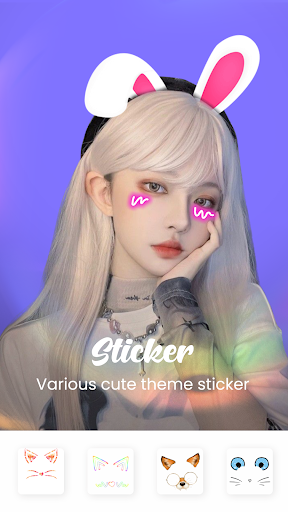
Live Sticker: Explore a large collection of animated and decorative stickers featuring animals, glasses, hats, noses, eyes, and other playful designs. The face detection system helps position these elements according to facial features, making them suitable for individual portraits and group selfies.
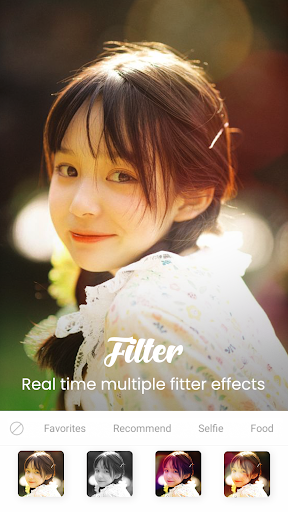
Filter Blender: Experiment with different visual styles by applying themed filters and effects while taking pictures. The available options help change the overall appearance of your images, giving you more creative freedom when capturing special moments.
Both tools make taking selfies more entertaining because you can see how an effect looks before saving the final image.
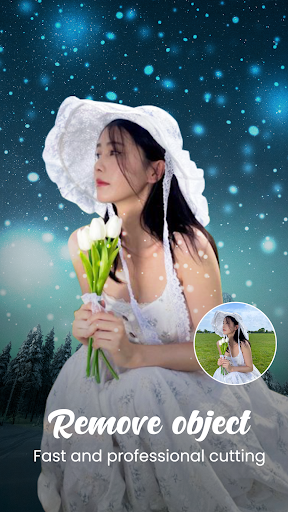
In addition to its live camera functions, Beauty Plus Cam includes several editing options for pictures already stored on your device. Each tool serves a different purpose, allowing you to experiment with layouts, visual effects, and decorative elements without switching between multiple applications.
Mirror: Flip your pictures, adjust their orientation, and change the aspect ratio to create different compositions.
Drip: Turn portrait photos into artistic images featuring dripping visual effects. You can customize the intensity and choose a style that matches your preferences.
Double: Apply layered visual effects to portraits, creating a more unusual appearance through image duplication and blending.
Motion: Add dynamic elements to make static pictures look more energetic and expressive.
Stickers: Decorate your portraits with additional graphic elements from the application’s sticker collection.
Highlights: Emphasize selected details and give your pictures a more distinctive visual presentation.
Some editing effects require images containing recognizable human faces. Choosing a clear portrait or selfie generally helps the application identify the subject and apply the selected effect more effectively.
Although the free edition provides several useful photography tools, advertisements and locked content may affect the overall experience. Beauty Plus Cam offers a Premium membership for users who want access to additional features and a cleaner editing environment.
The Premium package includes several advantages:
Ad-Free Experience: Remove advertisements that would otherwise interrupt navigation and photo editing.
More Than 100 Filters: Access an expanded collection of visual styles to create different moods and appearances.
Full Feature Access: Unlock additional tools and editing options available within the application.
No App Watermark: Export edited pictures without the application’s signature, making your finished images look cleaner.
These benefits make the Premium edition more convenient for users who frequently take selfies or spend time customizing their photographs.
The modified edition of Beauty Plus Cam provides access to premium benefits without following the standard subscription process. This allows users to explore more of the application’s photography and editing options.
Access premium filters and editing effects.
Unlock additional photography features.
Enjoy an ad-free experience.
Export pictures without the application watermark.
Feature availability may depend on the specific MOD APK version and Android device. Some online or server-dependent functions may not work as expected.
You can get Beauty Plus Cam MOD APK through APKMODY by using the following installation instructions. Make sure your device has enough free storage before starting.
Open APKMODY: Launch your preferred browser and visit the APKMODY website.
Search For Beauty Plus Cam: Enter the application’s full name into the search field and open the matching result.
Review The MOD Version: Check the available version information and confirm that the Premium Unlocked edition is listed.
Start The Download: Scroll to the download area, select the appropriate APK link, and wait for the package to finish downloading.
Install The Application: Open the downloaded file through your notification panel or file manager. Allow installation from the selected source if Android requests permission.
Explore Premium Features: Launch Beauty Plus Cam after installation and try its available camera effects, filters, and editing tools.