
DAVE THE DIVER
v1.0.48
• Premium
| Updated On | |
|---|---|
| Google Play ID | com.aspyr.trm |
| Category | Adventure |
| Version | 1.4.0 |
| Size | 172 MB |
| MOD Features | Unlock |
| Requires | Android |
| Price | |
| Free | |
| Content Rating | |
| Teen | |
| Internet Required | |
| Unknow | |

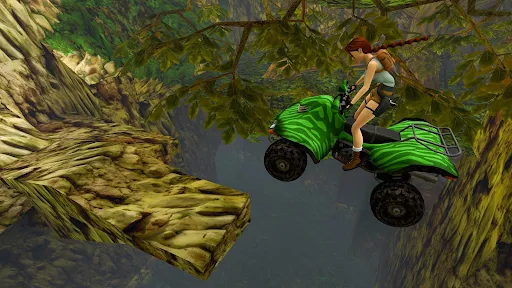
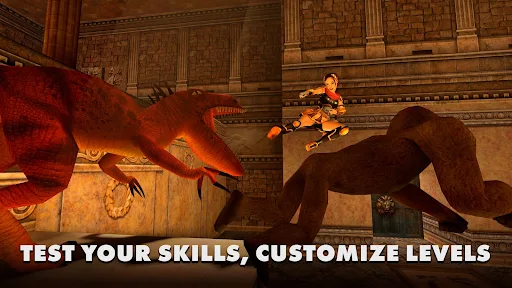
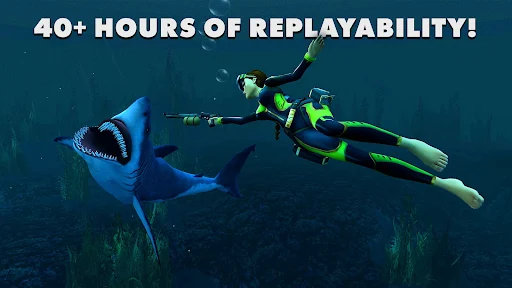
Tomb Raider I-III Remastered MOD APK brings three legendary adventures starring Lara Croft together in one mobile collection. Explore ancient ruins, overcome dangerous traps, and revisit classic locations with upgraded visuals and touchscreen-friendly controls. This version preserves the original spirit while introducing several improvements that make the experience more comfortable on modern devices.
Tomb Raider I-III Remastered combines the first three main entries in the Tomb Raider franchise into a single package. Rather than forcing you to complete them in a fixed sequence, the main menu lets you select whichever adventure you want to experience. Each title retains its own content and progression, giving you three distinct journeys to explore.
Your save data is also managed separately for each game. This means you can pause one adventure, switch to another, and return later without losing your previous progress. Each installment provides five save slots through its settings menu, allowing you to record or load your progress whenever needed. The slots also display information such as the location and playtime, making it easier to recognize the correct save when continuing an expedition.
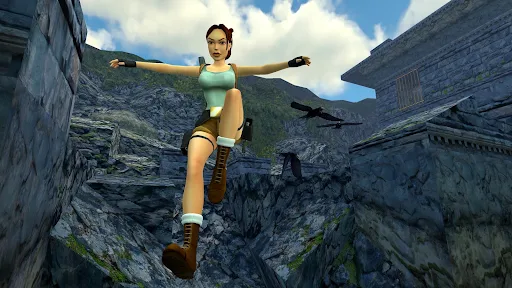
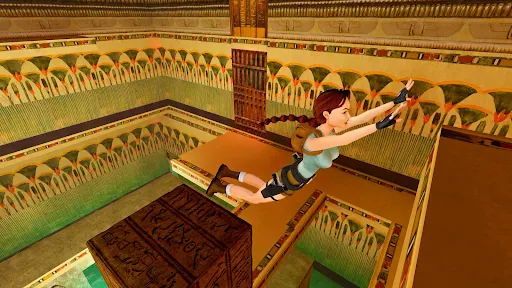
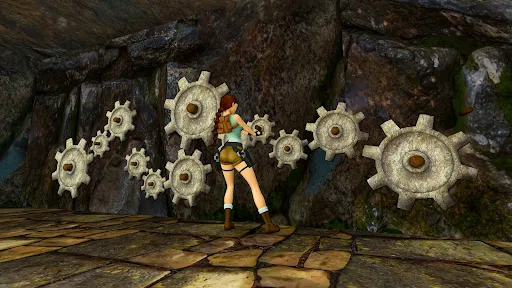
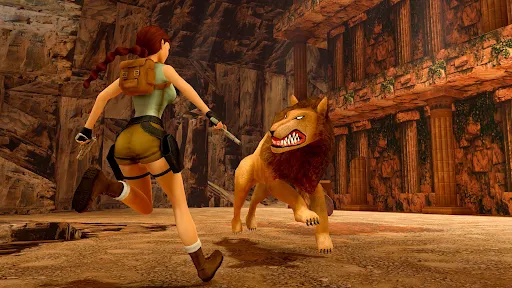
Visual improvements are among the most noticeable changes in Tomb Raider I-III Remastered. The original trilogy debuted in the late 1990s, so its polygon-based models and environmental details naturally show their age. This remastered collection gives the classics a substantial makeover, supporting standard 1080p resolution and presenting their familiar locations with much sharper visuals.
Lara Croft, surrounding objects, buildings, and landscapes have all received redesigned 3D models. Character and environmental geometry feature greater polygon density, resulting in smoother shapes and less angular appearances than the original releases. Texture resolution has also been improved, making surfaces and small environmental details easier to appreciate.
The visual overhaul goes beyond simply increasing resolution. Modern lighting and shading techniques, including Blinn-Phong reflections and half-Lambert shading, help create more convincing illumination across the environment. These changes give ancient structures, outdoor areas, and underground locations a refreshed appearance while preserving the recognizable atmosphere of the original adventures.
Lara’s movements also benefit from a higher frame rate, with gameplay animations running at up to 60 FPS. The remaster does not completely redesign her original movement system or replace its classic animation style. Instead, additional in-between frames help make existing actions appear smoother and more fluid during play.
One noticeable contrast remains in the cinematic sequences. Unlike the updated gameplay visuals, the original cutscenes have largely retained their previous presentation. As a result, transitions between gameplay and cinematic scenes may feel visually inconsistent, particularly for newcomers who are unfamiliar with the original trilogy. Still, this is a relatively minor drawback compared with the improvements made throughout the main adventures.
The mobile edition adapts the classic control scheme to touchscreens through a virtual joystick and action buttons. You can move Lara using the joystick in the lower-left corner, while the controls along the right side of the screen handle her various actions. This layout keeps movement and interaction within easy reach without requiring a physical controller.
A particularly useful addition is the freely adjustable camera. In the original trilogy, camera angles often changed automatically at predetermined points, limiting how much control players had over their view. The remastered mobile version introduces a more flexible approach: simply touch and drag across the right side of the screen to rotate the camera. This makes it easier to inspect nearby areas, follow Lara’s movement, and judge the surroundings before attempting a difficult jump.
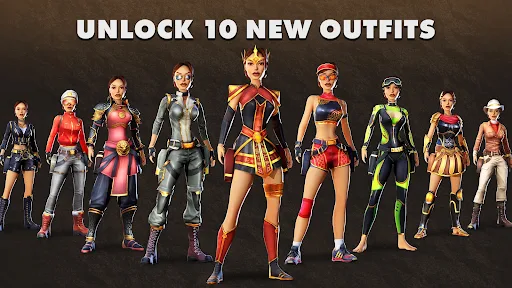
Outfit customization gives you another way to personalize Lara’s appearance throughout the collection. Tomb Raider I-III Remastered includes multiple costumes that become available after completing their associated achievements. This gives you additional goals to pursue beyond simply finishing each campaign.
Some outfits also come with special effects that influence gameplay, affecting Lara or the enemies she encounters. These bonuses add a small layer of variety to familiar adventures and give achievement hunters another reason to explore the collection thoroughly.
The modified edition lists an unlocked feature, offering access to content that would otherwise require normal progression. This provides a more convenient way to explore the available options without following the usual unlocking requirements. The exact content included may depend on the particular MOD release.
You can use the following route to locate the game package and install it on your Android device:
Visit APKMODY: Open the website through your preferred mobile browser.
Search for the collection: Enter Tomb Raider I-III Remastered MOD APK in the website’s search field.
Review the download page: Check the version information and select the available MOD APK package.
Download the file: Confirm the download and wait until the package has been saved to your device.
Run the installer: Find the downloaded APK in your file manager. If prompted, permit installation from that source in your Android settings.
Complete setup: Return to the installer, finish the process, and open the game to choose your first adventure.